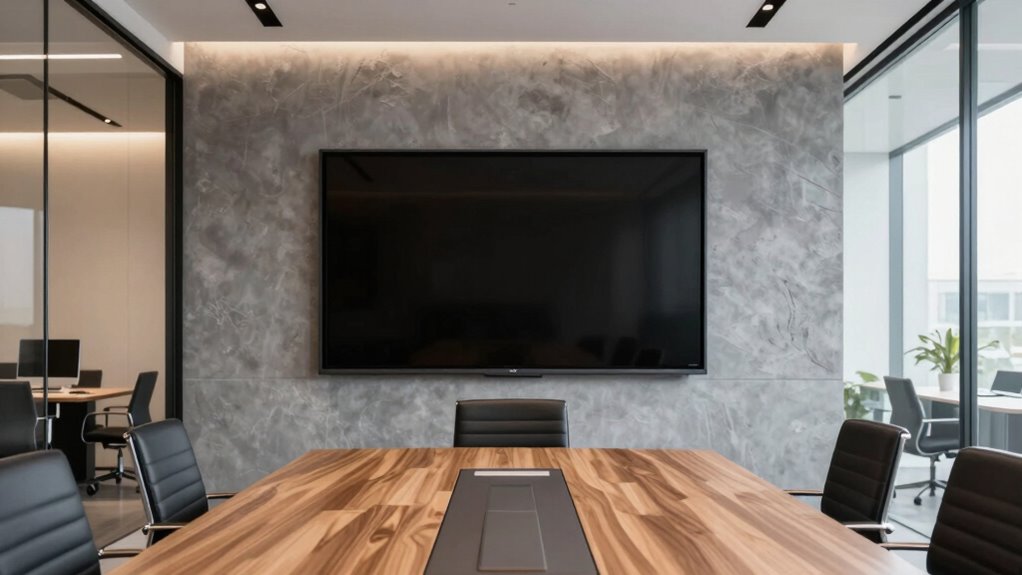

Having default display sizes by room type helps you guarantee ideal visibility and a consistent setup across your spaces. It makes selecting the right screen easier, reducing guesswork and preventing clutter or viewing issues. Proper sizes improve engagement, support visual comfort, and boost collaboration during meetings. By following these standards, you create a professional environment that’s both functional and visually clear. Want to discover how to choose the best sizes for different spaces? Keep exploring to find out more.

Get business pricing on office and shipping supplies
- Business-only prices and quantity discounts
- Tax-exempt purchasing
- Multiple users, one account, clear invoices
Key Takeaways
- Standardized display sizes ensure optimal visibility and engagement tailored to each room’s purpose and size.
- Consistent screen dimensions streamline procurement, installation, and maintenance processes across all spaces.
- Properly sized displays reduce eye strain and enhance user comfort during meetings.
- Default sizes prevent clutter and distractions, supporting focused collaboration.
- Aligning display size with room type improves overall room layout, functionality, and communication effectiveness.
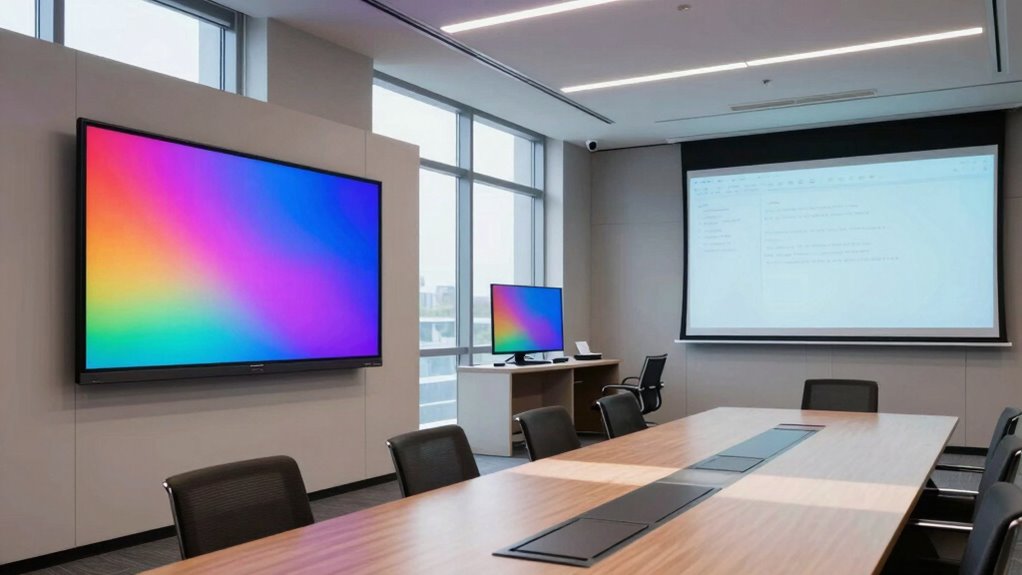
Choosing the right display size for your room can considerably enhance your viewing experience, but it often depends on the space and purpose of the room. When planning a workspace, conference room, or collaborative area, having a standard or default display size tailored to each room type ensures consistency and optimal performance. This room layout consideration significantly influences how well everyone can see and engage with the display, directly impacting the overall visual clarity. If your screens are too small for the room, it becomes difficult for team members at the back to see details clearly, leading to frustration and reduced productivity. Conversely, oversized displays can overwhelm a space, creating a cluttered look and making it harder for people to focus on the content. Additionally, visual ergonomics play a critical role in preventing eye strain and ensuring comfort during long meetings or presentations, especially when considering appropriate screen size for different environments.
Choosing the right display size enhances visibility, engagement, and productivity in any room.
By establishing default display sizes based on room types, you streamline setup and reduce guesswork. For example, a small meeting room might only need a 55-inch screen, while a large conference hall could benefit from a 75-inch or larger display. When these standards are in place, you can better plan your room layout to accommodate the screens comfortably, ensuring that sightlines are unobstructed and everyone has a clear view. This consistency helps avoid awkward adjustments or the need for frequent reconfigurations, saving time and resources. It also ensures that visual clarity remains high, no matter which room you’re working in, making collaboration smoother and presentations more effective.
Having predefined display sizes also simplifies procurement and installation. Instead of guessing or customizing screens for each room, your team can follow a set guideline, which speeds up decision-making. It also ensures that every room maintains a professional look and feel, with displays proportionate to the space. This uniformity positively impacts the user experience, making meetings more engaging and information easier to digest. When everyone understands the standard sizes, it’s easier to train staff on proper room setup and maintenance, avoiding mismatched equipment that hampers communication.
Ultimately, setting default display sizes by room type supports a well-organized, visually clear environment. It aligns the room layout with the screen size, ensuring each space is optimized for its specific function. This strategic approach enhances visual clarity, fosters effective communication, and makes your workspace more efficient. When you choose the right display size for each room, you’re not just improving aesthetics—you’re creating an environment where ideas flow seamlessly and everyone can see and participate fully. Recognizing the importance of room layout considerations can significantly improve the overall effectiveness of your visual setup.
55 inch commercial display screen
As an affiliate, we earn on qualifying purchases.
As an affiliate, we earn on qualifying purchases.
Frequently Asked Questions
How Are Default Display Sizes Determined for Each Room Type?
You determine default display sizes for each room type based on screen resolution and mounting options. Higher resolution screens often require larger displays to guarantee clarity, while mounting options influence size choices for ideal visibility and accessibility. You consider the room’s purpose, layout, and viewing distance to select a size that offers the best experience without overwhelming the space, ensuring seamless integration and effective communication.
Can Display Sizes Be Customized Beyond Default Settings?
Yes, display sizes can be customized beyond default settings, but your options depend on available personalization features and technological constraints. You can often adjust the display size manually or via software settings to better suit your room’s needs. However, some limitations exist due to hardware capabilities or compatibility issues, so it’s essential to check your specific equipment and software options to guarantee seamless customization.
Do Different Industries Require Different Display Size Standards?
Did you know that 78% of workplaces believe ergonomic considerations boost productivity? Different industries do require distinct display size standards, tailored to their needs. Industry standards help guarantee visibility and comfort, especially in environments like healthcare or control rooms. By adjusting display sizes according to room type, you meet ergonomic needs and improve team efficiency. Customization ensures your team views information comfortably, reducing eye strain and enhancing overall performance.
How Do Room Size and Layout Influence Display Size Choices?
Room size and layout directly influence your display size choices, balancing decorative aesthetics with user interaction needs. In larger rooms, bigger displays guarantee everyone can see clearly without overwhelming the space’s design. Conversely, smaller rooms benefit from more compact screens that blend seamlessly into the environment. By considering these factors, you optimize both visual appeal and functionality, creating an engaging, user-friendly experience tailored to each room’s specific dimensions.
What Are the Cost Implications of Different Display Sizes?
Think of display sizes as investments—larger screens often mean higher costs, impacting your budget planning. Smaller displays save money upfront but might limit functionality, affecting cost efficiency. Larger displays can enhance collaboration but come with increased installation and maintenance expenses. By choosing the right size for each room, you optimize your resources, ensuring cost efficiency while meeting your team’s needs. Smart planning balances size, function, and budget effectively.
As an affiliate, we earn on qualifying purchases.
Conclusion
By choosing the right default display sizes for each room type, you’re setting the stage for seamless communication and engagement. Just like a tailor fits a suit perfectly, selecting the right size guarantees your displays fit the space and purpose without a hitch. When you consider these standards, you’re not just optimizing your setup—you’re orchestrating an environment where every message hits its mark, turning your rooms into powerful hubs of connection and clarity.
professional digital signage display
As an affiliate, we earn on qualifying purchases.
As an affiliate, we earn on qualifying purchases.
As an affiliate, we earn on qualifying purchases.
Halloween Picks
halloween
As an affiliate, we earn on qualifying purchases.