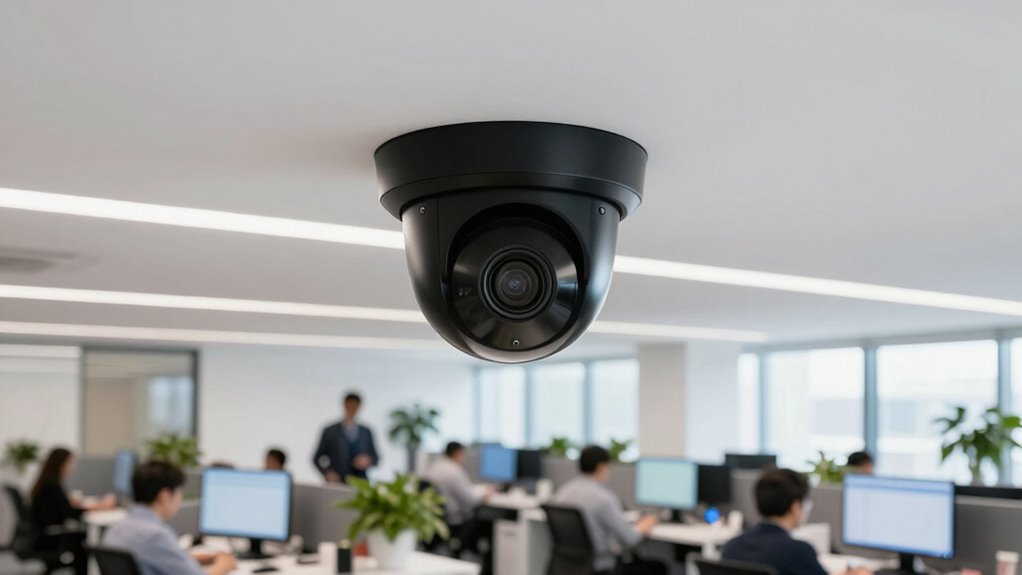

Your security camera decisions impact daily office operations by guaranteeing safety, enabling quick monitoring, and preventing unauthorized access. Choosing strategic camera placement at entry points, hallways, and sensitive areas helps you spot issues early and reduce blind spots. Integrating cameras with access control allows real-time identity verification and automatic alerts for suspicious activity. Considering environment and lighting ensures clear footage regardless of conditions. Keep exploring to discover how each decision can improve your office’s security and efficiency.

Get business pricing on office and shipping supplies
- Business-only prices and quantity discounts
- Tax-exempt purchasing
- Multiple users, one account, clear invoices
Key Takeaways
- Proper camera placement ensures comprehensive coverage of high-traffic and vulnerable areas, minimizing blind spots.
- Integration of access control with cameras streamlines identity verification and enhances incident response.
- Lighting and environment considerations optimize footage clarity regardless of weather or lighting conditions.
- Automated alerts and remote access improve response times and facilitate real-time monitoring from any location.
- Balancing security measures with user-friendly systems supports efficient daily operations and workplace safety.
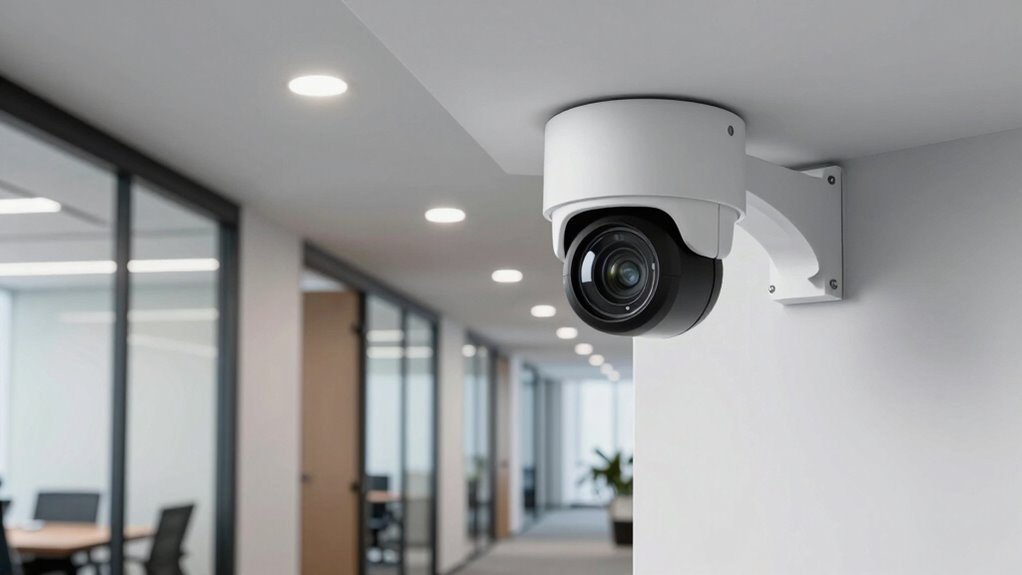
Choosing the right security camera can feel overwhelming with so many options on the market. You want a system that effectively safeguards your office without becoming a hassle to manage. To do that, you need to take into account how access control and camera placement work together to create a thorough security plan. Access control isn’t just about locking doors; it’s about managing who can enter specific areas and when. Integrating cameras with access control systems allows you to verify identities and monitor movement in real time, giving you peace of mind that only authorized personnel are in sensitive zones. When planning your camera placement, think about the most vulnerable points—entry and exit doors, hallways, server rooms, and other high-traffic areas. Proper placement ensures you capture clear footage where it matters most, reducing blind spots and making it easier to identify individuals if an incident occurs. The positioning of your cameras should serve your security goals, whether that’s deter theft, monitor employee activity, or oversee visitor access.
You also need to take into account the environment and lighting conditions when deciding on camera placement. Whether they’re inside or outside, cameras should be positioned to maximize visibility while avoiding glare, shadows, or obstructions. For outdoor cameras, weatherproof models that can handle elements are essential. Inside, you might prefer cameras with wider angles or night vision capabilities to maintain clarity around the clock. The integration of access control systems with your security cameras enhances your ability to track who enters and leaves at specific times. This setup allows for automated alerts if unauthorized access is attempted or if doors are left open longer than necessary. Such features streamline daily operations and help prevent security breaches before they happen.
Additionally, considering biodiversity in your security infrastructure—such as using environmentally friendly equipment—can contribute to sustainable office practices. Furthermore, you should think about how your security system fits into your overall office workflow. Easy-to-use interfaces and remote access capabilities enable you to monitor footage and manage access controls from anywhere, whether you’re on-site or working remotely. This flexibility minimizes disruptions and allows you to respond swiftly to any suspicious activity. When making your decisions, keep in mind that the most effective security setup balances strong access control, strategic camera placement, and user-friendly operation. By carefully selecting and installing your cameras with these factors in mind, you create a reliable security environment that supports your daily office operations without becoming an obstacle. Ultimately, a well-thought-out security camera plan protects your business assets, staff, and visitors, making your workplace safer and more efficient.
outdoor weatherproof security cameras
As an affiliate, we earn on qualifying purchases.
As an affiliate, we earn on qualifying purchases.
Frequently Asked Questions
How Do Security Cameras Impact Employee Privacy?
Security cameras can impact employee privacy by monitoring their activities, which may feel intrusive if not managed properly. You need to balance camera ethics with operational needs, ensuring employees understand when and why cameras are used. Clearly communicate policies to protect employee privacy while maintaining security. When used responsibly, cameras can deter misconduct without infringing on personal privacy, fostering trust and a respectful work environment.
What Is the Average Cost of Installing Office Security Cameras?
Think of installing office security cameras as planting watchful eyes around your workspace. The average cost ranges from $1,000 to $3,000, depending on camera placement and footage quality. High-resolution cameras with strategic placement can boost security without breaking the bank. Remember, investing in quality footage guarantees clear, reliable recordings, helping you monitor efficiently while safeguarding your office environment.
How Long Is Recorded Footage Typically Stored?
Video storage and data retention policies vary, but generally, recorded footage is kept for 30 to 90 days. You should check your company’s policies or local regulations, as some organizations retain footage longer for security reasons or legal compliance. Regularly reviewing your storage capacity guarantees you don’t run out of space, and setting clear data retention guidelines helps manage your security footage efficiently while protecting privacy.
Can Security Cameras Be Hacked or Remotely Accessed?
Security cameras can be hacked or remotely accessed if cybersecurity vulnerabilities exist. Think of it as leaving a window unsecured in your digital home. Hackers exploit weak remote access protocols or outdated software to gain control. To protect your office, guarantee strong passwords, update firmware regularly, and use secure, encrypted connections. Staying vigilant about cybersecurity helps keep your surveillance system safe from unauthorized intrusions.
What Legal Considerations Exist for Monitoring Employees?
You need to guarantee compliance with surveillance laws by informing employees about monitoring practices and obtaining their consent. Laws vary by jurisdiction, but transparency is key. You should clearly communicate the purpose of security cameras, how footage will be used, and who has access. Respect employee privacy rights and avoid intrusive monitoring. Staying informed about legal requirements helps you balance security needs with respecting individual rights effectively.
security camera with night vision
As an affiliate, we earn on qualifying purchases.
As an affiliate, we earn on qualifying purchases.
Conclusion
In the end, your choices about security cameras subtly shape your office’s daily rhythm. Think of it as fine-tuning a delicate balance—ensuring safety without feeling like Big Brother’s always watching. When you pick the right cameras, you create an environment where trust flourishes and everyone feels secure. So, approach your decisions with a thoughtful touch, and watch how smoothly your office operates, all while keeping an eye on what truly matters.
As an affiliate, we earn on qualifying purchases.
wireless remote monitoring camera
As an affiliate, we earn on qualifying purchases.
As an affiliate, we earn on qualifying purchases.
Halloween Picks
halloween
As an affiliate, we earn on qualifying purchases.