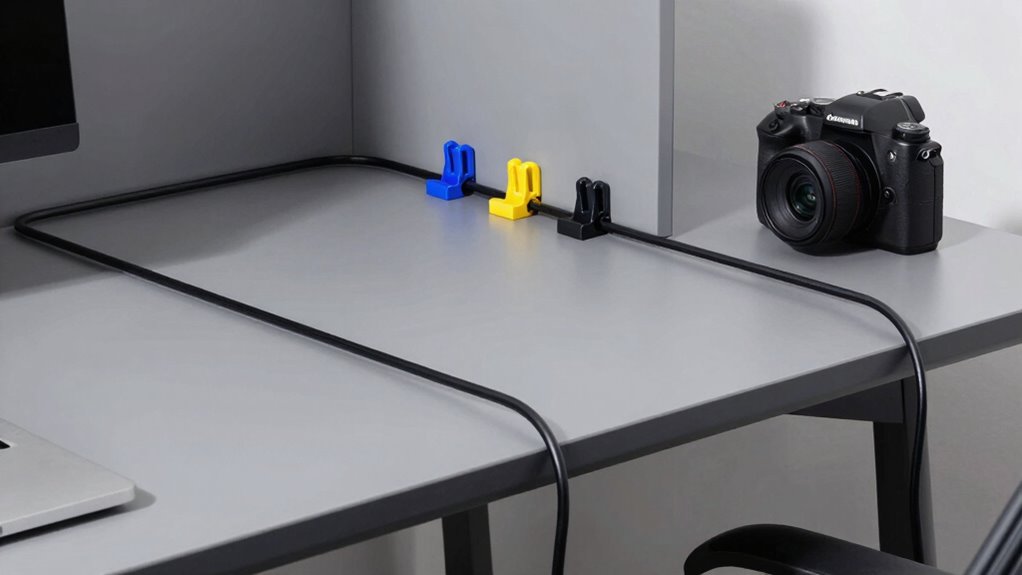

To keep a shared room usable, follow simple cable management rules like organizing cords with clips and labels, placing power strips near desks, and regularly checking for damage. Avoid overloading outlets and use surge protectors for safety. Always return cables to designated spots after use and keep them tidy to prevent tripping hazards. Embracing these practices creates a safer, more efficient environment—if you keep these tips in mind, you’ll learn even more ways to maintain order and safety.

Get business pricing on office and shipping supplies
- Business-only prices and quantity discounts
- Tax-exempt purchasing
- Multiple users, one account, clear invoices
Key Takeaways
- Implement designated cable storage solutions and labeling to prevent confusion and clutter.
- Use cable clips, sleeves, and organizers to bundle and route cords neatly.
- Regularly inspect and replace damaged cables to ensure safety and functionality.
- Position power strips conveniently and avoid overloading to prevent hazards.
- Establish routines for returning cables to their designated spots and maintaining order.
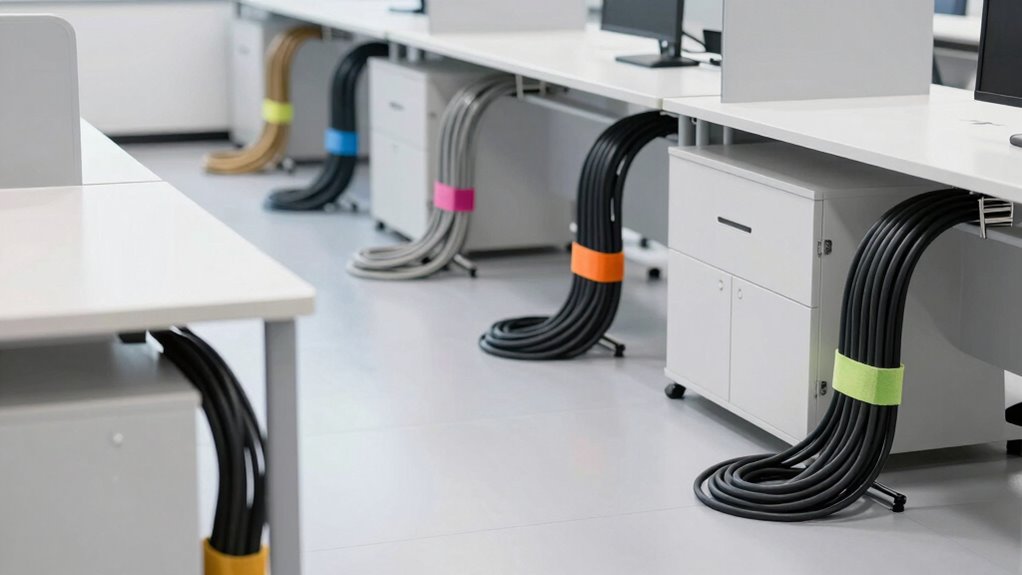
Good cable management can prevent clutter, improve safety, and make troubleshooting much easier, so mastering a few simple rules is essential. When you keep shared rooms organized, you create an environment that’s functional and inviting for everyone. One of the easiest ways to cut down on cable clutter is by exploring wireless alternatives. Switching to wireless devices, like printers, keyboards, and speakers, reduces the need for numerous cables snaking across desks and floors. Not only does this clear up space, but it also minimizes the risk of tripping hazards and accidental disconnections, making the room safer for all users.
Creating ergonomic setups goes hand-in-hand with effective cable management. When cables are neatly routed and secured, your workspace becomes more comfortable and less distracting. Use cable clips or sleeves to bundle cords together, which keeps them out of sight and prevents tangling. Position your power strips strategically, ideally near the edge of your desk, so you can easily access plugs without stretching or bending cables awkwardly. This setup helps maintain proper posture and reduces strain, especially if multiple people share the space regularly. Additionally, implementing proper cable routing can further enhance both safety and aesthetics. Regularly assessing your cable arrangement also helps identify areas where improvements can be made, ensuring your setup remains efficient over time. Incorporating cable management tools can streamline this process and make adjustments more straightforward. To keep everything running smoothly, consider establishing a cable management routine that includes periodic checks and adjustments. This routine should also involve inspecting cords for any signs of wear or damage, which is critical for safety and longevity.
In shared rooms, establishing a cable management routine is *vital*. Encourage everyone to return cables to their designated spots after use. Labeling cords can also prevent confusion, especially when multiple devices look similar. When you invest in cable organizers, such as under-desk trays or cable ties, you’re actively preventing clutter from accumulating over time. This discipline not only preserves the room’s tidiness but also makes it simpler to troubleshoot any tech issues that might arise. Keeping the cables organized and labeled can significantly reduce the time spent searching for the right cords and improve overall efficiency.
Another important rule is to avoid overloading power outlets or power strips. Overloading can cause overheating and pose fire risks, threatening safety and damaging equipment. Instead, distribute power loads evenly and consider using surge protectors. When cables are properly managed, you’re less likely to accidentally unplug or disconnect essential devices, which is especially important in shared environments where multiple users depend on stable connections. Keeping an eye on power strip capacity is also crucial to prevent potential hazards. Staying vigilant about electrical safety ensures everyone’s devices are protected and the environment remains secure. Moreover, being aware of electrical safety guidelines can help in establishing best practices for shared spaces.
Finally, regularly reviewing and updating your cable setup keeps things efficient and safe. As new devices are added or removed, adapt your cable management strategies accordingly. Keep an eye on wear and tear—frayed or damaged cables should be replaced immediately to prevent safety hazards. By implementing these rules and embracing wireless alternatives when possible, you’ll maintain a clean, safe, and ergonomic shared room that everyone can enjoy and use effectively.
cable management clips and organizers
As an affiliate, we earn on qualifying purchases.
As an affiliate, we earn on qualifying purchases.
Frequently Asked Questions
How Often Should Cable Management Be Inspected and Maintained?
You should inspect and maintain cable management weekly to guarantee safety and organization. Regularly check cable labeling to confirm labels are visible and accurate, making troubleshooting easier. Ensure power strip safety by inspecting for overheating, damaged cords, or overloaded outlets. Keeping cables tidy prevents tripping hazards and equipment damage. Consistent maintenance helps identify potential issues early, keeping shared rooms safe and functional for everyone using the space.
What Tools Are Best for Organizing Cables Effectively?
You’ll want tools like cable labels and color coding to tame that wild jungle of wires. Use a label maker or masking tape to mark each cable for quick identification, and color code them for easy grouping—red for power, blue for data, green for peripherals. Combining these tools makes troubleshooting a breeze and keeps your shared room from turning into a spaghetti disaster, proving you’re the hero of cable chaos.
How Do I Prevent Cable Damage Over Time?
To prevent cable damage over time, you should regularly check and replace worn protective sleeves, which shield cables from abrasion and bending stress. Use cable labeling to identify and manage cables properly, reducing unnecessary handling and strain. Avoid tight bends and excessive pulling, and keep cables organized to prevent tangling. Properly securing cables minimizes movement and mechanical stress, extending their lifespan and maintaining best performance.
Are There Specific Cable Types Best for Shared Spaces?
Yes, certain cable types work best for shared spaces. Opt for durable, shielded Ethernet cables to prevent interference, and use braided or reinforced power cords for added protection. Always label your cables clearly to avoid confusion, and position power strips where they’re easily accessible but away from high-traffic areas to prevent damage. Proper cable labeling and strategic power strip placement keep shared rooms organized, safe, and functional.
How Can I Manage Cables for Multiple Users Simultaneously?
You can manage cables for multiple users smoothly by implementing clear cable labeling and strategic power strip placement. Did you know that cluttered cables can reduce workspace efficiency by up to 30%? Label each cable to prevent confusion and guarantee quick identification. Position power strips centrally and securely to avoid tangling, making it easier for everyone to access power without disrupting others. This approach keeps the shared space organized and functional.
As an affiliate, we earn on qualifying purchases.
Conclusion
By following these cable management rules, you’ll turn chaotic shared rooms into organized sanctuaries. Imagine a space so tidy, it practically runs itself—no more tripping over cords or losing devices in a sea of clutter. With just a little effort, you can create an environment so efficient, it feels like magic. So get those cables under control today and experience the incredible difference a neat room can make in your daily life!
power strip with surge protector
As an affiliate, we earn on qualifying purchases.
As an affiliate, we earn on qualifying purchases.
As an affiliate, we earn on qualifying purchases.
Halloween Picks
halloween
As an affiliate, we earn on qualifying purchases.