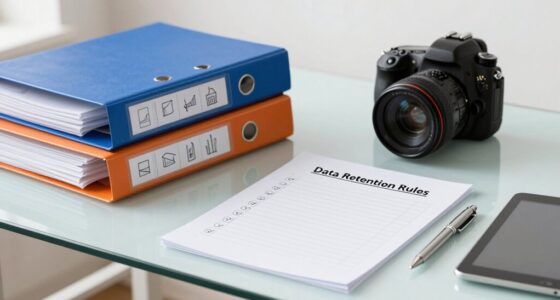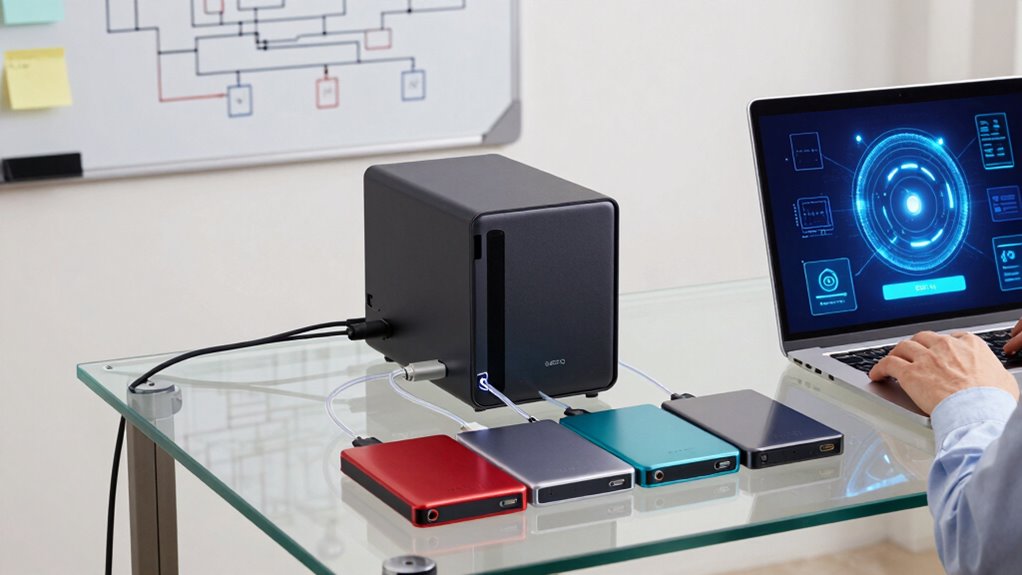
To make NAS and backup choices less confusing, start by clearly identifying your data storage needs, such as how much data you have and how quickly you need to recover files. Consider security features like encryption and multi-factor authentication. Think about scalability to include future growth, and choose solutions compatible with your devices. By focusing on these core factors, you’ll simplify your decision-making process and find the best setup. Keep exploring to learn more helpful tips.
Key Takeaways
- Assess your data volume, access needs, and recovery priorities to choose appropriate NAS and backup solutions.
- Prioritize security features like encryption and multi-factor authentication to protect sensitive data.
- Opt for solutions with automation and easy interfaces to simplify backup management.
- Ensure scalability with expandable NAS options and flexible cloud plans for future growth.
- Integrate cloud backups for off-site protection and automatic synchronization to reduce manual effort.
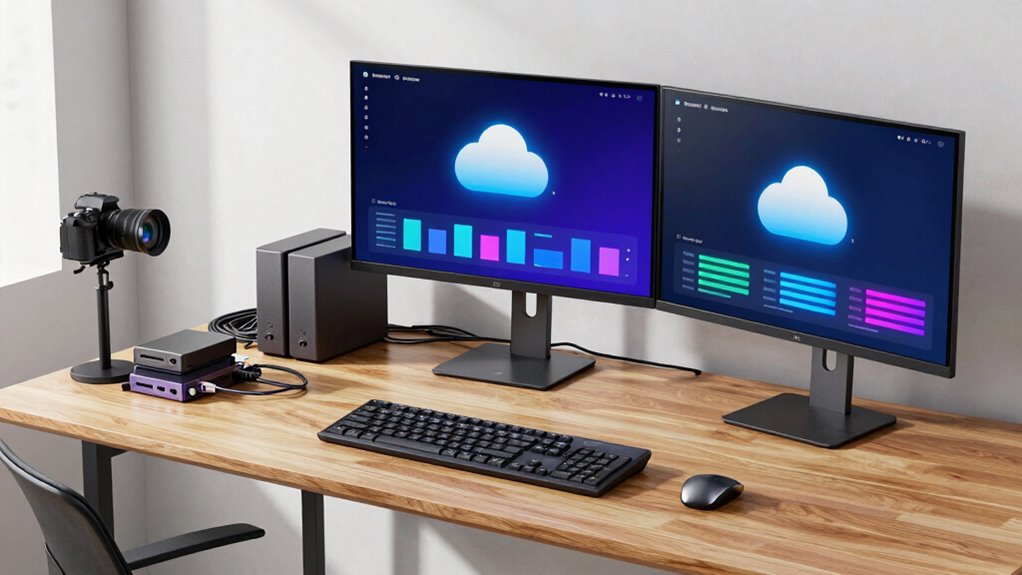
Choosing the right network-attached storage (NAS) and backup solutions can feel overwhelming because there are so many options and factors to take into account. You want to protect your data effectively, but with choices ranging from local drives to cloud storage, it’s easy to get confused. To simplify your decision-making process, start by understanding the core needs of your setup. Consider how much data you need to store, how often you’ll access it, and how quickly you need to recover it if something goes wrong.
Simplify your data protection by assessing your storage, access, and recovery needs to choose the right NAS and backup solutions.
When evaluating NAS options, look for devices that support data encryption. This security feature *guarantees* your sensitive files stay protected from unauthorized access, especially if your NAS is accessible over the internet. Encryption is *essential* whether your data is stored locally or in the cloud, as it adds a layer of security that prevents hackers from reading your files even if they gain access. Many modern NAS devices come with built-in encryption options, so choose one that offers robust security features aligned with your privacy requirements.
Next, think about your backup strategy. Cloud storage can be a game-changer because it offers off-site protection, reducing the risk of data loss from theft, fire, or hardware failure. Integrating cloud storage into your backup plan allows you to automatically sync critical files, giving you peace of mind that your data is safe. When selecting a cloud service, check if it supports encryption both during transfer and at rest. This *makes sure* your data remains protected from interception during upload and while stored in the cloud. Additionally, understanding scalability in your storage solutions can help you avoid future headaches as your data needs grow.
Another key consideration is ease of use. Look for NAS and backup solutions with intuitive interfaces and automation features. These tools can simplify regular backups, freeing you from manual processes and reducing the risk of forgetting to back up important files. Automated backups that encrypt data before sending it to the cloud or saving locally help maintain security without extra effort on your part. Moreover, considering security features such as multi-factor authentication can further enhance your data protection strategy, especially in cloud environments. It’s also helpful to evaluate the compatibility of backup solutions with your existing devices and operating systems to ensure seamless integration. Incorporating regular updates and firmware improvements is also crucial for maintaining security and performance over time. Recognizing the importance of data encryption can help you better understand the security implications of your storage choices.
Finally, think about scalability. Your data needs will likely grow over time, so choose a NAS with expandable storage options and cloud solutions that offer flexible plans. This way, you won’t have to overhaul your entire setup as your storage requirements increase. By focusing on security features like data encryption, leveraging cloud storage for off-site backups, and selecting user-friendly, scalable solutions, you’ll make smarter, less confusing decisions about your NAS and backup systems. This approach *guarantees* your data stays safe, accessible, and protected without sacrificing simplicity.

iDiskk 2TB Personal Photo NAS for iPhone Android Mac PC Photo Video Backup
- Automatic Backup for Photos & Videos: Backs up from iPhone, Android, PC, Mac
- No Subscription Fee: Free automatic backups anytime, anywhere
- Global Remote Access: Access and share files worldwide
As an affiliate, we earn on qualifying purchases.
As an affiliate, we earn on qualifying purchases.
Frequently Asked Questions
How Do I Determine the Right Storage Capacity for My Needs?
To determine the right storage capacity, start with storage estimation by evaluating your current data needs and predicting future growth. Consider your file sizes and number of users, then incorporate capacity planning to guarantee enough room for backups and new data. Regularly review your usage to adjust your storage needs accordingly. This proactive approach helps you avoid running out of space and makes selecting the right NAS or backup solution easier.
What Are the Common Security Risks With NAS Devices?
You face security risks like encryption vulnerabilities and unauthorized access with NAS devices. Hackers can exploit weak encryption to intercept your data, so guarantee your device uses strong, updated encryption protocols. Additionally, unauthorized access can happen if you don’t set strong passwords or enable multi-factor authentication. Regularly update firmware, restrict user permissions, and monitor access logs to protect your data from potential threats.
How Often Should I Update My Backup Plans?
You should update your backup plans regularly, ideally reviewing your frequency planning and backup scheduling at least quarterly. This guarantees your data remains protected against new threats or changes in your data usage. If you experience significant data updates more frequently, consider increasing backup frequency. Regularly testing your backups also helps confirm they work properly. Staying proactive keeps your data safe and your backup strategy effective.
Can I Mix Different Brands of NAS and Backup Solutions?
Yes, you can mix different brands of NAS and backup solutions, but it’s essential to take into account brand compatibility and backup integration. Some brands work seamlessly together, ensuring smooth data transfer and management. However, mixing brands might cause compatibility issues or limit features. To avoid problems, check each product’s specifications and ensure they support standard protocols like SMB or NFS, which promote better backup integration across different devices.
What Are the Costs Associated With Different Backup Options?
The costs of backup options vary based on features like cloud integration and data encryption. Cloud backups often involve subscription fees, which can add up over time, while local NAS solutions typically require upfront hardware investments. Consider whether you need robust data encryption for security, as this can increase costs. Balancing these factors helps you choose a backup plan that fits your budget and security needs without surprises.

Ultimate Guide to Cloud Backup Solutions: Protect Your Data & Build Recurring Income with GotBackup
As an affiliate, we earn on qualifying purchases.
As an affiliate, we earn on qualifying purchases.
Conclusion
Deciding on the right NAS and backup plan might feel like steering through a labyrinth, but remember, you’re the hero of your digital story. By understanding your needs and options, you can avoid the chaos of indecision, much like Theseus escaping the Minotaur’s maze. Trust your instincts, plan carefully, and take control—because in the end, safeguarding your data is about safeguarding your peace of mind, just like heroes safeguarding their worlds.

Nero BackItUp – Data Backup Software | Automatic Backup, Data Recovery, Cloud Backup, Fully Automated | Lifetime License | 1 PC | Windows 11/10/8/7
- Lifetime License: One-time payment for lifetime use
- Complete Backup & Recovery: Automated backup and restore of data
- Multiple Backup Destinations: Backup to drives, NAS, DVDs, or cloud
As an affiliate, we earn on qualifying purchases.
As an affiliate, we earn on qualifying purchases.

BUFFALO LinkStation 210 2TB 1-Bay NAS Network Attached Storage with HDD Hard Drives Included NAS Storage that Works as Home Cloud or Network Storage Device for Home
- Centralized Storage with RAID: RAID-enabled NAS for backup and storage
- Easy Network Connectivity: Connect to router for shared device access
- Compatible with Windows and macOS: Works with Windows and older macOS versions
As an affiliate, we earn on qualifying purchases.
As an affiliate, we earn on qualifying purchases.