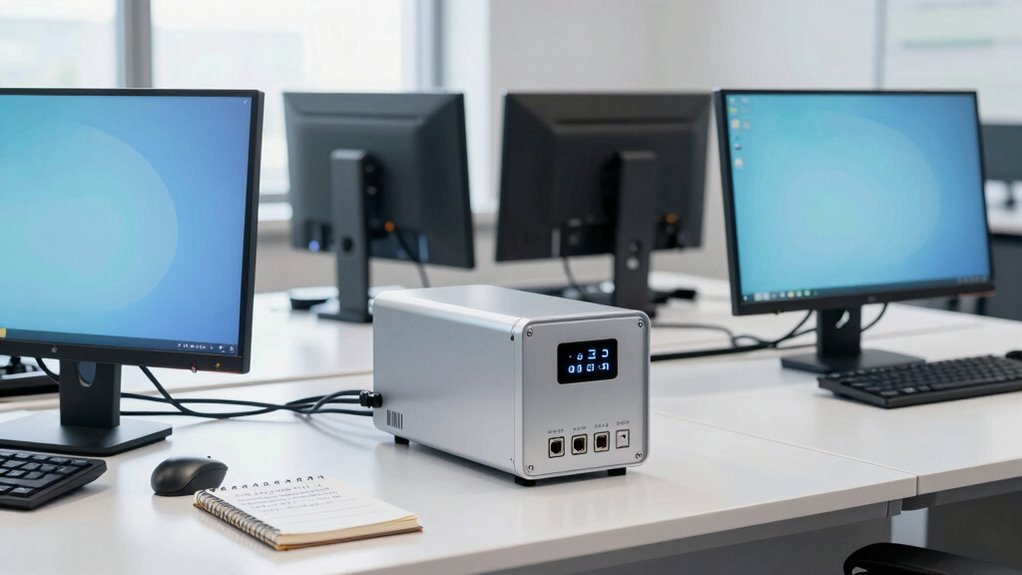

To select the right UPS size for your office equipment, first assess the total power your devices need by checking their wattage or amperage. Add up the load, including computers, servers, and networking gear, to find the capacity you’ll require. Make certain the UPS provides enough runtime to save your work and shut down safely. Don’t forget to take into account surge protection and future growth. Keep these tips in mind, and you’ll find the ideal UPS for your office setups.

Get business pricing on office and shipping supplies
- Business-only prices and quantity discounts
- Tax-exempt purchasing
- Multiple users, one account, clear invoices
Key Takeaways
- Calculate the total power consumption of all connected devices to determine the required UPS capacity.
- Consider the desired battery runtime to ensure sufficient backup during outages.
- Account for surge protection needs to safeguard equipment from voltage spikes.
- Choose a UPS with capacity slightly above the total load for future scalability.
- Regularly maintain and monitor the UPS to ensure reliable performance over time.
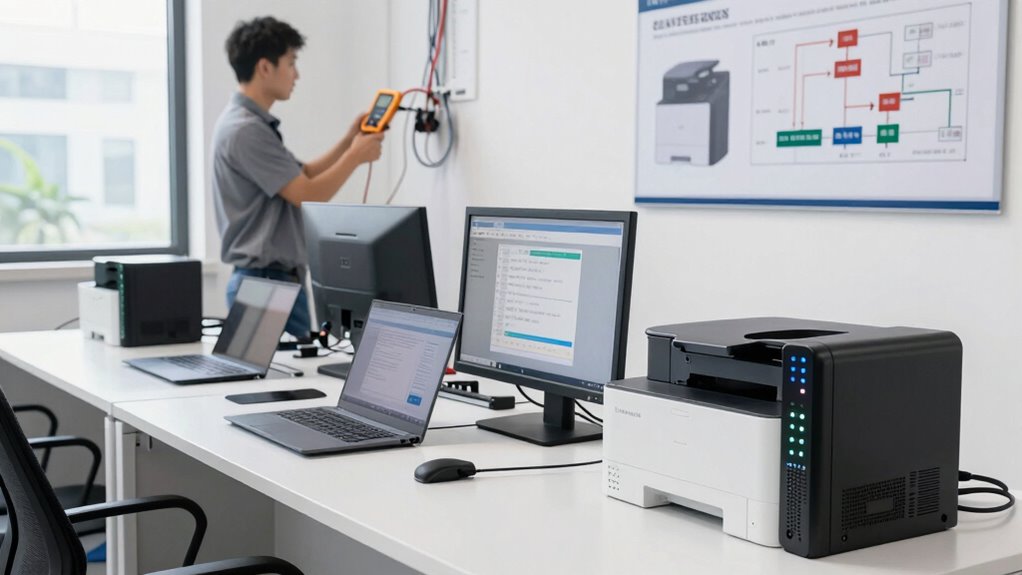
Have you ever wondered how to guarantee your valuable electronics stay protected during power outages? Choosing the right UPS size is essential to assure your office equipment remains operational and safe when the power cuts out unexpectedly. The key is understanding how much battery runtime you need and making certain the UPS offers reliable power surge protection. First, take into account what devices you’ll connect. If you’re powering critical equipment like servers, workstations, or networking gear, you’ll need a UPS with sufficient capacity to keep everything running long enough for you to save work and shut down properly. For less critical devices like printers or peripheral devices, a smaller UPS may suffice, but it still needs to provide enough backup time for safe shutdowns.
Battery runtime is a pivotal factor in selecting the right UPS. Think about how long you’d want your equipment to stay powered during an outage. Typically, a UPS with a longer battery runtime gives you more time to save your work and shut down safely, preventing data loss and hardware damage. For office environments, a backup of at least 10 to 15 minutes is advisable, but if you rely heavily on continuous operation, you might want a UPS that offers 30 minutes or more of runtime. Always check the manufacturer’s specifications for battery runtime at different load levels because the runtime varies depending on how much power your equipment consumes. Additionally, understanding the importance of power surge protection can help you safeguard your electronics from unexpected voltage spikes that may cause damage. Moreover, selecting the appropriate UPS size involves considering the total load of your connected devices to ensure the system can handle the combined power requirements without being overstressed. Conducting a power consumption assessment of your devices can help you choose the most suitable UPS capacity and avoid overloading the system. Evaluating the initial investment can also help balance cost with the level of protection you need. To make an informed decision, it’s beneficial to familiarize yourself with battery lifespan and maintenance needs, which can impact long-term performance and reliability.
As an affiliate, we earn on qualifying purchases.
Frequently Asked Questions
How Long Should a UPS Power My Equipment During an Outage?
During a power outage, a UPS typically powers your equipment for 5 to 30 minutes, depending on its power capacity and the battery lifespan. If you need longer backup, select a UPS with a higher capacity to extend runtime. Keep in mind that heavy loads drain the battery faster, so balancing your equipment’s power needs with the UPS’s capacity ensures your devices stay protected until power is restored.
Can a UPS Be Expanded for Future Equipment Additions?
Yes, a UPS can be expanded for future expansion. Many models feature UPS scalability, allowing you to add extra battery packs or modules as your office equipment grows. Before purchasing, check if the UPS supports future expansion, ensuring compatibility. This way, you can easily upgrade your power backup capacity without replacing the entire unit, saving costs and keeping your office ready for future equipment additions.
What Are the Maintenance Requirements for Different UPS Sizes?
You should regularly check your UPS’s battery lifespan and cooling requirements to guarantee peak performance. Smaller UPS units often need less maintenance, just occasional battery tests and confirming vents aren’t blocked. Larger systems, however, require more frequent battery checks, cooling system inspections, and possibly replacing batteries every 3-5 years. Proper maintenance keeps your UPS reliable, prevents overheating, and extends its lifespan, safeguarding your office equipment effectively.
How Does Ambient Temperature Affect UPS Performance?
Ambient temperature considerably influences UPS performance. Higher temperatures can cause the internal components to overheat, leading to reduced performance stability and potential failures. Conversely, too low temperatures might affect battery efficiency and lifespan. You should keep your UPS in a well-ventilated, climate-controlled environment to maintain ideal temperature impact, guaranteeing consistent performance stability and prolonging the unit’s lifespan. Proper cooling and monitoring help prevent overheating and ensure reliable operation.
Are There Specific UPS Features for Sensitive Office Electronics?
Yes, there are specific UPS features for sensitive office electronics. Look for models with surge protection to guard against power spikes, which can damage delicate equipment. Additionally, choose a UPS with a battery management system that extends battery lifespan, ensuring reliable backup when power is lost. These features help maintain consistent performance, protect your devices, and reduce long-term maintenance costs.
UPS with surge protection for computers
As an affiliate, we earn on qualifying purchases.
As an affiliate, we earn on qualifying purchases.
Conclusion
Choosing the right UPS size guarantees your office equipment stays protected and operational during power fluctuations. When you consider your devices’ power needs, it’s like finding a puzzle piece that perfectly fits—nothing more, nothing less. Coincidentally, just as a well-fitted key opens a door smoothly, the right UPS size keeps your work seamless and secure, highlighting how the smallest details can make all the difference in maintaining productivity and peace of mind.
As an affiliate, we earn on qualifying purchases.
As an affiliate, we earn on qualifying purchases.
Halloween Picks
halloween
As an affiliate, we earn on qualifying purchases.