
Shared drives and shared hardware need different rules because they address separate security concerns. With shared drives, you focus on data access controls, classification, and permissions to prevent breaches. Shared hardware rules aim to protect physical assets, emphasizing proper handling, storage, and user authentication. Applying the same rules to both can leave gaps in security or cause operational issues. Keep going to discover how clear, distinct policies help maintain security and efficiency in your environment.

Get business pricing on office and shipping supplies
- Business-only prices and quantity discounts
- Tax-exempt purchasing
- Multiple users, one account, clear invoices
Key Takeaways
- Shared drives focus on data security, requiring access controls and classification, while shared hardware emphasizes physical security and proper handling.
- Data management practices and permissions differ from physical device security protocols, necessitating separate rules.
- Physical hardware risks involve theft, damage, and misuse, unlike digital data breaches which are prevented through cybersecurity measures.
- Different rules address unique vulnerabilities, ensuring comprehensive protection for both digital data and physical assets.
- Clear distinction in policies helps prevent operational gaps and ensures targeted security measures for data and hardware.
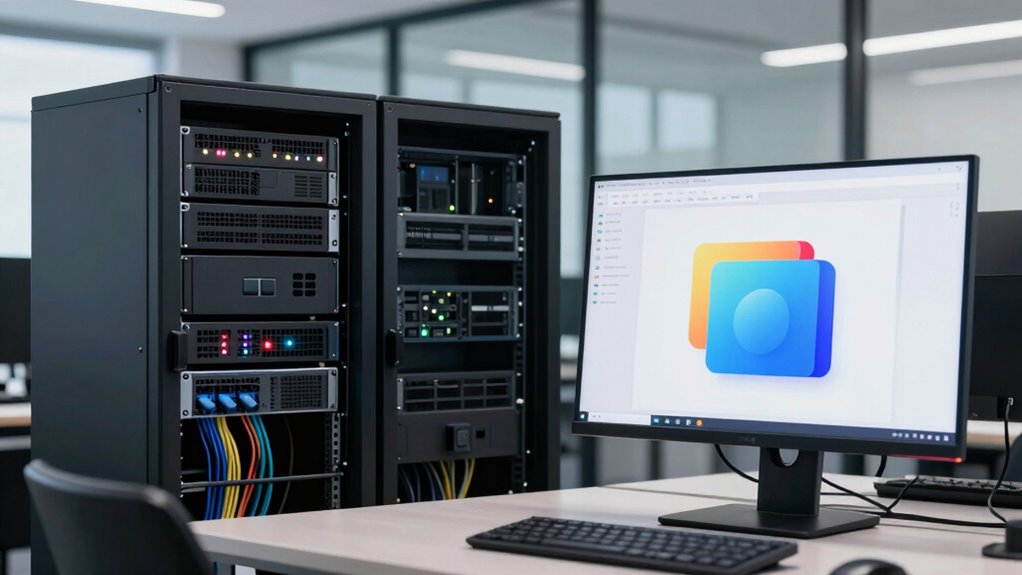
Have you ever wondered how to keep shared drives organized and guarantee hardware is used appropriately? It’s a common challenge in many workplaces, especially when multiple people need access to the same files and equipment. To manage this effectively, you need clear rules for both shared drives and shared hardware, but keep in mind that these rules serve different purposes. Shared drives primarily revolve around data management, while shared hardware involves physical security and proper usage. Recognizing this difference helps you set the right policies and avoid confusion.
Effective management of shared drives and hardware requires distinct rules for data security and physical asset protection.
When it comes to shared drives, controlling user access is key. You want to make sure only authorized individuals can view, edit, or delete files, which prevents accidental or malicious data breaches. Implement role-based permissions: give team members access only to the folders and documents they need for their work. This not only keeps sensitive information secure but also reduces clutter, making collaboration smoother. Regularly reviewing access rights is essential, especially when someone changes roles or leaves the company. Clear labeling and organized folder structures also help users find what they need quickly, minimizing errors and redundant files. Additionally, establishing proper data classification ensures that sensitive information is appropriately protected and managed. Implementing consistent naming conventions can further improve organization and searchability within shared drives. Developing a file version control system can also prevent confusion caused by multiple edits and overwrites. Promoting awareness of data privacy protocols ensures that data handling aligns with legal and organizational standards.
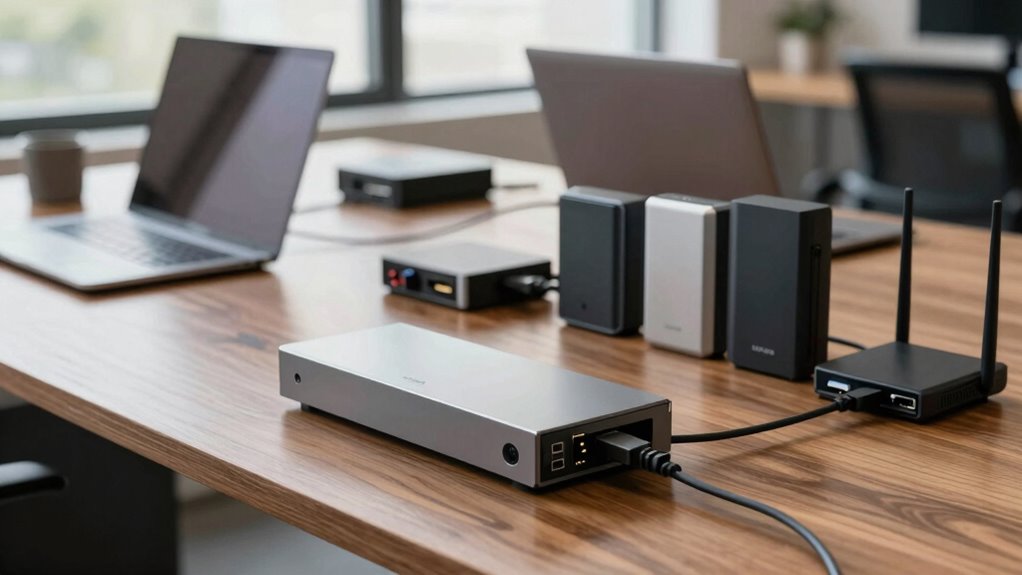
Hardware security, on the other hand, focuses on physical safety and proper handling of devices. Here, rules emphasize that shared equipment like laptops, printers, or servers should be used responsibly to prevent damage or theft. For example, you might require that hardware be logged out when not in use or that devices be stored securely when not in use. Implementing user authentication, such as login credentials or biometric access, ensures only authorized people handle sensitive hardware. This prevents unauthorized use and helps trace any issues back to the responsible individual. Training staff on proper handling procedures is also crucial—misuse can lead to hardware failures or data loss, which impacts everyone.
Both sets of rules are essential but serve different aspects of workplace security and efficiency. While user access controls protect your data and ensure everyone works within their designated boundaries, hardware security rules safeguard physical assets and prevent misuse or damage. By establishing distinct policies for each, you create a thorough environment where information remains secure, and equipment stays functional and reliable. Understanding the differences allows you to tailor your approach, avoiding the pitfalls of applying one set of rules to both areas, which can lead to gaps in security or operational inefficiencies. In the end, clear, targeted rules help keep your shared resources organized, safe, and productive.
role-based access control software
As an affiliate, we earn on qualifying purchases.
As an affiliate, we earn on qualifying purchases.
Frequently Asked Questions
How Do Shared Drives Impact Data Security?
Shared drives impact data security by requiring strict access control to prevent unauthorized access. You need to manage permissions carefully, ensuring only trusted users can view or modify sensitive information. Data encryption is also essential, both during transfer and storage, to protect against breaches. By combining access control and data encryption, you minimize risks, keeping your data secure while allowing collaborative work on shared drives.
What Are the Cost Differences Between Shared Drives and Hardware?
The cost comparison between shared drives and shared hardware varies depending on your needs. Shared drives typically have lower upfront expenses, as they operate on a subscription model, reducing initial investments. Shared hardware involves higher initial costs for purchasing and maintaining physical equipment. An expense analysis shows shared drives offer scalable, predictable costs, while shared hardware can incur hidden costs like repairs and upgrades. Your choice hinges on your budget, scalability needs, and long-term plans.
Can Shared Hardware Be Used for Remote Work Setups?
Think of shared hardware as a bridge for remote work; it can be used effectively if you guarantee remote access is seamless and hardware compatibility is maintained. You can set up servers or docking stations that support remote connections, allowing teams to access hardware resources from anywhere. Just remember, the hardware must be compatible with remote access tools, so investments in proper setup and security are essential for smooth operation.
How Do User Permissions Differ Between Drives and Hardware?
You control user permissions on shared drives by setting access control and defining user roles, like viewer or editor, which determine what actions users can perform. On hardware, permissions usually focus on physical access or network privileges, often managed by user accounts and security settings. While drives rely on digital permissions, hardware access involves physical security and network permissions, so you need different rules to guarantee proper control and security across both.
What Maintenance Challenges Are Unique to Shared Hardware?
Did you know that shared hardware experiences 30% more wear and tear than individual devices? This makes maintenance scheduling essential, as hardware durability can decline faster due to constant use. Unique challenges include coordinating repairs without disrupting everyone, managing hardware lifecycle, and preventing overheating or damage from improper handling. Regular checkups, timely replacements, and clear usage guidelines help guarantee shared hardware stays functional and reliable for all users.
As an affiliate, we earn on qualifying purchases.
Conclusion
While shared drives foster collaboration, they demand strict rules to prevent chaos. Shared hardware, on the other hand, thrives on flexibility and trust. Both are essential, yet they serve different needs—one promotes order, the other encourages innovation. Ignoring these distinctions risks confusion or misuse. By understanding their unique requirements, you create a balanced environment where productivity and creativity coexist, demonstrating that sometimes, structure and freedom are two sides of the same coin.
As an affiliate, we earn on qualifying purchases.
biometric hardware authentication devices
As an affiliate, we earn on qualifying purchases.
As an affiliate, we earn on qualifying purchases.
Halloween Picks
halloween
As an affiliate, we earn on qualifying purchases.