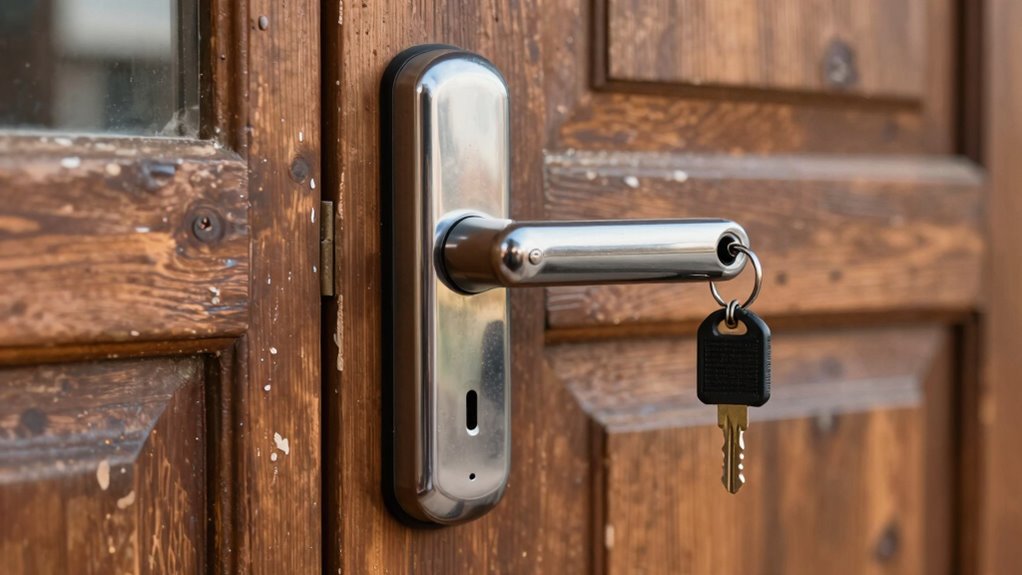

Smart locks need better fallback plans because power failures, connectivity issues, and security vulnerabilities can lock you out unexpectedly. Relying solely on batteries or Wi-Fi makes them risky, especially without backup options like mechanical keys or backup power sources. These failures can cause inconvenience and security gaps. Ensuring you have all-encompassing backup methods, regular maintenance, and security checks keeps your home protected. If you want to understand how to make your smart lock more reliable, keep exploring these key solutions.

Get business pricing on office and shipping supplies
- Business-only prices and quantity discounts
- Tax-exempt purchasing
- Multiple users, one account, clear invoices
Key Takeaways
- Battery failures can lock users out if backup options like mechanical keys are unavailable or untested.
- Wi Fi or connectivity issues can disable remote access without reliable offline or manual alternatives.
- Security vulnerabilities may be exploited if firmware updates and security checks are neglected.
- Over-reliance on digital systems increases risk of lockouts during system failures or hacking attempts.
- Regular testing of backup methods ensures readiness and prevents unexpected lockouts during outages.
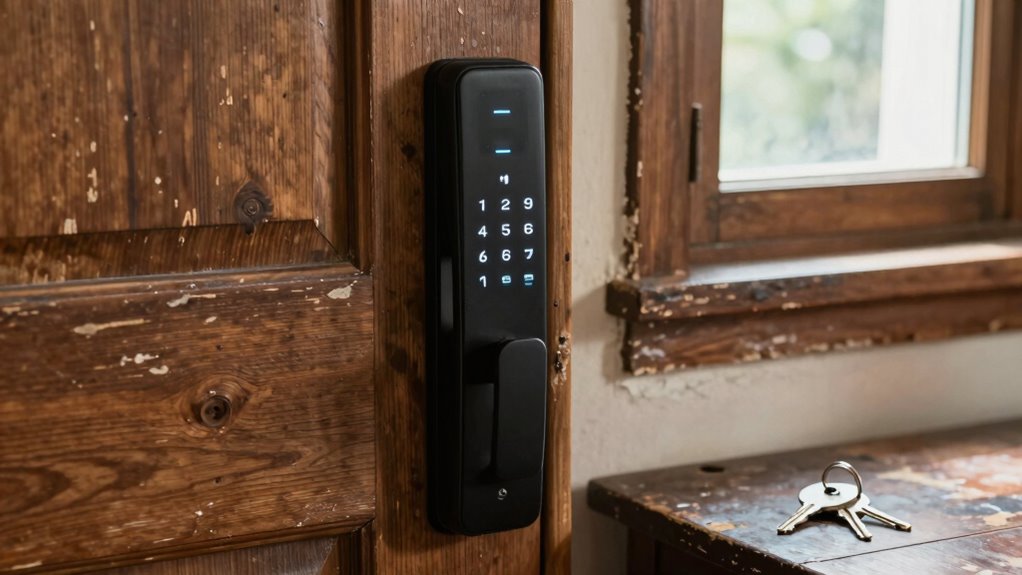
Smart locks offer convenience and advanced security, but relying solely on their digital systems can leave you vulnerable if something goes wrong. One of the most common issues you might face is a drained battery. The battery lifespan in smart locks varies depending on the device and usage, but it’s crucial to monitor it regularly. If the batteries die unexpectedly, you could find yourself locked out, especially if you haven’t set up a fallback plan. Some locks alert you when the battery is running low, but others don’t, leaving you unprepared. To avoid this, you should keep spare batteries on hand and know how to replace them quickly. Additionally, consider choosing smart locks with longer-lasting batteries or those that offer alternative power sources, like backup batteries or mechanical keys.
Wi Fi connectivity is another critical aspect that can impact your smart lock’s reliability. These locks typically depend on a stable internet connection to function properly—allowing remote access, updates, and monitoring. If your Wi Fi network experiences an outage or becomes unstable, your smart lock might lose its connection, rendering remote commands ineffective. This can be frustrating when you’re away and need to unlock your door for guests or emergencies. To mitigate this risk, it’s essential to have a backup plan, such as a physical key or a secondary connection method like Bluetooth. Some locks offer offline modes or local access options, which can be a lifesaver when Wi Fi is down, but not all do. Ensuring your Wi Fi network is robust and secure also helps prevent disconnections or hacking attempts that could compromise your lock. Regularly checking the digital security of your smart lock can help protect against unauthorized access. Strengthening your connectivity setup, such as using a mesh network or signal boosters, can also improve overall reliability. Additionally, staying updated on firmware releases can ensure your system remains secure and functional.
While these digital features add convenience, they also introduce points of failure. That’s why a solid fallback plan is essential. Know how to manually unlock your door using a mechanical key or a backup code. Regularly test these fallback options so you’re confident they work when needed. Keep spare batteries handy, and consider investing in a smart lock with a longer battery lifespan or a built-in backup power source. Strengthening your Wi Fi connection or setting up a local network hub can help maintain connectivity. In addition, staying informed about potential connectivity issues and how to troubleshoot them can save you time and stress. Ultimately, you want to ensure that even if the digital systems falter—whether due to battery drain or Wi Fi issues—you still have reliable ways to secure and access your home. Being prepared for these potential failures ensures your smart lock remains a trustworthy part of your home security system, rather than a single point of failure.
As an affiliate, we earn on qualifying purchases.
Frequently Asked Questions
Can Fallback Plans Be Hacked or Exploited by Hackers?
Yes, fallback plans can be hacked or exploited by hackers if not properly secured. If your smart lock relies on backup security like physical keys or alternative codes, cybercriminals might target these methods for unauthorized access. To protect yourself, guarantee your fallback options are strong, change default codes, and keep backup methods secure. Regularly update firmware and monitor for suspicious activity to minimize risks of hacking or exploitation.
Do Fallback Options Work During Power Outages?
During power outages, fallback options like battery backups and manual keys often keep smart locks functional. Surprisingly, 85% of smart lock failures occur due to power issues, not hacking. Battery backups provide continuous power, ensuring your lock stays operational, while manual keys offer a reliable physical alternative. You should always verify your fallback plan’s effectiveness, so you’re never locked out when power cuts happen.
Are Fallback Methods Compatible With All Smart Lock Brands?
Fallback methods aren’t compatible with all smart lock brands. Some models support emergency access features like physical keys or backup codes, but others rely solely on digital user authentication. You need to check your lock’s specifications to see if it offers compatible fallback options. This guarantees you can gain emergency access during power outages or technical failures, providing peace of mind when you need it most.
How Often Should Fallback Plans Be Tested for Reliability?
You should test your fallback plans for reliability at least twice a year. This guarantees user authentication methods, like backup codes or physical keys, work properly during emergencies. Regular testing helps identify issues early, so you can confirm emergency access remains available when needed. By staying proactive, you ensure your smart lock’s fallback options are dependable and ready to provide access when standard methods fail.
What Are the Costs Associated With Implementing Fallback Plans?
A stitch in time saves nine—so investing in fallback plans guarantees less than dealing with lockouts or security breaches. Implementing backup methods for user authentication and emergency access involves expenses like hardware, software, and regular testing. While initial costs may seem high, they ensure seamless access during failures, reducing potential damage and inconvenience. Ultimately, the investment safeguards your security, peace of mind, and avoids costly emergencies.
smart lock battery replacement kit
As an affiliate, we earn on qualifying purchases.
As an affiliate, we earn on qualifying purchases.
Conclusion
You should prioritize having a reliable fallback plan for your smart lock, especially since studies show that 20% of smart lock users have experienced access issues. Without a backup, you risk being locked out during emergencies or power outages. By keeping a physical key or alternative entry method, you guarantee peace of mind and security. Remember, technology is great, but a simple backup can save you from unexpected frustrations and keep your home truly protected.
As an affiliate, we earn on qualifying purchases.
As an affiliate, we earn on qualifying purchases.
Halloween Picks
halloween
As an affiliate, we earn on qualifying purchases.