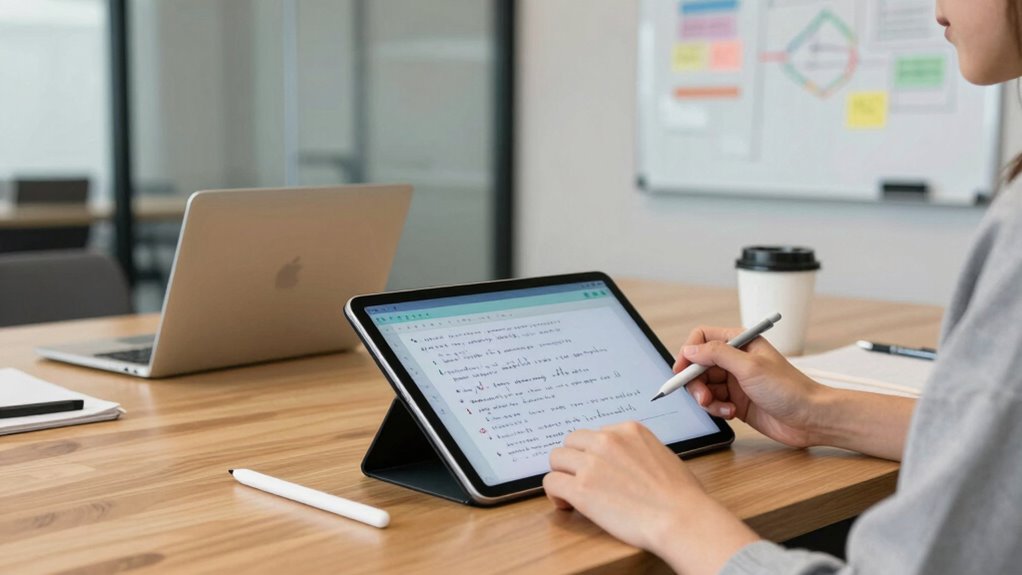

To choose a better note-taking tablet for meetings, focus on devices that support your preferred stylus with features like pressure sensitivity and palm rejection for a natural writing experience. Make certain it has long battery life to avoid interruptions, and a clear, bright display suited to different lighting conditions. Compatibility with your favorite apps and cloud services helps keep your notes organized and accessible. If you keep exploring these factors, you’ll find the perfect device tailored to your needs.

Get business pricing on office and shipping supplies
- Business-only prices and quantity discounts
- Tax-exempt purchasing
- Multiple users, one account, clear invoices
Key Takeaways
- Prioritize stylus compatibility with pressure sensitivity and palm rejection for natural, comfortable note-taking.
- Choose a device with long battery life and durable hardware suitable for extended meetings and travel.
- Select a display with high clarity, brightness, and appropriate size for readability and portability.
- Ensure seamless integration with your preferred apps and cloud services for efficient note organization.
- Consider environment factors like lighting, portability, and device durability to match meeting settings.
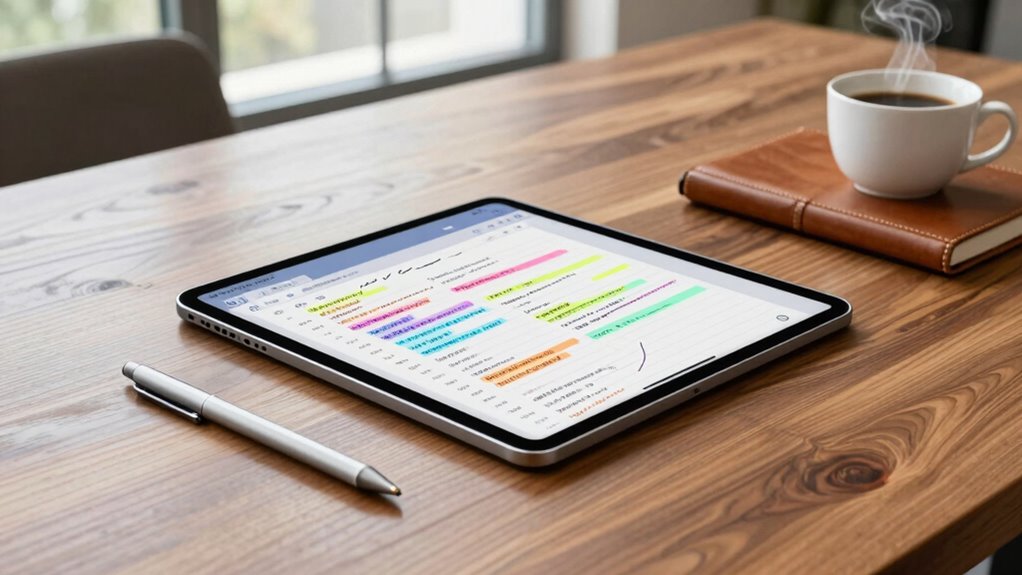
Are you overwhelmed by the variety of note-taking tablets available? With so many options on the market, it’s easy to feel lost trying to pick the right one for your meetings. To start, focus on two essential factors: stylus compatibility and battery life. Your choice of tablet should seamlessly work with a stylus that feels natural and precise, making your note-taking smooth and effortless. Check if the device supports popular stylus brands or has its own dedicated stylus. A good stylus should have pressure sensitivity and palm rejection so you can write or draw comfortably, just like on paper. Don’t settle for a tablet with limited stylus compatibility, as it could hinder your ability to jot down quick ideas or highlight important points during meetings. Additionally, review the device’s content quality to ensure clarity and ease of reading. Battery life is another critical consideration. Meetings can sometimes last for hours, and you don’t want your device dying midway through your notes. Look for a tablet with a long-lasting battery that can handle extended use without frequent recharging. Some tablets offer impressive battery life, allowing you to take notes all day without worry. Keep in mind that certain features, like high-resolution screens or constant syncing, can drain the battery faster. Choose a device with a reputation for durability and endurance, especially if you tend to take notes during back-to-back meetings or travel frequently. Portable, reliable battery life ensures your focus stays on capturing ideas rather than scrambling for a charger. It’s also helpful to consider the ecosystem integration with other devices and apps you already use, which can streamline your workflow. Beyond stylus compatibility and battery life, consider the overall display quality. A clear, bright screen with good contrast makes reading and writing easier. The size of the tablet matters too—larger screens offer more space for detailed notes, but they can be less portable. Conversely, smaller tablets are lightweight but might limit your ability to comfortably write long or detailed notes. Think about your typical meeting environment; if you often work in bright or varying lighting conditions, opt for a device with an anti-glare screen or adjustable display settings. Also, check whether the tablet is compatible with cloud services or note organization apps you already use. This will streamline your workflow and keep your notes accessible across devices. Ultimately, choosing a better note-taking tablet for meetings involves balancing multiple factors. Prioritize stylus compatibility and battery life, but don’t forget about display quality and ecosystem integration. By carefully evaluating these aspects, you’ll find a device that fits your needs, makes note-taking more efficient, and helps you stay organized in every meeting.
Products Worth Considering

Dell XPS 13 9350 Copilot+ Laptop, 13.4-inch 120Hz Display, Intel Core Ultra 7 256V, 16GB RAM, 512GB SSD, Ubuntu Linux 24.04 LTS

Apple MacBook Air 15-inch (2026) with M5 chip, 16GB memory, 512GB SSD, Silver

FLEXISPOT Reversible L-Shaped Standing Desk, 71 x 63 Inches, Black
As an affiliate, we earn on qualifying purchases.
Frequently Asked Questions
How Long Does the Battery Last During Extended Meetings?
During extended meetings, your note-taking tablet’s battery longevity typically ranges from 8 to 12 hours, depending on usage and screen brightness. To maximize power management, keep the device in power-saving mode and close unused apps. Regularly charging during breaks can guarantee your tablet stays powered throughout long sessions. Choosing a model with efficient battery life and good power management features helps you avoid interruptions and stay productive.
Are Styluses Included With the Tablet?
The stylus is often not included, and it’s like searching for a needle in a haystack to find one that matches your tablet. Check the product details for stylus availability and compatibility concerns before buying, as some tablets require specific brands or models. Ensuring compatibility guarantees smooth writing and drawing experiences. Always verify whether the stylus comes with the tablet or if you’ll need to purchase it separately for seamless note-taking.
Can the Tablet Connect to Multiple Devices Simultaneously?
Yes, some tablets can connect to multiple devices simultaneously, enhancing your multitasking with features like multi-device synchronization. Look for a tablet with strong cross-platform compatibility to guarantee seamless integration across different operating systems. This way, you can effortlessly share notes, updates, or files between your tablet and other devices during meetings. Always check the device specifications to confirm it supports multi-device connections, making your note-taking more efficient and flexible.
Is the Tablet Compatible With All Note-Taking Apps?
You’ll be pleased to know that many modern tablets are compatible with popular note-taking apps, especially those supporting cloud synchronization and handwriting recognition. Coincidentally, this means your notes stay updated across devices, making your workflow seamless. While some apps excel in handwriting recognition, always double-check app compatibility beforehand. This way, you verify your tablet supports your favorite note-taking apps, keeping your meetings efficient and your notes easily accessible.
What Security Features Are Available for Sensitive Meeting Notes?
You should look for a tablet with strong security features like data encryption and biometric security, such as fingerprint or facial recognition. These protect your sensitive meeting notes from unauthorized access. Make certain the device offers hardware-based encryption to keep your data safe both at rest and during transfer. Biometric security adds an extra layer of protection, making it harder for anyone else to access your confidential information.
Conclusion
Ultimately, selecting the right note-taking tablet can transform your meetings from chaotic to productive. But with so many options out there, one feature could make all the difference—yet it’s often overlooked. Will you discover that game-changing detail before your next meeting? The choice is in your hands. Don’t settle for less; the perfect tablet might just be one decision away, waiting to unleash your true potential when it matters most.