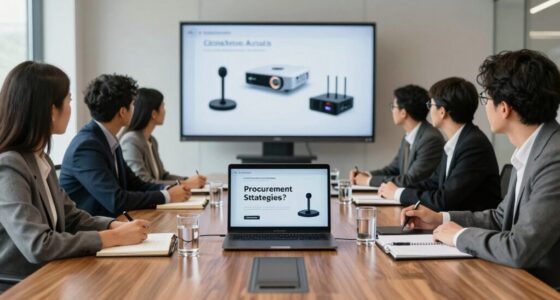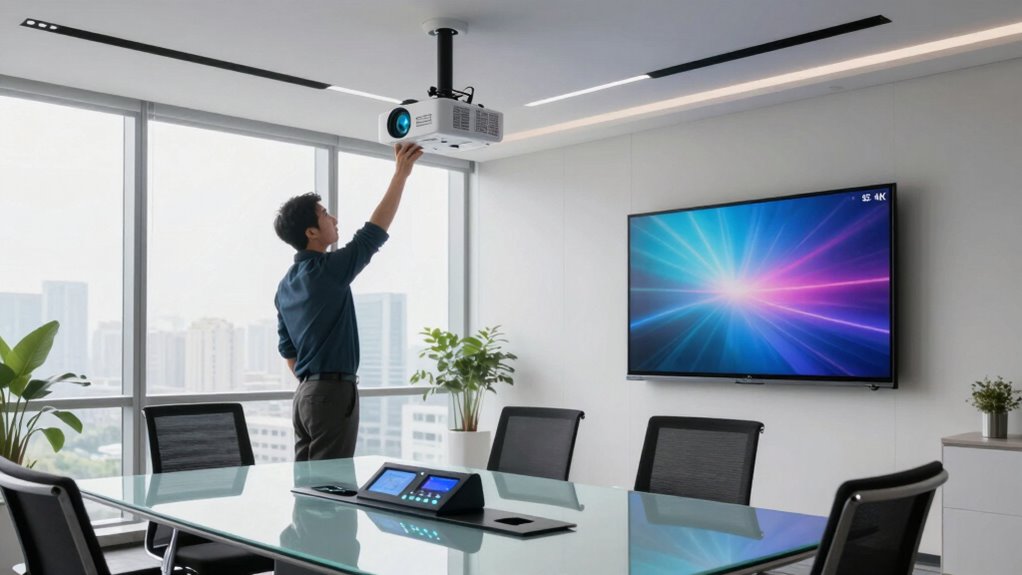

To create a better office AV support model, focus on building strong vendor partnerships that prioritize clear communication and regular performance reviews. Standardize your technology to simplify troubleshooting and future upgrades, and guarantee AV integrates smoothly with your IT infrastructure for centralized control and remote diagnostics. Foster collaboration among IT, AV teams, and users to improve support and adapt quickly to changes. Keep these strategies in mind, and you’ll discover more ways to optimize your AV environment effectively.

Get business pricing on office and shipping supplies
- Business-only prices and quantity discounts
- Tax-exempt purchasing
- Multiple users, one account, clear invoices
Key Takeaways
- Develop strong vendor partnerships through clear communication, regular performance reviews, and proactive support.
- Standardize AV technology to simplify maintenance, training, and future upgrades.
- Integrate AV with existing IT infrastructure for centralized control and remote diagnostics.
- Foster a collaborative support culture among IT, AV teams, and end-users for effective technology utilization.
- Regularly assess and optimize support models to ensure reliability, scalability, and minimal disruptions.

In today’s fast-paced office environments, having reliable audiovisual (AV) support is essential for seamless meetings and collaboration. You understand that smooth AV operations can make or break the effectiveness of your team’s communication. To create a better AV support model, you need to focus on establishing strong vendor partnerships. Building solid relationships with trusted AV vendors ensures quick access to technical expertise, timely updates, and reliable maintenance. When vendors see you as a valued partner, they’re more likely to prioritize your needs, offer proactive solutions, and provide ongoing support that minimizes disruptions. Cultivating these partnerships involves clear communication, setting expectations, and regularly reviewing performance to ensure your AV infrastructure stays current and reliable.
Strong vendor partnerships ensure reliable AV support, proactive solutions, and seamless communication for your office environment.
Equally important is technology standardization across your office spaces. When you standardize AV equipment and systems, you simplify troubleshooting, training, and maintenance. Instead of juggling multiple brands and incompatible components, you create a uniform environment where staff can easily operate devices and technicians can swiftly identify issues. Standardization reduces downtime, streamlines procurement, and lowers costs over time because you’re not constantly adapting to different systems. It also facilitates future upgrades, as you can plan incremental enhancements without overhauling your entire setup. To implement this effectively, you need to assess your current infrastructure, identify compatible solutions, and develop a technology roadmap that aligns with your organization’s goals. Recognizing the importance of technology standardization in creating a resilient AV environment can significantly improve overall efficiency.
You should also consider integrating your AV support with your broader IT infrastructure. When your AV systems communicate seamlessly with your network and management platforms, you gain better control and visibility. This integration allows for remote diagnostics, centralized updates, and more efficient problem resolution. Incorporating vendor partnerships into this approach means working closely with vendors who understand your existing infrastructure and can recommend scalable solutions. Remember, a proactive support model doesn’t just react to problems—it anticipates them. Regular system audits, staff training, and feedback loops help you stay ahead of potential issues and continuously improve your AV environment.
Finally, fostering a culture of collaboration between your IT team, AV specialists, and end-users ensures everyone understands how to utilize the technology effectively. When you align these groups around shared standards and vendor relationships, you create a resilient, scalable AV support model. This approach not only enhances productivity but also positions your organization to adapt swiftly to future technological changes. By prioritizing vendor partnerships and technology standardization, you empower your team with reliable, consistent AV support that elevates your office’s overall efficiency and communication.
office AV equipment standardization kit
As an affiliate, we earn on qualifying purchases.
As an affiliate, we earn on qualifying purchases.
Frequently Asked Questions
What Are the Latest Trends in Office AV Technology?
You’ll notice that wireless collaboration tools are now essential, enabling seamless sharing of content across devices without cables. Immersive displays are also trending, providing more engaging and interactive meetings with high-resolution visuals. These advancements make meetings more dynamic and productive, while reducing clutter and setup time. By adopting these latest AV technologies, you’ll create a more efficient, modern office environment that supports flexible, collaborative work styles effortlessly.
How Do I Measure AV Support Effectiveness?
You gauge AV support effectiveness like tuning a fine instrument—using performance metrics as your guiding compass. Regular feedback mechanisms act as your seasoned advisors, revealing where harmony exists and where adjustments are needed. Track response times, resolution rates, and user satisfaction to see how well your support hits the right notes. This ongoing assessment helps you fine-tune your approach, ensuring your AV support remains a seamless, symphonic experience for everyone.
What Budget Considerations Are Essential for AV Upgrades?
When planning your AV upgrades, prioritize budget planning to allocate funds effectively and avoid overspending. Focus on cost optimization by choosing scalable, energy-efficient equipment that reduces long-term expenses. Consider upfront costs versus ongoing maintenance, and explore options for leasing or phased upgrades to spread costs. Always include a contingency fund for unforeseen expenses, ensuring your AV investments deliver value without straining your overall budget.
How to Train Staff for New AV Systems?
Did you know 70% of employees feel more confident with proper training? To train staff for new AV systems, prioritize hands-on skill development and clear documentation. Offer interactive workshops and regular refresher sessions to build confidence. Encourage questions and provide ongoing support. By focusing on staff training, you guarantee your team adapts quickly, minimizes technical issues, and maximizes the value of your AV investments.
What Security Protocols Are Needed for AV Equipment?
You need to implement access control to restrict AV equipment use to authorized personnel, ensuring only trusted staff operate sensitive devices. Data encryption is essential for safeguarding any digital content transmitted or stored on AV systems, preventing unauthorized access or interception. Regularly update security protocols, monitor device activity, and educate staff on security best practices to maintain a secure AV environment. These steps help protect your office’s sensitive information and maintain system integrity.
As an affiliate, we earn on qualifying purchases.
Conclusion
By adopting a proactive AV support model, you can substantially boost your office’s productivity and reduce downtime. Studies show that 70% of IT issues are resolved faster with dedicated AV support, highlighting its importance. Remember, investing in efficient AV support isn’t just about tech—it’s about creating a seamless experience that keeps your team focused and engaged. So, prioritize building a responsive, well-structured AV support system to keep your office running smoothly.
As an affiliate, we earn on qualifying purchases.
As an affiliate, we earn on qualifying purchases.
Halloween Picks
halloween
As an affiliate, we earn on qualifying purchases.