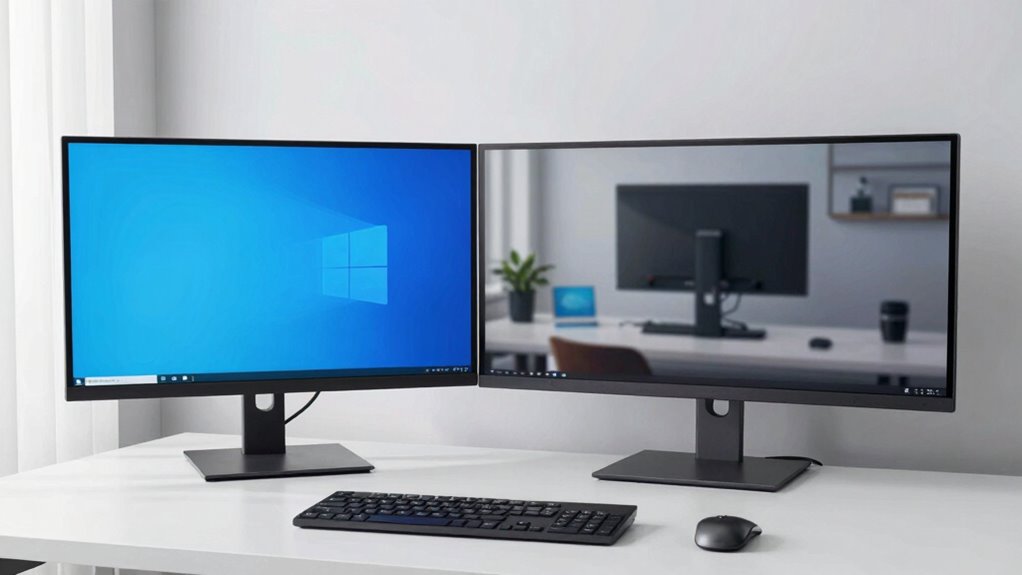

Using two monitors can boost your productivity, but only if you set them up intentionally and develop solid workflows. Simply adding a second screen won’t automatically make you more efficient; you need to organize your workspace well, keep important apps on your primary display, and create routines that minimize clutter and distractions. Proper positioning and visual hierarchy help you focus naturally. Keep going, and you’ll discover how a thoughtful dual monitor setup can transform your work habits.

Get business pricing on office and shipping supplies
- Business-only prices and quantity discounts
- Tax-exempt purchasing
- Multiple users, one account, clear invoices
Key Takeaways
- Dual screens only boost productivity when used with intentional workflows and specific task-based setups.
- Proper workspace organization and ergonomic positioning are essential to maximize the benefits of dual monitors.
- Visual hierarchy and layout design reduce time spent searching or switching between windows.
- Dedicated screens for different functions improve multitasking and reduce cognitive load.
- Without purposeful use strategies, adding a second monitor may have minimal or no impact on efficiency.
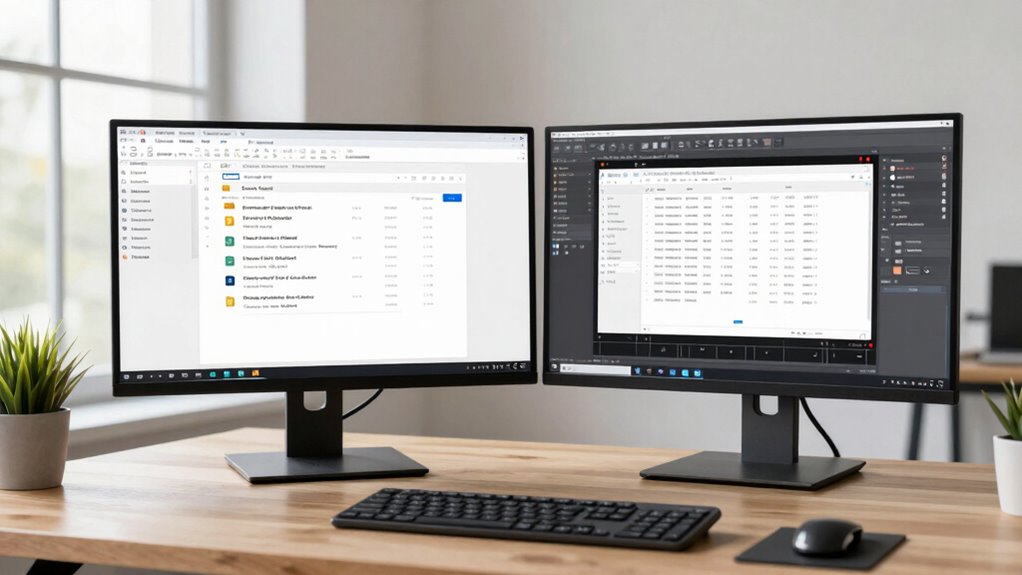
Many people assume that adding a second screen automatically boosts productivity, but the real difference lies in how you use them. It’s easy to think that simply doubling your display space will make you more efficient, but without intentional strategies, you might not see much improvement. The key is in enhancing your multitasking efficiency through purposeful workspace organization. When you set up your dual screens thoughtfully, you create a system that minimizes clutter and streamlines your workflow. Instead of scattering tasks across multiple windows on one monitor, you can dedicate each screen to specific functions, like keeping your email open on one and your project files on the other. This setup reduces the time spent switching between windows and helps you stay focused on each task.
Your workspace organization plays an essential role in maximizing the benefits of a second monitor. If your screens are cluttered or poorly arranged, they can become a distraction rather than a productivity booster. You want to position your monitors at eye level, with enough space to comfortably view both without craning your neck or straining your eyes. Keep your most-used applications and documents on the primary screen, reserving the secondary for reference materials or supplementary tools. This way, you maintain a clear visual hierarchy that guides your attention efficiently. When your workspace is organized, you’re less likely to waste time searching for files or traversing through cluttered windows, which directly enhances your multitasking efficiency. Proper workspace organization can significantly improve how effectively you utilize dual monitors. Additionally, understanding visual hierarchy can help you design a layout that naturally guides your focus and minimizes unnecessary movements. Moreover, establishing consistent workspace setup routines can reduce the cognitive load associated with adjusting to different configurations, making your workflow more seamless. A well-structured environment also encourages habit formation, leading to more consistent and effective work habits over time. Being mindful of ergonomic principles also aids in maintaining comfort and focus during long work sessions.
As an affiliate, we earn on qualifying purchases.
Frequently Asked Questions
Does Screen Size Impact Productivity More Than the Number of Screens?
Screen size impacts your productivity more than the number of screens because larger screens reduce visual clutter, making it easier to focus. Higher screen resolution enhances clarity, allowing you to see more detail without straining your eyes. While having multiple screens can boost multitasking, a bigger, high-resolution display minimizes distractions and improves efficiency, helping you work smarter rather than just harder.
How Does Multitasking Differ Between One and Two Screens?
With one screen, you tend to focus on a single task, which minimizes visual clutter and helps maintain concentration. Using two screens allows you to multitask more efficiently by spreading out multiple applications, but it can also lead to divided attention and potential distractions. Ultimately, two screens improve multitasking when managed well, whereas a single screen encourages single task focus, reducing visual clutter and helping you stay more engaged with each task.
What Are the Ergonomic Considerations for Dual Monitors?
Ever wonder how to set up your dual monitors for maximum comfort? You should prioritize ergonomic posture by positioning monitors at eye level and at an arm’s length distance. Keep monitor placement consistent to avoid neck strain, and use adjustable stands for better alignment. Remember, proper ergonomic setup reduces fatigue and boosts productivity. Are you making these tweaks to guarantee your workspace supports your health and efficiency?
Can Dual Screens Cause Increased Distraction or Decreased Focus?
Dual screens can increase distraction triggers, leading to more focus fatigue if you’re not careful. You might find yourself shifting attention between screens constantly, which hampers concentration. To minimize this, set boundaries by organizing your workspace and limiting non-essential window switching. With intentional use, dual monitors can boost productivity without causing excessive distraction or decreased focus, but it’s essential to manage your workflow effectively.
How Does Screen Setup Influence Long-Term Work Comfort?
Imagine your workspace as a well-tuned orchestra; your screen setup plays a crucial role in long-term comfort. Proper arrangement minimizes visual fatigue and keeps your focus sharp. When screens are organized thoughtfully, you avoid straining your neck and eyes, making work feel less like a marathon and more like a graceful dance. This harmony boosts your endurance, ensuring you stay comfortable and productive over the days ahead.
adjustable monitor arms for desk
As an affiliate, we earn on qualifying purchases.
As an affiliate, we earn on qualifying purchases.
Conclusion
You might think adding a second screen isn’t worth the hassle, but the truth is, it can boost your productivity considerably. Sure, it takes a moment to get used to the extra space, but once you do, you’ll find tasks become smoother and faster. Don’t let initial inconvenience hold you back — the benefits of multitasking and organizing your workflow often outweigh the brief adjustment period. Give it a try, and see how much more you can accomplish.
As an affiliate, we earn on qualifying purchases.
As an affiliate, we earn on qualifying purchases.
Evergreen bestsellers Picks
bestsellers
As an affiliate, we earn on qualifying purchases.