
Using a single platform for training, events, and daily office tasks can slow you down by creating a cluttered, confusing environment. Each activity needs specific features—training tools focus on engagement, event platforms handle registration, and office tools support collaboration. Combining everything risks reducing effectiveness and overwhelming users. By understanding why specialized tools work better, you’ll discover how to stay organized, efficient, and focused in your daily operations. Keep exploring to uncover the full benefits.

Get business pricing on office and shipping supplies
- Business-only prices and quantity discounts
- Tax-exempt purchasing
- Multiple users, one account, clear invoices
Key Takeaways
- Specialized tools ensure each activity has the necessary features without cluttering the user experience.
- Combining functions can lead to inefficiencies and reduced effectiveness in training, events, and daily tasks.
- Modular, dedicated platforms allow targeted improvements and easier upgrades for specific needs.
- Different activities require distinct engagement, collaboration, and management capabilities for optimal results.
- Using separate stacks prevents workflow disruptions and maintains focus on organizational priorities.
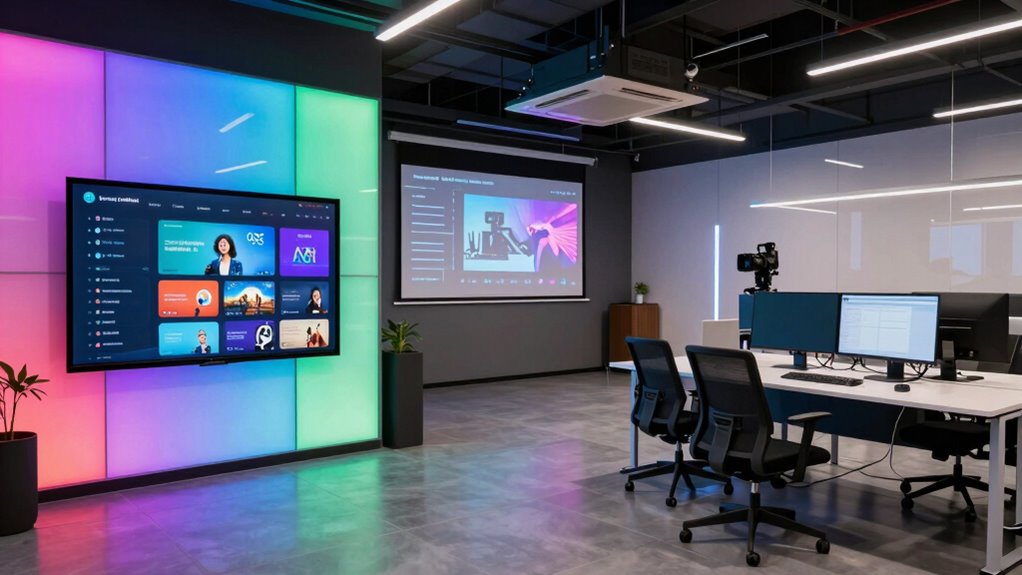
Have you ever wondered what tools power training sessions, events, and daily office operations? It’s a good question because each of these activities demands different functionalities, and using a one-size-fits-all tech stack can lead to inefficiencies. Training tools need to focus on engagement, interactivity, and effective knowledge transfer. Event management platforms should streamline registration, communication, and real-time updates, while office tools must support ongoing collaboration, task management, and communication. When you lump all these functions into a single platform, you risk creating a confusing, cluttered experience that hampers productivity instead of boosting it.
Using a single platform for training, events, and daily work can create confusion and reduce productivity.
Take user onboarding, for example. When new employees join, they need a smooth, guided introduction to your company’s processes, culture, and tools. The onboarding process often involves training sessions, resource sharing, and mentoring, which require specialized learning management systems or interactive training platforms. These are built to deliver content in engaging ways, track progress, and facilitate quizzes or assessments. Using dedicated onboarding tools ensures new hires get the focused attention they need without sifting through unrelated office communication channels. Meanwhile, remote collaboration tools come into play when your team works across different locations. These platforms must support real-time communication, file sharing, video conferencing, and project updates. They enable seamless teamwork, regardless of where everyone is based, fostering a sense of connection that’s hard to replicate with generic communication tools.
Office operations, on the other hand, rely on productivity applications designed for task management, document collaboration, and scheduling. These tools keep projects on track, documents accessible, and meetings organized. They’re optimized for daily routines rather than training or event coordination. If you try to combine all these functions into a single stack, you risk creating a cluttered environment where users struggle to find the right tool for the right task. For example, a platform meant for employee onboarding might lack the robust collaboration features needed during a project. Conversely, a project management app may not offer the engaging, instructional experience necessary for effective training. Recognizing the importance of specialized tools ensures each activity receives the appropriate focus and features. Moreover, adopting a modular approach allows organizations to upgrade or replace individual systems without overhauling the entire infrastructure.
Having specialized tools for training, events, and daily operations allows you to tailor each experience to its purpose. It ensures that your team can quickly adapt to new employees, coordinate remote work efficiently, and keep daily tasks organized without unnecessary distractions. It also helps in streamlining workflows, making processes more efficient and less prone to errors. This separation can further improve your organization’s ability to scale operations as your needs evolve, and new challenges arise. Additionally, using dedicated tools for each function helps maintain clear workflows and prevents the overlap that can cause confusion and delays. Ultimately, a tailored tech stack helps your organization be more effective, adaptable, and prepared for whatever challenges come next.
Products Worth Considering

FLEXISPOT Standing Desk with Monitor Riser & Cable Management

HP Sprocket Panorama Portable Color Photo and Label Printer

FLEXISPOT 42-Inch Electric Standing Desk Converter
As an affiliate, we earn on qualifying purchases.
Frequently Asked Questions
How Do Integration Challenges Differ Across These Tech Stacks?
You face unique integration challenges across these tech stacks. In training platforms, you need contextual customization to tailor content effectively, while event tech demands real-time synchronization for seamless attendee experiences. Daily office tools require stable integration for consistent workflows. These differences mean you must adapt your approach, ensuring each system’s specific needs are met, minimizing disruptions, and maintaining smooth operations across all platforms.
What Security Concerns Are Unique to Each Stack?
Imagine your digital world as a fortress—each stack faces unique threats. For training platforms, user authentication must be robust to prevent unauthorized access, while data privacy safeguards protect sensitive learning content. Event tech, vulnerable to real-time breaches, demands secure communication channels. Daily office tools require strong user authentication and data privacy measures to shield sensitive business info. Each stack’s security concerns are distinct, demanding tailored strategies to keep your systems safe.
How Do Cost Structures Vary Among Training, Event, and Office Tech?
You’ll notice cost structures differ because training tech often requires specialized features and high flexibility, which can increase expenses. Event tech tends to have variable costs based on scale and duration, making budgeting tricky. Daily office tools usually offer cost efficiency through standardized plans, but lack extensive customization. Understanding these differences helps you allocate resources wisely, balancing feature needs with budget constraints for each stack.
Which Stack Offers the Best Scalability Options?
You should choose a stack built for scalability, as it minimizes pitfalls during expansion. Look for cloud-based solutions offering flexible infrastructure, such as auto-scaling and modular components. These features support your growth without major disruptions. A well-designed stack with clear expansion strategies enables you to handle increased users and data seamlessly, avoiding bottlenecks. Prioritize options that grow with you, ensuring smooth scalability and long-term success.
How Do User Adoption Rates Compare for Each Stack Type?
You’ll find that user adoption rates vary across stack types, largely influenced by user engagement and technology preferences. Training stacks usually see higher adoption because they’re tailored for learning, while event stacks may experience fluctuating engagement depending on event relevance. Daily office tech benefits from familiarity, often leading to steady adoption. Understanding your users’ preferences helps you select the right stack to maximize engagement and guarantee successful technology adoption.
Conclusion
Think of your training, event, and office tech stacks as a well-orchestrated symphony, each instrument tuned for its unique melody. When you blend diverse tools into one, it’s like trying to play all instruments at once—chaotic and overwhelming. By giving each its own space, you create harmony, clarity, and rhythm. Keep these tech stacks separate, and your organization will perform with precision and grace, turning chaos into a beautiful, seamless performance.