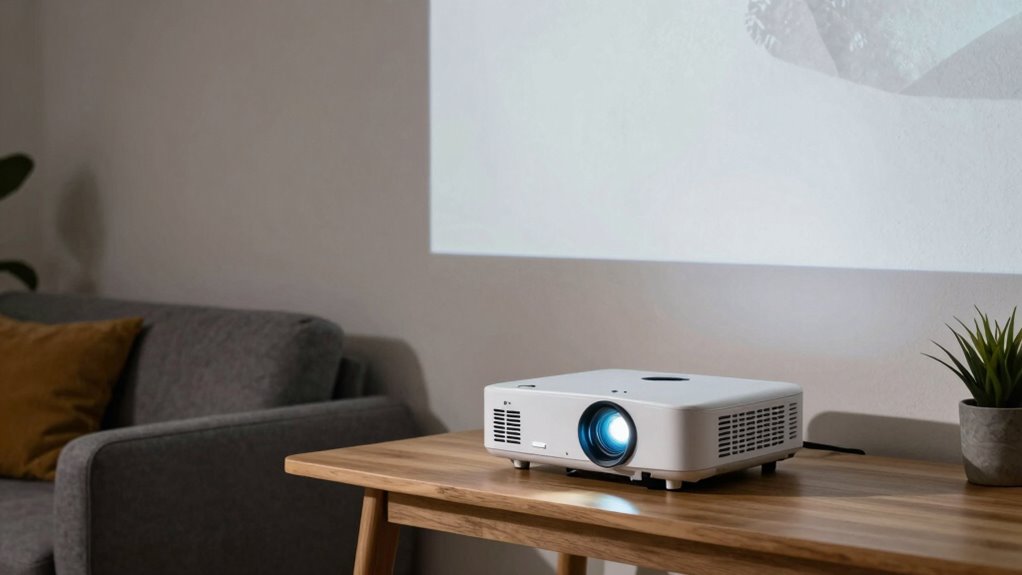

To choose the right projector, consider how brightness, throw distance, and room conditions work together. If your room has lots of ambient light, you’ll need a brighter projector with higher lumens to keep images vivid. The throw distance determines how large your image will be from a specific spot. Balancing these factors guarantees sharp, vibrant pictures without glare, even in challenging spaces. Keep exploring to discover tips on optimizing your projector for any environment.

Get business pricing on office and shipping supplies
- Business-only prices and quantity discounts
- Tax-exempt purchasing
- Multiple users, one account, clear invoices
Key Takeaways
- Match projector brightness (lumens) to room lighting conditions for optimal image visibility and contrast.
- Consider throw distance to ensure the projected image size fits your space without sacrificing clarity.
- Use high-quality lamp technology (LED or laser) for consistent brightness and accurate color reproduction over time.
- Balance brightness with room environment to prevent glare in dark rooms or washed-out images in bright settings.
- Adaptive brightness features can optimize image quality across varying ambient light levels.
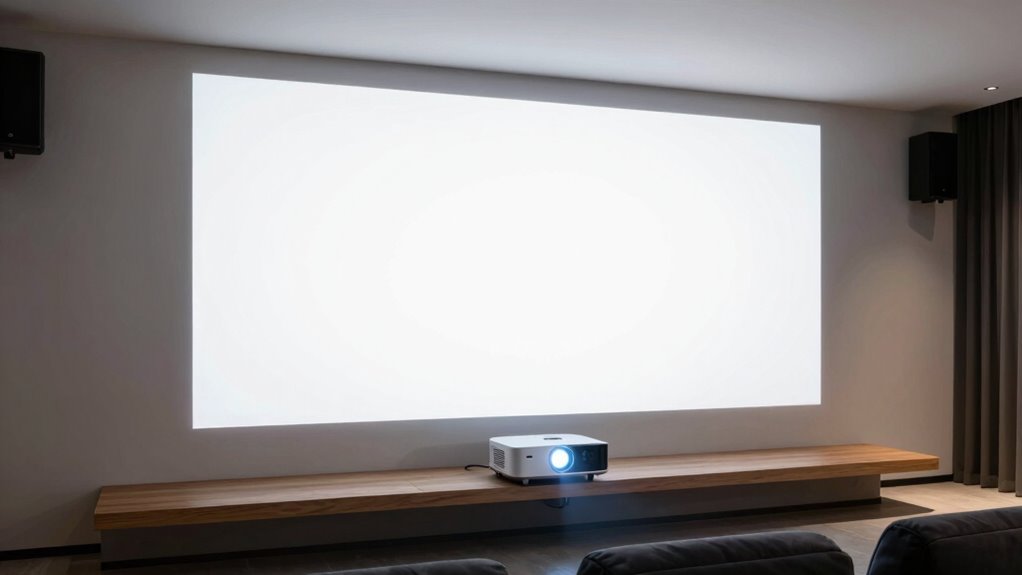
Choosing the right projector brightness is vital because it directly affects how well your image appears in different room conditions. When selecting a projector, brightness isn’t just about making the picture visible; it also influences color accuracy and overall picture quality. If you choose a projector with too little brightness for your space, the image can look washed out or dim, making details hard to see. Conversely, too much brightness in a dark room can cause glare and reduce contrast. Finding the right balance guarantees your images are vibrant, sharp, and true to life.
Color accuracy plays a key role in how impressive your projected images appear. Brightness impacts how well colors are rendered, especially in well-lit rooms or areas with ambient light. A projector with insufficient brightness can wash out colors, making reds look dull or blues appear faded. This diminishes the immersive quality of movies, presentations, or any visual display. To optimize color accuracy, pay attention to lamp technology, which has advanced greatly in recent years. Modern projectors often feature LED or laser lamps that produce a wider color gamut and more consistent illumination over time. These lamps deliver richer, more accurate colors and better contrast, especially in combination with appropriate brightness levels.
Lamp technology also affects how well your projector maintains color fidelity and overall image quality. LED and laser lamps tend to last longer and provide more stable brightness and color performance compared to traditional lamp bulbs. These newer technologies reduce the need for frequent replacements and help maintain the projector’s color fidelity for longer periods. When choosing a projector, consider models that incorporate advanced lamp technology, as they can deliver more precise color reproduction even at higher brightness levels, which is vital if your space has ambient light or if you need vivid, true-to-life images. Additionally, understanding how lamp technology influences image quality can help you make more informed decisions when selecting a projector. Moreover, choosing a projector with adaptive brightness features can further optimize image quality across different lighting conditions.
Products Worth Considering

HP Sprocket Photo Booth Machine Instant Color Photo Printer with 10.1 Touchscreen, LED Ring Light, 250+ Frames, 3×4 ZINK Paper, QR Code Shar

Apple iPad Air (4th Generation, 10.9-inch, Wi-Fi, 256GB) – Space Gray

HP Sprocket Panorama Portable Color Photo and Label Printer
As an affiliate, we earn on qualifying purchases.
Frequently Asked Questions
How Does Ambient Light Affect Projector Image Quality?
Ambient light can markedly reduce your projector’s image quality by washing out colors and lowering contrast ratio. When there’s too much light, your screen appears dimmer, and details fade, making it harder to see. To improve color accuracy and contrast, you should control the room lighting, use darker walls or shades, and choose a projector with higher brightness. This guarantees a clear, vibrant image even in well-lit environments.
Can a Projector Be Too Bright for a Small Room?
Yes, a projector can be too bright for a small room. If the brightness exceeds your screen material’s capacity to absorb light, or if your wall color is light and reflective, the image can appear washed out or overly harsh. To optimize picture quality, choose a projector with adjustable brightness, use a matte screen material, and opt for darker wall colors to reduce reflections and enhance contrast.
What Is the Ideal Throw Distance for a Home Theater Projector?
Think of your home theater like the stage of a grand performance. The ideal throw distance depends on your projector’s specs and screen size, typically 1.5 to 2.5 times the screen width. To guarantee perfect image quality, focus on precise projection calibration and select a screen that complements your projector’s throw ratio. This setup allows your cinematic experience to shine just like a star on opening night.
How Do I Measure My Room’s Lighting Conditions Accurately?
To measure your room’s lighting conditions accurately, start by evaluating ambient light sources and their impact on screen reflectivity. Use a light meter to quantify light levels at different times of day, noting how natural and artificial light affect visibility. Consider conducting a color calibration test to see how lighting influences color accuracy. This way, you’ll determine the best projector settings and screen placement for ideal viewing experiences.
Are There Specific Projector Features Recommended for Bright Rooms?
In bright rooms, you need a projector with high lumens and a matte projection screen that reflects light effectively. Look for features like high contrast ratios and laser or LED lamps for vibrant images. While focusing on brightness, don’t forget sound calibration; clear audio complements visuals. Your setup should balance screen quality and projector power, creating an immersive experience despite ambient light, making your home theater feel just right.
Conclusion
Choosing the right projector isn’t just a task—it’s your ticket to transforming any space into a cinematic universe. When you match brightness and throw distance with your room’s reality, you create an experience so vivid, it’ll make even the most advanced theaters feel dull in comparison. Remember, the perfect projector adapts to your environment like a chameleon, ensuring every movie night becomes a legendary event. Get it right, and you’ll never settle for less than extraordinary.