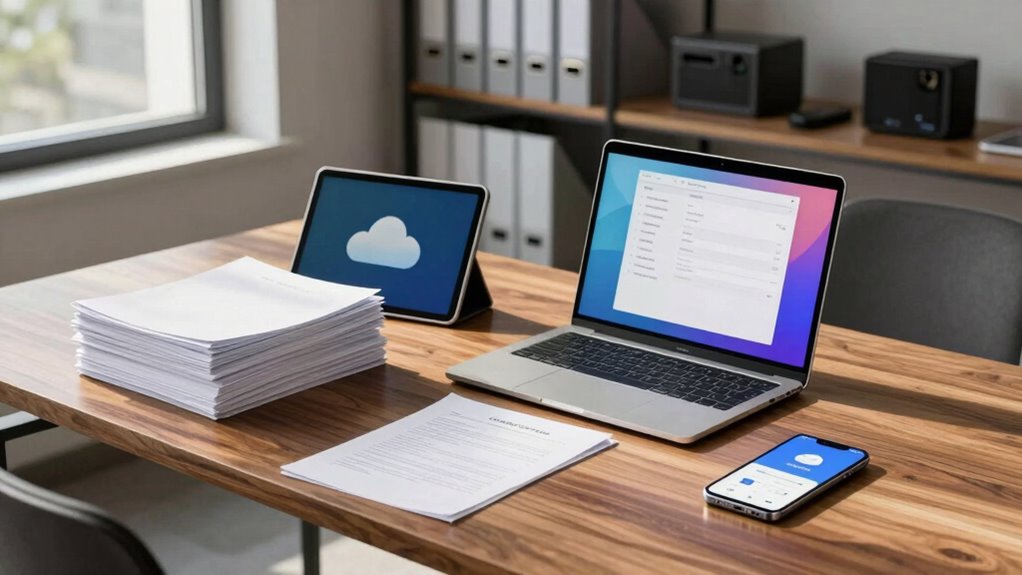

To choose better file storage for mixed paper-and-digital teams, focus on solutions with strong security features like encryption, multi-factor authentication, and regular audits. Guarantee the system offers granular user access controls, collaboration tools, and seamless workflow integration, including digitization of physical documents. Opt for scalable, easy-to-use platforms backed by reliable support. Prioritizing these aspects helps protect sensitive data while streamlining team efficiency—you’ll discover more ways to optimize your storage approach as you explore further.

Get business pricing on office and shipping supplies
- Business-only prices and quantity discounts
- Tax-exempt purchasing
- Multiple users, one account, clear invoices
Key Takeaways
- Prioritize solutions with strong security features like encryption, multi-factor authentication, and regular audits to protect sensitive data.
- Ensure granular user access controls to manage permissions and prevent unauthorized file modifications.
- Choose platforms that support seamless digitization, scanning, and searchability of physical documents.
- Opt for scalable, user-friendly cloud storage with reliable support to accommodate team growth and changing needs.
- Verify compliance with security standards and industry regulations to maintain data integrity and legal adherence.
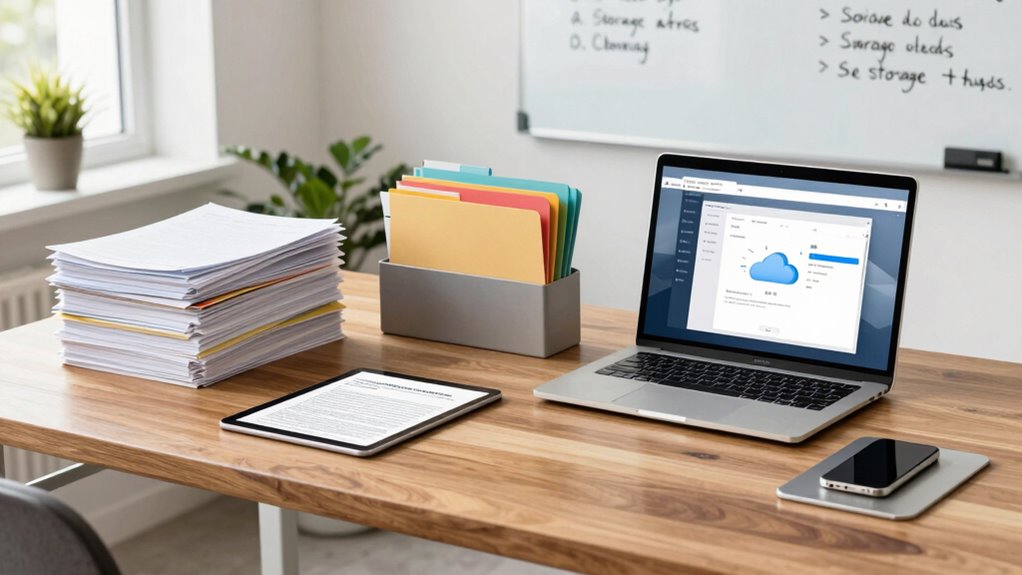
Are you struggling to find a file storage solution that works seamlessly for both your paper-based and digital workflows? You’re not alone. Many teams face the challenge of managing physical documents alongside digital files, and choosing the right storage system can feel overwhelming. When evaluating options, prioritize solutions that offer robust cloud security. This ensures your sensitive information remains protected from cyber threats, unauthorized access, and data breaches. Cloud security features like encryption, multi-factor authentication, and regular security audits are essential to safeguard both digital and scanned paper documents stored online. Additionally, look for a platform that provides granular user access controls. You want to be able to specify who can view, edit, or share files, reducing the risk of accidental data leaks or unauthorized modifications. Effective user access management allows your team to work efficiently without compromising security, especially when dealing with confidential or regulated information.
Beyond security, consider how well the storage system integrates with your existing workflows. It should support easy scanning, digitization, and indexing of paper documents. This way, you can quickly convert physical files into searchable digital records, making retrieval faster and more accurate. The platform should also facilitate smooth collaboration, allowing team members to access files from different locations without hassle. Look for features like real-time syncing, version history, and audit trails, which help maintain document integrity and accountability. Incorporating solutions that promote digital transformation can significantly enhance overall efficiency and reduce manual handling of paper documents. A system with seamless integration can help you connect all parts of your workflow effortlessly, reducing manual input and potential errors. Additionally, understanding the security standards of your chosen vendor ensures your data remains compliant with industry regulations and protected against evolving threats.
Choose a storage system that seamlessly integrates scanning, digitization, and collaboration for efficient document management.
Another critical aspect is scalability and flexibility. As your team grows or your storage needs change, your solution should adapt without requiring a complete overhaul. Cloud-based options usually excel here, offering scalable storage plans and easy upgrades. You should also consider the user interface — it needs to be intuitive, so your team can adopt it without lengthy training sessions. The easier it is to navigate and perform tasks, the more likely you’ll stay consistent in organizing both paper and digital files.
Finally, evaluate vendor support and compliance standards. Reliable customer service can be a lifesaver if issues arise, and compliance with industry regulations ensures your storage solution meets legal requirements. When you choose a system that emphasizes cloud security, user access, and seamless integration, you create a unified environment that supports your team’s efficiency, security, and growth. This way, managing mixed paper-and-digital workflows becomes less of a headache, and more of a streamlined process.
Products Worth Considering

Logitech MX Keys S Wireless Keyboard, Graphite

Canon SELPHY CP1500 Compact Photo Printer (White)

FLEXISPOT 36-Inch Height-Adjustable Standing Desk Converter, Black
As an affiliate, we earn on qualifying purchases.
Frequently Asked Questions
How Secure Is Cloud Storage for Sensitive Paper Documents?
Cloud storage can be quite secure for sensitive paper documents if it uses strong encryption protocols and robust access controls. You should guarantee your provider encrypts data both in transit and at rest, making unauthorized access difficult. Additionally, implementing strict access controls, like multi-factor authentication and user permissions, helps prevent breaches. When these security measures are in place, cloud storage becomes a reliable option for safeguarding your sensitive paper-based information.
Can Digital Storage Integrate With Existing Paper Filing Systems?
Yes, digital storage can integrate with your existing paper filing system through digital integration tools like document scanners and management software. This allows you to digitize paper documents while preserving the original files, ensuring paper preservation. You can organize, search, and access both digital and paper files seamlessly, reducing clutter and increasing efficiency. Implementing these systems helps maintain your paper records while benefiting from the convenience of digital storage.
What Is the Cost Difference Between Digital and Physical Storage Options?
Digital storage tends to be more cost-efficient than physical options, especially when considering storage scalability. With digital solutions, you can easily expand your capacity without significant additional expenses, unlike physical storage, which requires buying more shelves, filing cabinets, or secure facilities. Over time, digital storage reduces costs related to space, maintenance, and retrieval, making it ideal for teams needing flexible, scalable, and budget-friendly storage options.
How Do You Train Staff to Manage Mixed Storage Systems Effectively?
Like Da Vinci mastering his craft, you must guide your staff through effective management techniques and staff training. Start by clearly defining procedures for both digital and physical storage, emphasizing consistency. Use hands-on demonstrations and regular updates to reinforce best practices. Encourage open communication, ask for feedback, and adapt training as needed. This guarantees everyone understands their roles, minimizes errors, and keeps your mixed storage system running smoothly.
What Are the Disaster Recovery Options for Combined Paper and Digital Files?
You should implement disaster planning that covers both physical preservation and digital backup strategies. Regularly back up digital files to secure cloud storage or off-site servers. For paper documents, use fireproof safes and climate-controlled storage. Develop an extensive disaster recovery plan that includes quick access to digital backups and safe handling procedures for physical documents. This way, you guarantee your mixed storage system remains resilient during emergencies.
Conclusion
Choosing the right file storage is like finding the perfect key to a complex lock—smooth, secure, and tailored to your team’s needs. By balancing accessibility with security, and flexibility with organization, you’ll turn your storage system into a well-oiled machine rather than a tangled web. When you pick wisely, your team can glide seamlessly between paper and digital worlds, transforming chaos into clarity—making collaboration feel like a breeze rather than a storm.