
Your display size impacts your ability to see details clearly, boosting both productivity and visual accuracy. Larger screens reduce eye strain, make multitasking easier, and improve color perception—crucial for precise work. An appropriately sized monitor also supports better posture, preventing discomfort during long hours. Many overlook how essential size is for comfort and efficiency, but understanding these factors can transform your work experience. Stick around to uncover more about why choosing the right display size truly matters.

Get business pricing on office and shipping supplies
- Business-only prices and quantity discounts
- Tax-exempt purchasing
- Multiple users, one account, clear invoices
Key Takeaways
- Larger displays enhance visual clarity, making detailed tasks like graphic design and data analysis more precise.
- Bigger screens enable multitasking by displaying more information simultaneously, boosting productivity.
- Proper display size improves color accuracy and contrast, essential for color-sensitive work.
- Optimal screen size supports ergonomic posture, reducing neck, eye, and shoulder strain during long hours.
- Correct setup of display size and positioning promotes comfort, efficiency, and long-term health benefits.
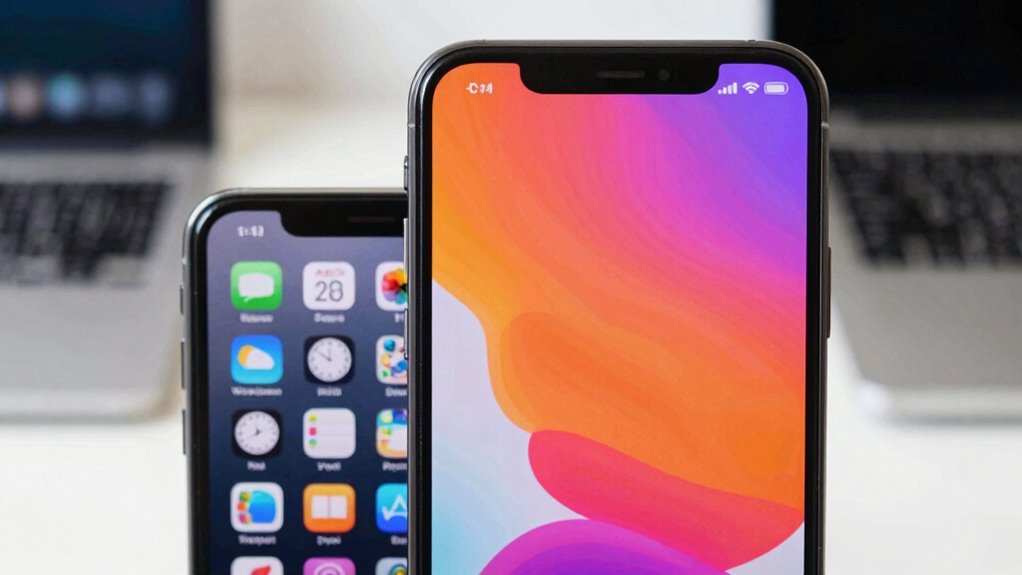
Have you ever wondered how much the size of a display impacts your overall experience? It’s more than just a matter of aesthetics or screen real estate. The size of your display can greatly influence your productivity, comfort, and even the quality of your work. When choosing a monitor or screen, many overlook the importance of how display size affects resolution clarity and ergonomic comfort. A larger screen allows you to see more detail clearly, making text sharper and images more vivid. This enhanced resolution clarity reduces eye strain because your eyes don’t have to work as hard to decipher small or blurry elements. When you’re working on detailed tasks like graphic design, video editing, or even extensive spreadsheets, a bigger display provides the space needed to see everything at once, minimizing the need for constant scrolling or zooming. The clarity of resolution becomes more impactful when the screen size is appropriate because it ensures that every pixel contributes to a crisp, clear image. Additionally, display size can influence how you perceive colors and contrast, which is crucial for tasks requiring color accuracy. Beyond visual quality, ergonomic comfort is deeply tied to display size. If your monitor is too small, you may find yourself leaning forward or squinting, which can lead to neck and shoulder pain over time. Conversely, a screen that’s too large might cause you to stretch or turn excessively, leading to discomfort. The right display size strikes a balance, allowing you to sit naturally with your eyes level with the top of the screen. This setup minimizes strain and promotes better posture, which is essential during long working hours. Proper monitor setup can significantly improve your overall comfort and efficiency during extended use. Moreover, understanding the ergonomic benefits of an appropriately sized display can help you make better choices that support your health. A suitable display size not only enhances your visual experience but also supports ergonomic health, which is vital for sustained productivity. Incorporating adjustable stands or mounts can further optimize your ergonomic setup and reduce strain during prolonged use. This ergonomic advantage means less fatigue, less distraction, and a more comfortable experience overall.
Products Worth Considering

FLEXISPOT 40-Inch Height-Adjustable Standing Desk Converter with Keyboard Tray, Black

FLEXISPOT 36-Inch Standing Desk Converter, Black

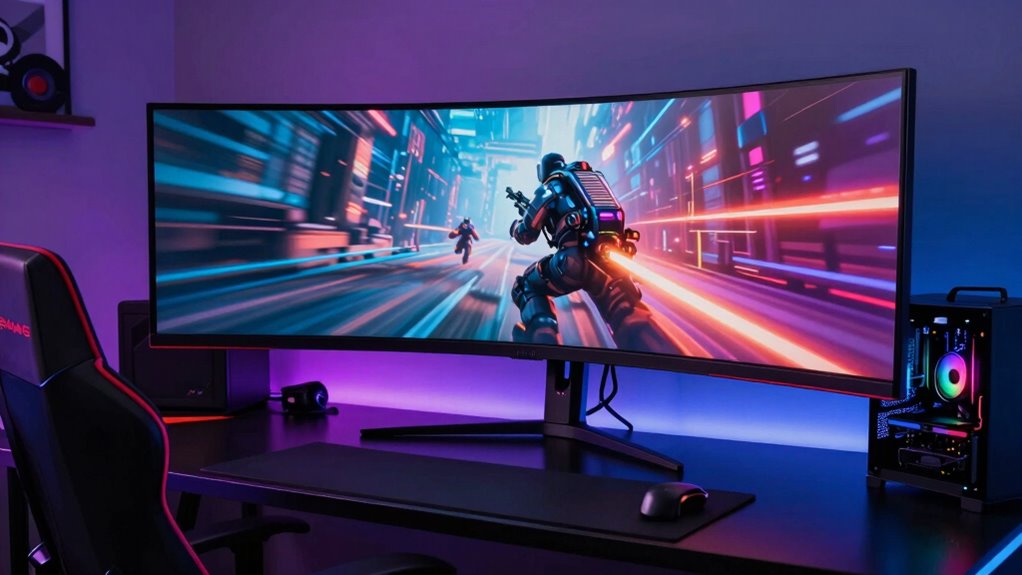
LG UltraGear 32GS60QC-B 32-inch Curved QHD Gaming Monitor (180Hz, 1ms, 1000R, AMD FreeSync, HDR10)
As an affiliate, we earn on qualifying purchases.
Frequently Asked Questions
How Does Display Size Affect User Productivity?
Larger displays boost your productivity by improving visual focus and reducing eye strain, allowing you to see more details clearly. When you have a bigger screen with higher resolution, you can multitask efficiently, view multiple windows simultaneously, and work more comfortably. This setup minimizes distractions and enhances your overall workflow, making it easier to stay engaged and complete tasks faster without constantly switching between tabs or squinting at small text.
What Are the Ergonomic Benefits of Larger Screens?
Larger screens offer significant ergonomic benefits by enhancing visual comfort and promoting better ergonomic posture. With a bigger display, you can reduce eye strain, as text and images appear clearer and easier to see without squinting or leaning forward. This encourages you to maintain a more natural, upright posture, decreasing neck and shoulder tension. Overall, bigger screens help you work more comfortably and sustainably, boosting your productivity and well-being.
Does Display Size Influence Eye Strain?
Think of your eyes as explorers charting a vast landscape. Larger displays can reduce eye strain by promoting proper viewing distance, lessening the need to squint or strain. They also enhance color accuracy, making visuals clearer and more comfortable to view. When your screen is big enough, your eyes stay relaxed, avoiding fatigue. So, yes, display size influences eye strain, and choosing the right size helps keep your vision sharp and comfortable.
How Does Display Size Impact Collaboration in Teams?
Display size impacts collaboration by making shared content more visible and easier to discuss. Larger screens with better color accuracy help team members see details clearly, reducing misunderstandings. Multi-monitor setups enable you to display multiple data points or documents simultaneously, boosting efficiency. When everyone can view high-quality visuals comfortably, collaboration becomes smoother, more productive, and less frustrating, ultimately improving team dynamics and project outcomes.
What Is the Optimal Display Size for Different Work Tasks?
Think of display technology like a canvas; the right size enhances your work. For detailed tasks like design or data analysis, a large monitor—27 inches or more—with high screen resolution (4K or higher) is ideal. For routine tasks or communication, a 24-inch display with standard resolution suffices. Adjust display size based on your work to boost productivity, clarity, and comfort, just like choosing the right brush for your masterpiece.
Conclusion
So, next time you’re choosing a display, ask yourself: would you rather navigate a tiny screen or have a spacious view that makes everything clearer? Remember, display size impacts your experience more than most realize. Bigger screens can boost productivity, improve clarity, and make your work or entertainment more enjoyable. Don’t underestimate the power of size—after all, isn’t it worth investing in a display that truly fits your needs and enhances your daily interactions?