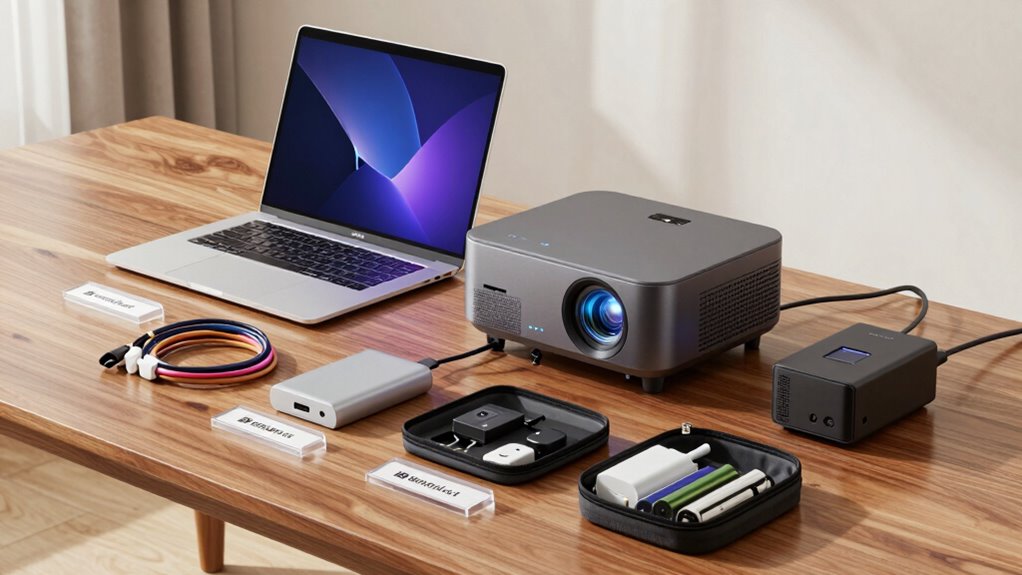

To create a reliable tech kit for internal events, gather essential gear like extension cords, adapters, backup batteries, and cables for audio and video needs. Regularly check and maintain your equipment to prevent surprises. Label and organize items for quick setup, and test everything beforehand. Train your team on troubleshooting common issues to handle problems swiftly. Staying proactive and prepared guarantees smooth events, and if you keep exploring, you’ll discover even more tips to perfect your kit.

Get business pricing on office and shipping supplies
- Business-only prices and quantity discounts
- Tax-exempt purchasing
- Multiple users, one account, clear invoices
Key Takeaways
- Include essential devices like extension cords, power strips, HDMI/VGA cables, adapters, and portable chargers tailored for live event needs.
- Regularly inspect and replace worn or outdated equipment, labeling cords and maintaining an organized inventory.
- Conduct pre-event testing and troubleshooting to identify issues early and practice quick fixes with team members.
- Develop a troubleshooting cheat sheet for common problems such as audio feedback or projector issues.
- Schedule routine maintenance and team training to ensure preparedness and minimize technical failures during events.
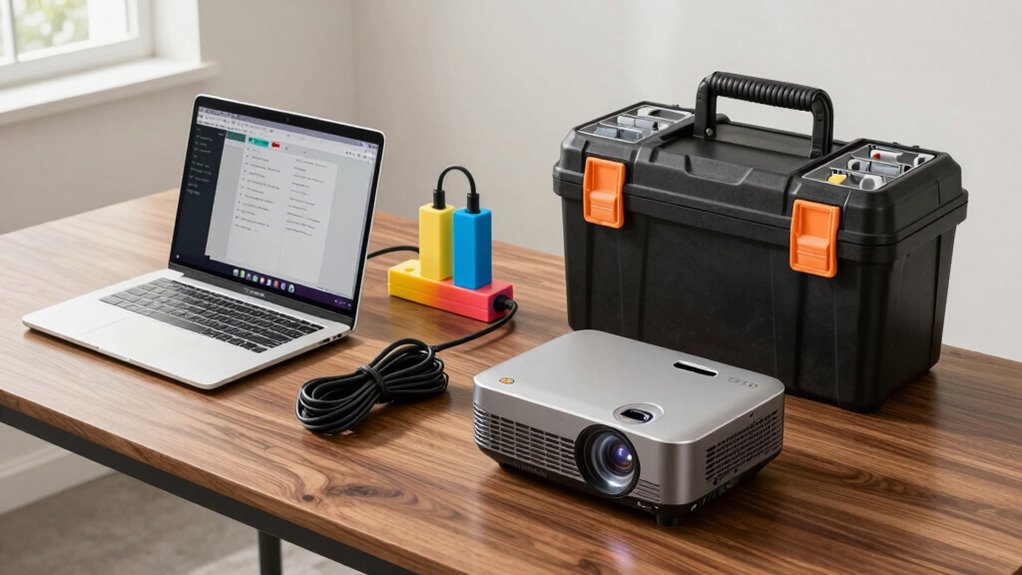
When organizing internal events, having a reliable tech kit is essential to guarantee everything runs smoothly. You want to be prepared for any technical hiccup, so your team can focus on the event itself rather than troubleshooting issues. Building this kit requires careful thought about the equipment you’ll need and how to keep it in top shape. Start by including essential items like extension cords, power strips, HDMI and VGA cables, adapters, and portable chargers. These are your first line of defense against connectivity problems or power shortages. Also, consider packing backup batteries and wireless microphones, as these often encounter issues during live use.
To ensure your tech kit stays reliable, focus on equipment maintenance. Regularly check all devices for wear and tear, and replace any damaged or outdated components before the event. Keeping your equipment in good condition minimizes the risk of unexpected failures. Label cords and accessories clearly to avoid confusion during setup, and create an inventory list to track what’s included, what needs replacing, and what has been used previously. This way, you can quickly identify missing items or potential problems beforehand. Incorporating preventative maintenance practices can significantly extend the lifespan of your devices and reduce last-minute issues. Additionally, understanding common technical issues can help you prepare more effectively and respond swiftly during live events. Conducting regular equipment checks** also allows you to identify potential problems early, saving time during critical moments. Performing routine testing of all devices prior to the event is crucial for catching issues before they impact your setup. Regular testing helps you familiarize yourself with the usual troubleshooting procedures**, making it easier to act quickly when problems arise.
Troubleshooting techniques are vital for resolving issues swiftly when they arise. Familiarize yourself with common problems, like audio feedback, connectivity failures, or projector malfunctions, so you’re ready to act fast. For example, if a microphone stops working, test the battery first and check the connection. If the projector displays a blank screen, verify the input source and cables. Having a troubleshooting cheat sheet can save time and reduce stress, especially if you’re managing multiple devices simultaneously. Practice quick fixes during smaller meetings or setup runs so you’re confident during the actual event.
Incorporating regular equipment checks into your planning process helps catch potential issues early. Before the event, set aside time to test all devices in the actual setup environment. This proactive approach minimizes surprises, allowing you to troubleshoot potential problems in advance. Also, educate your team about basic troubleshooting techniques, so everyone can assist if needed. Empowering your team with knowledge about equipment maintenance and troubleshooting creates a smoother experience overall.
Ultimately, a well-prepared tech kit combined with routine maintenance and troubleshooting skills will boost your confidence and ensure your internal events proceed without technical setbacks. You’ll save time, reduce stress, and deliver seamless experiences for your attendees. Staying organized and proactive with your tech essentials makes all the difference in managing successful internal events.
As an affiliate, we earn on qualifying purchases.
Frequently Asked Questions
How Often Should I Update My Tech Kit?
You should update your tech kit at least every six months or after any major events. Regular tech maintenance helps identify worn-out or outdated equipment, ensuring everything functions smoothly. Keep an updated equipment inventory to track what needs replacing or upgrading. By routinely reviewing and revitalizing your tech kit, you minimize surprises during events and maintain reliable performance, saving you time and stress when it matters most.
What Are the Most Common Tech Issues During Events?
During events, the most common tech issues often involve equipment failure, connectivity problems, or audio-visual glitches. You can minimize these by guaranteeing equipment redundancy, so backup devices are available. Also, establish troubleshooting protocols beforehand, enabling you to quickly identify and fix issues. Testing all equipment before the event helps prevent surprises, and having spare cables, batteries, and adapters on hand ensures you’re prepared for any hiccups.
How Do I Customize a Tech Kit for Different Event Types?
Did you know 60% of tech issues stem from poor device management? To customize a tech kit for different event types, focus on device organization and power management. Pack essential gadgets tailored to the event’s needs, like extra chargers or specific cables. Use labeled compartments for quick access, and include power banks for on-the-go charging. This approach guarantees your tech kit adapts seamlessly, reducing stress and technical hiccups during any event.
What Budget Should I Allocate for a Reliable Tech Kit?
You should allocate a tech budget of around 10-15% of your total event costs to guarantee a reliable tech kit. This allows for quality equipment and potential upgrades, keeping your setup current and dependable. Prioritize essential gear first, then set aside funds for equipment upgrades as needed. Regularly reviewing your tech budget helps you adapt to changing event requirements, ensuring your kit remains efficient and reliable for every internal event.
How Can I Train Staff to Troubleshoot Tech Problems?
Start by structuring a simple, step-by-step staff training session focused on remote troubleshooting. You’ll want to cover common tech troubles, teach quick fixes, and demonstrate diagnostic techniques. Use hands-on practice, encourage questions, and provide easy-to-follow reference guides. Regular refreshers solidify skills, ensuring your team confidently tackles tech problems. With consistent coaching, your staff becomes capable, quick, and resourceful, minimizing downtime and maximizing event success.
As an affiliate, we earn on qualifying purchases.
Conclusion
Having a reliable tech kit guarantees your internal events run smoothly and stress-free. Remember, 78% of event organizers have experienced technical failures that impacted their event’s success—so being prepared is vital. Keep your kit well-stocked with essential devices, backup batteries, and quick troubleshooting tools. With these preparations, you’ll confidently handle any tech hiccup, making your events seamless and memorable. Stay proactive, and your team will thank you for it!
portable phone chargers for events
As an affiliate, we earn on qualifying purchases.
As an affiliate, we earn on qualifying purchases.
As an affiliate, we earn on qualifying purchases.
Halloween Picks
halloween
As an affiliate, we earn on qualifying purchases.