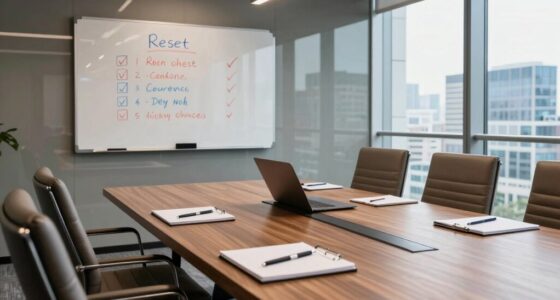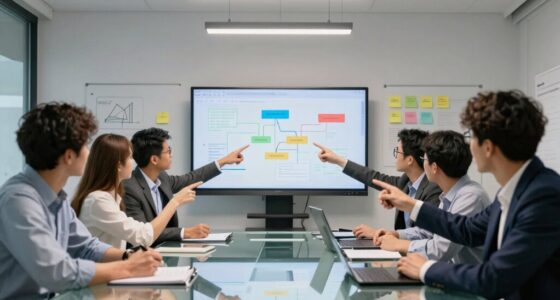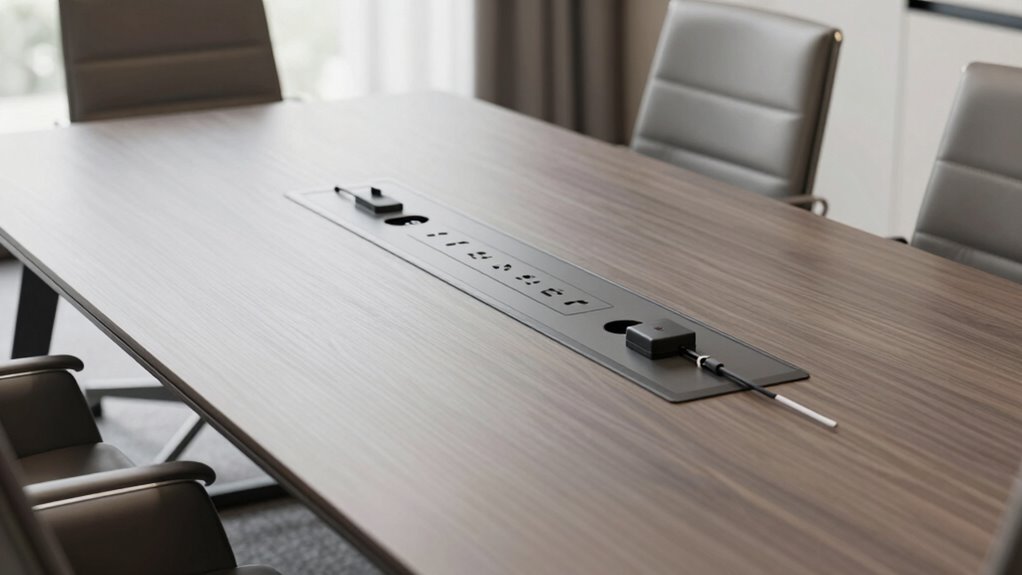

To plan power access for conference tables effectively, guarantee you include multiple outlets and USB ports to support various devices. Position power sources where they’re easily reachable from all seating areas, avoiding awkward stretches or clutter. Use cable management solutions like concealing wiring and installing cable ports or trays for a tidy look. Consider integrating wireless charging pads for convenience and combine them with traditional outlets for maximum flexibility. Continue exploring strategies to optimize your setup.

Get business pricing on office and shipping supplies
- Business-only prices and quantity discounts
- Tax-exempt purchasing
- Multiple users, one account, clear invoices
Key Takeaways
- Incorporate multiple outlets and USB ports in accessible locations to accommodate various devices.
- Integrate power modules into table surfaces or furniture for seamless access and a clean look.
- Use cable management solutions like conduits and trays to organize wires and prevent clutter.
- Position power sources strategically to ensure easy reach from all seating areas, avoiding awkward stretches.
- Combine wireless charging pads with traditional outlets for flexible, clutter-free device charging options.
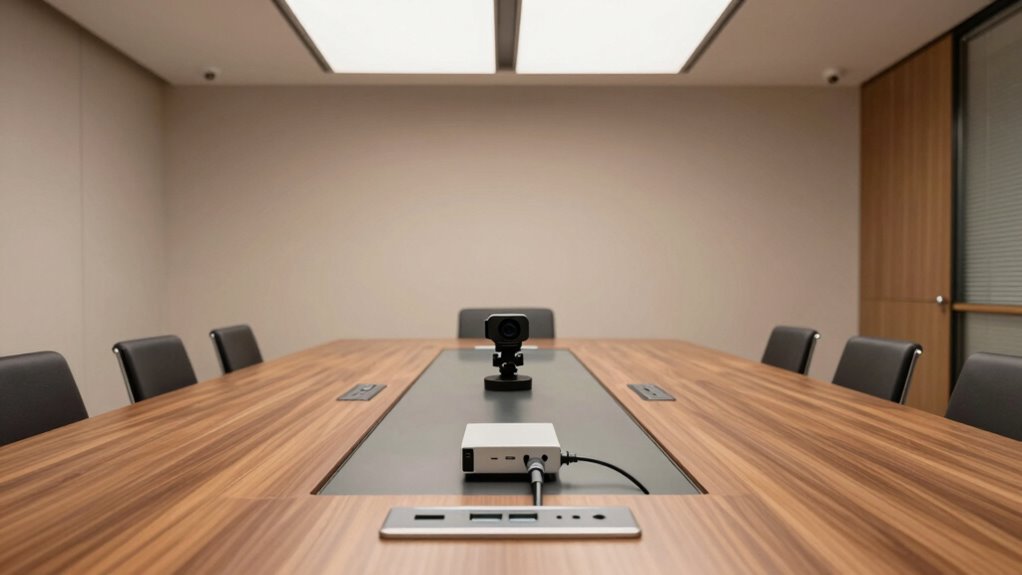
Planning power access for conference tables is essential to guarantee smooth meetings and seamless technology use. When you’re designing or arranging a conference space, it’s crucial to think beyond just placing chairs and tables. You need to consider how attendees will power their devices efficiently without disrupting the flow of the meeting. Wireless charging pads integrated into the table surface allow participants to keep their devices charged without the clutter of cords, promoting a clean and modern look. These charging stations are convenient and encourage a more dynamic, tech-friendly environment, ensuring everyone stays connected without interruptions. Incorporating wireless charging technology can further enhance user convenience and reduce cable clutter. Cable management plays a vital role in creating a professional and safe setting. Instead of unsightly cords snaking across the table or cluttering the floor, you should plan for concealed wiring solutions. Installing cable ports in the middle of the table or along the edges keeps cables out of sight while providing easy access for those who need to connect laptops, projectors, or other devices. Using cable trays or conduits also helps organize and secure wires, reducing trip hazards and preventing accidental disconnections. Proper cable management not only maintains a tidy appearance but also guarantees quick and easy access to power sources when needed. When planning power access, you should consider the types of devices your attendees will bring. Laptops, smartphones, tablets—all require reliable power sources. Incorporate multiple power outlets, including USB ports, to accommodate diverse charging needs. Power modules that can be integrated into the table surface or built into the furniture allow users to plug in without searching for wall outlets, enhancing convenience and accessibility. Think about future-proofing your setup by including enough outlets and charging options so your conference table remains functional as technology evolves. Additionally, considering power distribution options can help distribute electricity more evenly across the table, preventing overloads and ensuring consistent power availability. Including power management solutions can optimize the use of available outlets and further improve efficiency. Furthermore, you need to think about the placement of power sources to optimize accessibility. Position outlets and charging stations where they are easy to reach from any seating position, avoiding awkward stretches or disruptions during meetings. Consider the flow of movement around the table to prevent cords from becoming tripping hazards or cluttering walkways. Combining wireless charging spots with traditional power outlets offers flexibility for users who prefer cord-free charging or need to connect devices directly. This hybrid approach ensures everyone’s needs are met, fostering a productive and comfortable environment. Additionally, incorporating smart power technology can help monitor and control energy usage, improving efficiency and sustainability. Proper planning also involves assessing the power needs of your specific conference setup to ensure all devices are adequately supported.
conference table power outlet with USB ports
As an affiliate, we earn on qualifying purchases.
As an affiliate, we earn on qualifying purchases.
Frequently Asked Questions
What Are the Latest Trends in Conference Table Power Solutions?
You’ll find that the latest trends in conference table power solutions focus on wireless charging and seamless cable management. Wireless charging pads integrated into tables enable participants to charge their devices effortlessly, while innovative cable management systems keep cords hidden and organized. These advancements create a cleaner, more efficient workspace, allowing for quick device access and a clutter-free environment, perfect for modern, tech-savvy meeting spaces.
How Do Power Requirements Vary by Conference Room Size?
Your power needs change with conference room size—larger rooms require more outlets and cable management to prevent clutter. Smaller rooms might need just a few accessible power points, while bigger spaces demand strategic placement for ergonomic design and efficient cable management. Always plan for flexibility, ensuring outlets are conveniently located to support varied device usage, and incorporate cable management solutions to keep the space safe and organized.
What Safety Standards Should Be Considered for Power Access?
You should prioritize safety standards like proper cable management and adherence to safety protocols to prevent hazards. Guarantee cables are neatly organized, secured, and protected from damage to avoid tripping or electrical issues. Use certified power strips and outlets, and keep power sources away from liquids. Regular inspections help identify potential risks. Following these standards not only protects participants but also maintains a professional and efficient conference environment.
Can Power Access Be Integrated With Existing Smart Room Systems?
Absolutely, you can integrate power access with your existing smart room systems, making it as seamless as wireless charging on a sleek desk. Imagine charging devices without clutter or ugly cords—perfectly blending aesthetic integration with technology. Just guarantee your smart system supports such integrations, and you’ll impress attendees with a futuristic setup that’s both functional and stylish. Who knew power access could be so smart and effortlessly chic?
What Are the Cost Implications of Different Power Access Options?
The cost implications of power access options vary based on electrical wiring complexity and installation requirements. A basic power strip is affordable but offers limited flexibility, while integrated under-table wiring involves higher upfront costs due to wiring and installation. Conducting a detailed cost analysis helps you weigh these options. Consider long-term benefits like flexibility and future upgrades, which might justify higher initial expenses for more advanced power access solutions.
integrated wireless charging pad for conference table
As an affiliate, we earn on qualifying purchases.
As an affiliate, we earn on qualifying purchases.
Conclusion
Planning power access for conference tables might seem tricky, but with a little foresight and focus, you’ll find it straightforward. By balancing basics and brainstorming, you guarantee seamless sessions and sustained satisfaction. Remember, thoughtful planning prevents poor performance, making meetings more productive and professional. So, stay strategic, stay savvy, and set the stage for success with smart, simple power solutions. With these tips, you’ll power up your conference spaces perfectly every time!
cable management tray for conference table
As an affiliate, we earn on qualifying purchases.
As an affiliate, we earn on qualifying purchases.
table surface power module for meetings
As an affiliate, we earn on qualifying purchases.
As an affiliate, we earn on qualifying purchases.
Halloween Picks
halloween
As an affiliate, we earn on qualifying purchases.