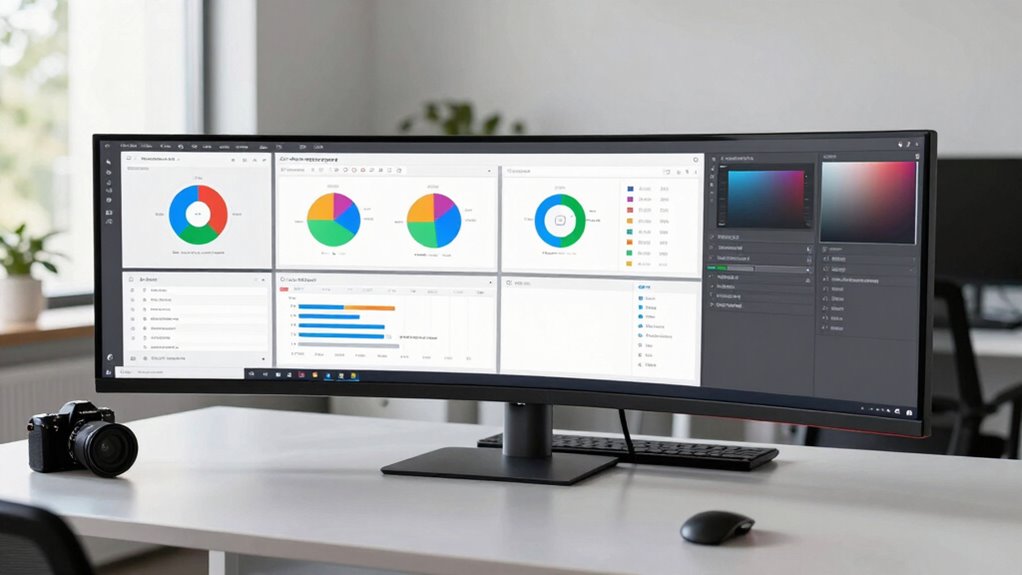

Ultrawide monitors change how managers work by allowing you to see multiple applications and data sources at once, reducing the need to switch tabs or windows. They help organize your workspace visually, minimizing clutter and enhancing clarity. With a larger, unified display, you can focus better, respond quickly to urgent matters, and monitor team progress effortlessly. If you keep exploring, you’ll discover even more ways these screens boost your productivity and workflow.
Key Takeaways
- Ultrawide monitors enable managers to view multiple applications and data streams simultaneously, improving multitasking efficiency.
- They simplify workspace organization by consolidating tasks into a single, expansive screen, reducing clutter and enhancing visual clarity.
- Ultrawide screens help reduce cognitive load, making complex information easier to interpret and prioritize.
- They facilitate real-time monitoring of team progress and communication channels, supporting better oversight.
- Ultrawide monitors promote focus and stress reduction by streamlining workflows and minimizing distractions.
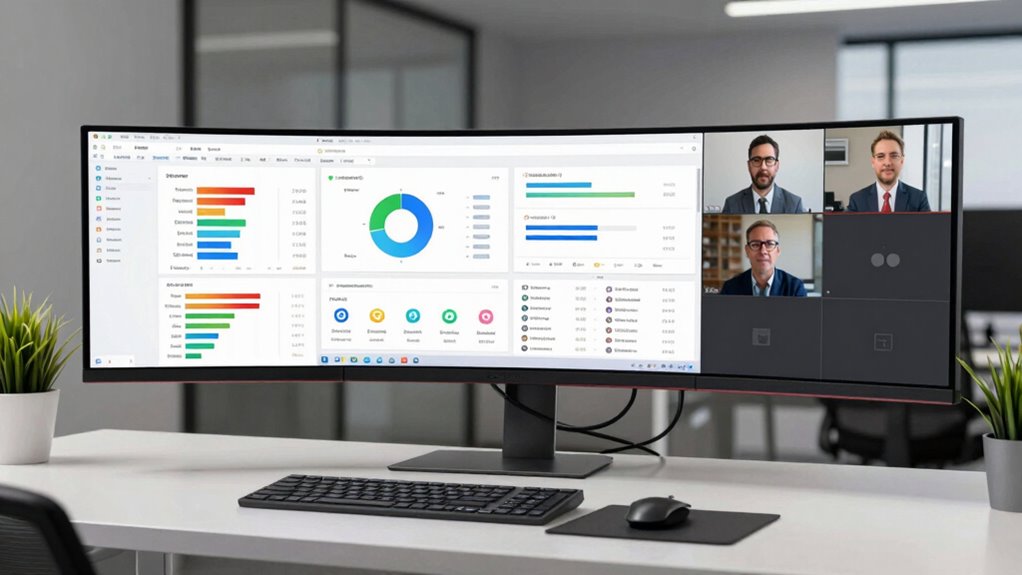
In today’s fast-paced work environment, managers need tools that enhance productivity and streamline multitasking. Ultrawide monitors are revolutionizing how you approach your daily tasks by significantly boosting multitasking efficiency. With a single expansive screen, you can view multiple applications, spreadsheets, emails, and dashboards simultaneously without constantly switching windows. This seamless view reduces the time spent toggling between tabs and minimizes distractions, allowing you to focus more on strategic decision-making. As a manager, your ability to process information quickly and accurately is crucial, and ultrawide monitors give you the space to do just that. They help you stay organized by providing a comprehensive view of your workload, which in turn makes workspace organization much more manageable. Instead of cluttered desktops or multiple monitors that can be difficult to align perfectly, an ultrawide monitor offers a unified workspace that feels natural and intuitive.
By consolidating your workspace onto one large screen, you eliminate the need for multiple setups that can be distracting or take up too much desk real estate. This not only simplifies your environment but also creates a cleaner, more streamlined look, which can boost your focus and reduce stress. You can assign different sections of the screen for specific tasks or reference materials, keeping everything within arm’s reach. This kind of workspace organization allows you to prioritize high-impact activities and keep critical information front and center. As a result, you’re less likely to miss important details and can respond more quickly to urgent matters. Additionally, ultrawide monitors support cognitive load reduction, helping managers process information more efficiently and with less mental fatigue. Incorporating an ultrawide display can also facilitate better visual clarity, ensuring that data and visuals remain sharp and easy to interpret.
Moreover, ultrawide monitors encourage better planning and time management. You can dedicate parts of the screen to ongoing projects, upcoming deadlines, or team communication channels, keeping everything visible at once. This holistic view improves your overall workflow, making it easier to coordinate with your team and monitor progress without constantly switching contexts. When your workspace is organized effectively, multitasking becomes smoother and more natural. You’ll find yourself able to handle multiple responsibilities with greater ease, reducing cognitive overload and increasing overall efficiency. In short, ultrawide monitors transform your workspace from a cluttered, fragmented environment into a well-organized hub that supports your multitasking needs and enhances your managerial effectiveness.

Samsung 34" ViewFinity S50GC Series Ultrawide QHD Monitor, 100Hz, 5ms, HDR10, AMD FreeSync, Ultrawide Screen, Eye Care, Thin Bezels, PIP, PBP, LS34C50DGANXZA, 2023, Black
HANDPICKED BY AMAZON: They did the research, so you don’t have to
As an affiliate, we earn on qualifying purchases.
As an affiliate, we earn on qualifying purchases.
Frequently Asked Questions
Do Ultrawide Monitors Improve Team Collaboration?
Yes, ultrawide monitors can improve team collaboration by enhancing remote productivity and visual ergonomics. You’ll find it easier to share screens, compare documents side-by-side, and engage in seamless video calls without switching windows. The expansive display reduces eye strain and boosts focus, helping you communicate more effectively. With better visual ergonomics, you stay comfortable longer, fostering clearer collaboration and quicker decision-making.
Are Ultrawide Monitors Suitable for All Types of Management Tasks?
Did you know that 78% of managers report increased productivity with ultrawide monitors? These displays are suitable for many management tasks, especially when it comes to multitasking efficiency and expanding your visual workspace. You’ll find them helpful for monitoring multiple projects at once, analyzing data side-by-side, or coordinating teams. However, for highly specialized tasks, like detailed design work, they might not be the perfect fit.
How Do Ultrawide Monitors Affect Work-Life Balance?
Ultrawide monitors can improve your work-life balance by enhancing visual ergonomics and reducing eye strain, thanks to their generous screens and seamless display. You can work more efficiently without constantly switching between windows, which minimizes stress and saves time. Their ergonomic benefits help you maintain better posture, reducing fatigue. However, if not managed well, they might blur boundaries between work and personal life, so setting clear limits is essential.
What Is the Cost Difference Between Ultrawide and Traditional Monitors?
You might be surprised by the cost comparison between ultrawide and traditional monitors. Usually, ultrawide monitors have a higher price disparity, often costing considerably more—sometimes double or even triple the price of standard screens. While the investment can seem steep initially, many managers find the enhanced productivity justifies the expense. Still, it’s crucial to weigh the benefits against the price disparity to decide if the upgrade fits your budget.
Can Ultrawide Monitors Reduce the Need for Multiple Screens?
Yes, ultrawide monitors can reduce the need for multiple screens by increasing screen real estate, which boosts your multitasking efficiency. With a broader display, you can view multiple applications side-by-side without juggling several monitors. This setup minimizes clutter and streamlines your workflow, making it easier to switch between tasks quickly. Ultimately, ultrawide monitors help you work more efficiently by consolidating your workspace into one expansive, seamless screen.
Samsung 34" ViewFinity S50GC Series Ultrawide QHD Monitor, 100Hz, 5ms, HDR10, AMD FreeSync, Ultrawide Screen, Eye Care, Thin Bezels, PIP, PBP, LS34C50DGANXZA, 2023, Black
HANDPICKED BY AMAZON: They did the research, so you don’t have to
As an affiliate, we earn on qualifying purchases.
As an affiliate, we earn on qualifying purchases.
Conclusion
Embracing ultrawide monitors isn’t just about upgrading your tech; it’s about transforming how you manage. With a broader view, you can oversee projects, communicate, and make decisions more seamlessly—like having a command center at your fingertips. Don’t let the old ways anchor you down. Instead, step into the future where your workspace expands as your potential does. After all, isn’t it time your tools kept pace with your ambitions?

Sceptre 34-Inch Curved Ultrawide WQHD Monitor (3440 × 1440), R1500, up to 180Hz/165Hz, DisplayPort x2, 99% sRGB, 1ms, Built-in Speakers, Machine Black, 2025 (C345B-QUT168)
1ms MPRT: Colors fade and illuminate instantly with a 1ms response time, eliminating ghosting and piecing together precise…
As an affiliate, we earn on qualifying purchases.
As an affiliate, we earn on qualifying purchases.
Samsung 34" ViewFinity S50GC Series Ultrawide QHD Monitor, 100Hz, 5ms, HDR10, AMD FreeSync, Ultrawide Screen, Eye Care, Thin Bezels, PIP, PBP, LS34C50DGANXZA, 2023, Black
HANDPICKED BY AMAZON: They did the research, so you don’t have to
As an affiliate, we earn on qualifying purchases.
As an affiliate, we earn on qualifying purchases.