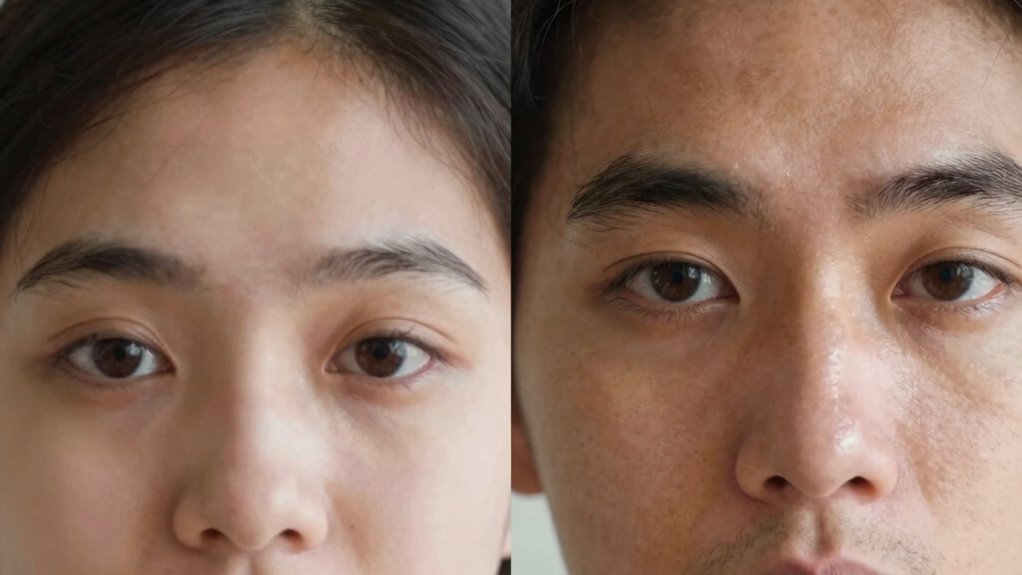

Meeting the camera with deliberate eye contact during video calls boosts trust by signaling confidence, sincerity, and openness. When you look directly into the lens, it creates the impression of eye contact, making others feel attended to and engaged. Proper eye positioning, combined with genuine facial expressions, reinforces your credibility and honesty. If you want to discover more about mastering non-verbal cues and building stronger virtual connections, you’ll find valuable insights ahead.

Get business pricing on office and shipping supplies
- Business-only prices and quantity discounts
- Tax-exempt purchasing
- Multiple users, one account, clear invoices
Key Takeaways
- Meeting the camera eye line creates the impression of direct eye contact, enhancing perceived honesty and trustworthiness.
- Maintaining steady gaze toward the camera signals confidence and engagement, fostering a sense of openness.
- Proper eye contact reduces feelings of distance, making virtual interactions feel more genuine and trustworthy.
- Looking away or drifting gaze can suggest disinterest, undermining credibility and rapport.
- Consistent camera eye line, paired with appropriate facial expressions, strengthens virtual trust and connection.
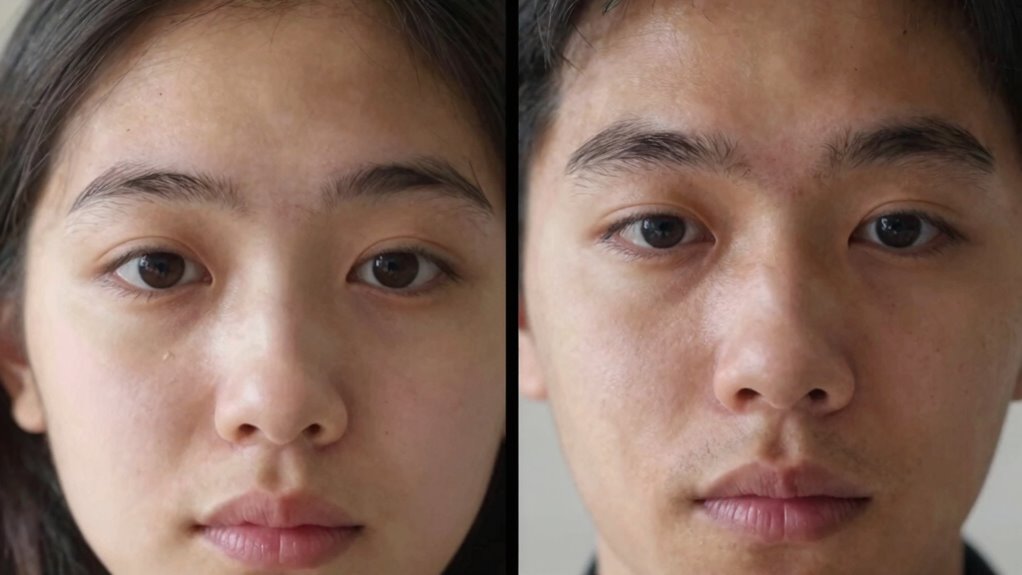
When you’re on a video call, where you look can considerably influence how others perceive your trustworthiness. The way you position your eyes in relation to the camera plays a crucial role in establishing connection and credibility. If you look directly into the camera, it creates the impression of making eye contact with the other person, which signals openness and confidence. On the other hand, if your gaze frequently drifts away or looks down, it can make you seem distracted, disinterested, or untrustworthy. Maintaining a steady eye line toward the camera helps convey sincerity and attentiveness, making others feel more comfortable and confident in what you’re saying.
Your facial expressions also impact trust during video interactions. When combined with appropriate eye contact, warm and genuine facial expressions—like a slight smile or nodding—can reinforce your message. These non-verbal cues serve as signals of engagement and understanding, which foster trust. Conversely, facial expressions that appear neutral, tense, or disconnected can create a barrier, making you seem aloof or unapproachable. It’s important to be mindful of your face, ensuring it reflects the tone of the conversation and matches your words, as mismatched expressions can undermine your credibility. Being aware of non-verbal communication principles can help you better understand how your cues are perceived and enhance your connection.
Getting your meeting-camera eye line right isn’t just about technical positioning; it’s about intentionality. If you’re looking at the screen instead of the camera, the other person perceives that you’re not making eye contact. This common mistake can unintentionally create distance and reduce feelings of trust. To counter this, try to position your camera at eye level and remind yourself to look directly into it when speaking or listening. It might feel unnatural at first, but with practice, it becomes second nature and significantly improves your rapport. Being aware of trust-building techniques can help you develop a more confident and engaging presence during virtual interactions. Additionally, understanding the importance of perceived honesty in communication can further strengthen the trust you establish through your video presence.
As an affiliate, we earn on qualifying purchases.
Frequently Asked Questions
How Does Eye Contact Influence Perceived Sincerity During Video Meetings?
Eye contact profoundly influences perceived sincerity during video meetings. When you maintain consistent eye contact, you convey genuine engagement through facial cues and emotional cues, making others feel valued and understood. Avoiding eye contact can suggest disinterest or insincerity, reducing trust. By aligning your camera eye line with participants, you enhance your facial expressions and emotional cues, fostering a sense of authenticity and trustworthiness in virtual interactions.
Can Adjusting Camera Height Improve Natural Eye Contact?
Like a painter adjusting their canvas, you can improve natural eye contact by changing your camera angle to eye level. When your camera aligns with your eyes, it creates a more genuine connection, making you seem more approachable and trustworthy. Raising or lowering your camera might break this illusion, so keep it at eye level for authentic interactions. This simple adjustment enhances trust and makes your video presence more engaging.
Do Cultural Differences Affect Expectations of Eye Contact on Video?
Cultural norms substantially influence expectations of eye contact on video, as different cultures have varied eye contact etiquette. You should be aware that in some cultures, direct eye contact is seen as confident and trustworthy, while in others, it may be considered intrusive or disrespectful. Adjust your eye contact accordingly, balancing natural engagement with respect for cultural differences, to build trust and avoid misunderstandings during virtual meetings.
How Does Eye Line Impact Viewer Engagement in Virtual Presentations?
You naturally draw viewers in when your eye line aligns well with the camera, subtly guiding their attention and fostering engagement. Your facial expressions and vocal tone complement this, creating a compelling presence that keeps viewers connected. When your eye contact feels genuine, it enhances trust, making your virtual presentation more enthralling. Remember, a balanced eye line combined with expressive facial cues and confident vocal tone makes your message more memorable.
Are There Technological Tools to Optimize Meeting-Camera Eye Alignment?
Yes, there are technological tools to optimize camera alignment and improve eye contact during virtual meetings. You can use teleprompters or smart camera mounts that position your camera directly at eye level, creating a natural eye line. Additionally, software that provides real-time eye contact correction can help you maintain better camera alignment, making your eye contact more genuine. These tools enhance trust and engagement by ensuring your gaze feels more natural and connected.
camera lens cover for video calls
As an affiliate, we earn on qualifying purchases.
As an affiliate, we earn on qualifying purchases.
Conclusion
When you look directly into the camera, it’s like you’re wielding a magic wand that instantly builds trust, making your audience feel like you’re speaking straight to their soul. But look away, and it’s as if a giant wall suddenly appears, turning your words into distant echoes. Mastering your eye line isn’t just a detail—it’s the secret weapon that transforms your video presence into an unstoppable magnet of trust and connection.
ergonomic webcam with adjustable angle
As an affiliate, we earn on qualifying purchases.
As an affiliate, we earn on qualifying purchases.
As an affiliate, we earn on qualifying purchases.
Fall Picks
fall essentials
As an affiliate, we earn on qualifying purchases.