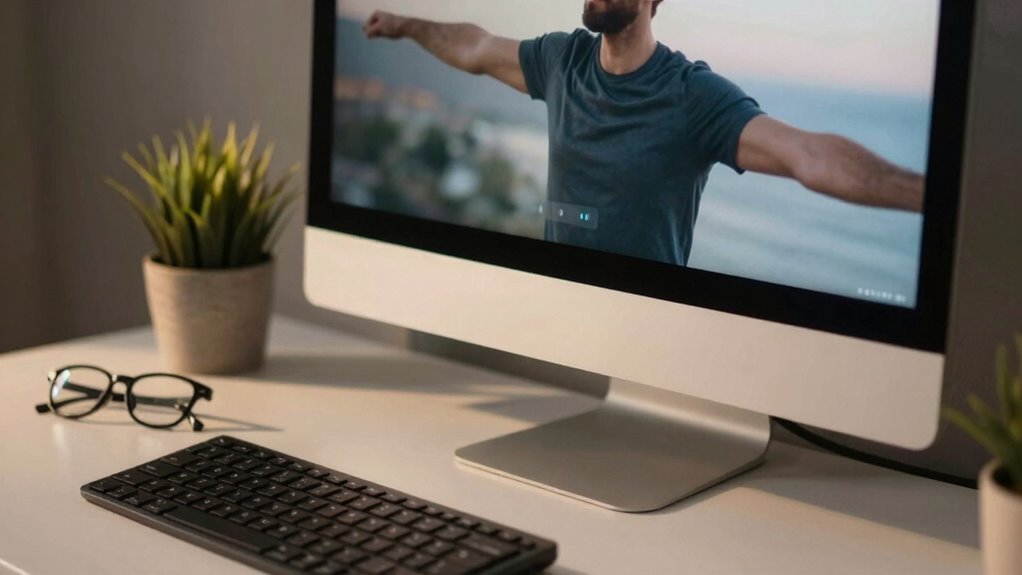

To reduce eye strain in monitor-heavy roles, you should set up an ergonomic workspace with adjustable monitors, keyboards, and chairs that promote good posture. Follow the 20-20-20 rule: look at something 20 feet away for 20 seconds every 20 minutes. Use proper lighting to avoid glare and reflections, and adjust screen brightness to match your environment. Don’t forget to blink often and take breaks—these habits can drastically improve your comfort and eye health. Keep exploring to discover more helpful tips.
Key Takeaways
- Follow the 20-20-20 rule: look 20 feet away for 20 seconds every 20 minutes to relax eye muscles.
- Use ergonomic accessories like adjustable monitor stands and supportive chairs to maintain proper posture.
- Ensure proper workspace lighting by minimizing glare and using adjustable lamps for comfortable visibility.
- Apply blue light filters and match screen brightness with ambient lighting to reduce screen-related eye fatigue.
- Take regular breaks to stretch and shift focus, preventing prolonged strain from continuous screen use.
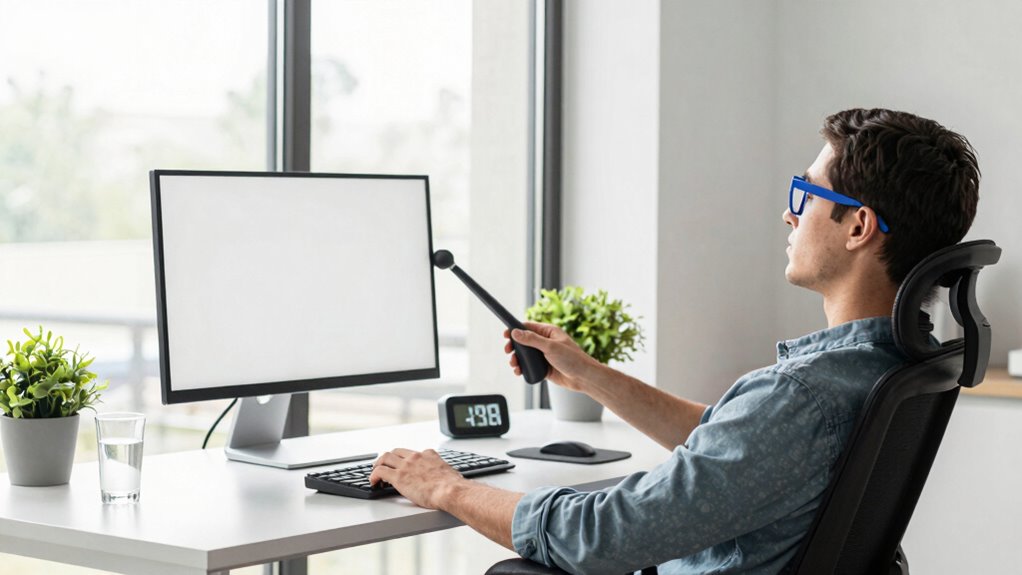
If your job involves staring at a monitor for long hours, you’re likely familiar with the discomfort of eye strain. The constant focus on screens, combined with poor lighting or improper posture, can cause tired, dry, or irritated eyes. Luckily, there are practical steps you can take to ease this discomfort. One effective way is to invest in ergonomic accessories. These tools are designed to support your body and optimize your workspace, making it easier to maintain good posture and reduce unnecessary strain. For example, adjustable monitor stands help position your screen at eye level, preventing you from tilting your head or squinting. Ergonomic keyboards and chairs also promote better alignment, reducing overall physical stress that can translate into eye fatigue.
In addition to ergonomic accessories, practicing eye exercises can considerably help in reducing eye strain. These exercises are simple movements that relax the eye muscles and improve blood circulation around the eyes. For instance, the 20-20-20 rule is easy to implement: every 20 minutes, look at something 20 feet away for at least 20 seconds. This brief break helps your eye muscles relax and prevents them from becoming overly tense. You can also try rolling your eyes clockwise and counterclockwise or blinking frequently to keep your eyes moist and prevent dryness. Blinking more often helps distribute tears evenly across your eyes, combating dryness caused by staring at screens for prolonged periods. Incorporating visual health practices can further enhance your comfort and reduce strain. Additionally, ensuring proper ambient lighting in your workspace can significantly reduce glare and reflections on your screen, which contribute to eye fatigue. A well-lit environment can also help reduce the need for your eyes to strain to see clearly. Moreover, using blue light filters on your devices can lessen eye strain caused by prolonged exposure to screen emissions.
Creating a workspace with proper lighting is another essential step. Avoid glare on your monitor by positioning it away from windows and bright lights. Use adjustable lamps to ensure your workspace is well-lit without causing reflections or excessive brightness. Taking regular breaks from your screen is equally important; standing up, stretching, and shifting your focus away from the monitor gives your eyes a much-needed rest. These breaks, combined with eye exercises, help maintain eye health and reduce the risk of developing long-term problems like computer vision syndrome. Incorporating ergonomic workspace design into your routine ensures a more comfortable and health-conscious environment. Implementing proper monitor placement can also reduce the need for constant refocusing and eye strain.
Ultimately, reducing eye strain requires a combination of ergonomic adjustments, conscious habits, and exercises. By investing in ergonomic accessories, you create a more supportive environment. Incorporating eye exercises into your routine keeps your eye muscles flexible and relaxed. Small changes in your daily work habits can make a profound difference in how your eyes feel at the end of the day, helping you stay comfortable and focused, even during long monitor sessions.

Single LCD Computer Monitor Free-Standing Desk Stand Mount Riser for 13 inch to 32 inch screen with Swivel, Height Adjustable, Rotation, Vesa Base Stand Holds One (1) Screen up to 77Lbs(HT05B-001))
COMPATIBILITY ☞ Single Computer monitor mount free standing Desk Stand Riser fitting screens for 13,15,17,19,21,23,27,30,32 inch LCD LED…
As an affiliate, we earn on qualifying purchases.
As an affiliate, we earn on qualifying purchases.
Frequently Asked Questions
What Are the Long-Term Effects of Eye Strain?
If you experience prolonged eye strain, you might face long-term effects like vision deterioration and persistent eye muscle fatigue. Over time, your eyes could become less capable of focusing properly, leading to headaches and discomfort. Continuous strain may also cause dry eyes or worsen existing vision issues. To protect your eyes, it’s crucial to take regular breaks, practice the 20-20-20 rule, and guarantee proper monitor settings.
How Does Lighting Impact Eye Comfort?
Lighting is vital in affecting your eye comfort. Proper ambient lighting helps reduce eye strain by creating a balanced environment, preventing your eyes from constantly adjusting to bright or dim surroundings. Glare reduction is essential—use curtains, anti-glare screens, or adjust your monitor’s position to minimize reflections. Keeping lighting consistent and soft alleviates eye fatigue, making your work more comfortable and less taxing on your eyes during long monitor sessions.
Are There Specific Exercises to Prevent Eye Fatigue?
Think of your eyes like a camera lens—regularly needing a break to stay sharp. To prevent eye fatigue, practice eye relaxation exercises like focusing on distant objects for 20 seconds every 20 minutes. Blink awareness is key; intentionally blinking more often keeps your eyes moist and reduces strain. These simple exercises can refresh your eyes, much like a quick reset, helping you stay comfortable during long monitor sessions.
Can Diet Influence Eye Health During Screen Use?
Yes, your diet can influence eye health during screen use. Nutritional impact matters; foods rich in omega-3 fatty acids, vitamins C and E, and zinc support eye function. Dietary supplements may also help improve eye resilience and reduce strain, especially if your diet lacks these nutrients. Incorporate leafy greens, fish, citrus, and nuts into your meals, and consider supplements if necessary, to maintain healthy eyes amidst prolonged monitor use.
What Technology Tools Can Help Reduce Eye Strain?
You can use technology tools like blue light filters and screen filters to reduce eye strain. Enable blue light reduction features on your devices or install dedicated screen filter apps, which minimize blue light exposure during extended monitor use. These tools help decrease eye fatigue and improve comfort, especially during long hours. Adjusting your display settings and taking regular breaks also work well in combination with these tech solutions.

Oilway Blue-Light Blocking Glasses Computer Reading/Gaming/TV/Phones Glasses Fashion Anti Eyestrain Glasses for Women Men
【Anti-Glare Blue Light Glasses】- Anti blue light glasses can effectively help you block harmful blue light from computer/phone/TV…
As an affiliate, we earn on qualifying purchases.
As an affiliate, we earn on qualifying purchases.
Conclusion
By taking regular breaks and adjusting your screen, you create a peaceful oasis amid a busy day. Imagine your eyes as delicate flowers, thriving with gentle care rather than constant exposure. Just as a gardener tends to their plants, you nurture your vision by avoiding strain and embracing simple habits. Protect your eyes now, and enjoy clear, comfortable vision—so you can focus on what truly matters, free from the shadow of discomfort.

Fizzin Ergonomic Office Chair, 400 LBS Computer Chairs with Adjustable Lumbar Support, Breathable Mesh Desk Chair Ergonomic with Thickened Cushion, Comfy Home Office Desk Chair (Black)
Ergonomic Office Chair: Our ergonomic office chair provides total comfort and support for your head, back, hips and…
As an affiliate, we earn on qualifying purchases.
As an affiliate, we earn on qualifying purchases.

Airlonv LED Desk Lamp for Office Home, Eye-Caring Desk Light with Stepless Dimming Adjustable Flexible Gooseneck, 10W USB Adapter Desk Lamp with Clamp for Reading, Study, Workbench (Black)
Stepless Dimming Mode: The desk light offers effortless switching of color temperatures (2700K-6500K) and stepless dimming (1% -…
As an affiliate, we earn on qualifying purchases.
As an affiliate, we earn on qualifying purchases.