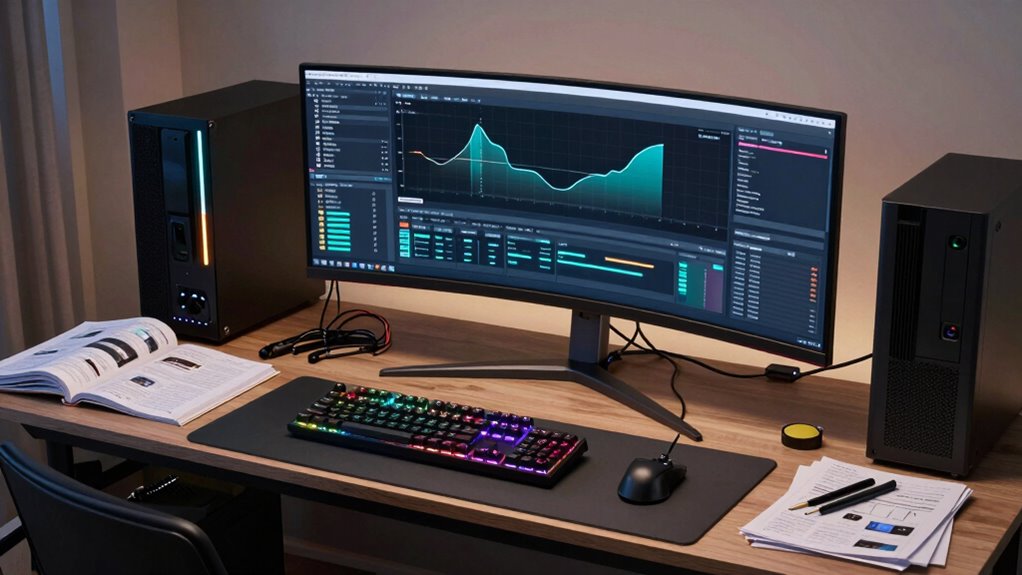

If your role involves working with complex data, 3D modeling, or large simulations, a workstation is essential. Unlike standard laptops, workstations offer superior hardware tailored for demanding tasks and are highly customizable for upgrades. They support multiple monitors and advanced peripherals, boosting productivity. Built for durability and long-term use, workstations prevent crashes and lag during intensive work. Keep exploring to discover how these powerful tools can elevate your professional performance even further.
Key Takeaways
- Workstations offer superior hardware performance for complex data processing and 3D modeling tasks.
- They provide scalability and upgradability to meet evolving project requirements.
- Designed for durability and longevity, ideal for demanding, long-term use environments.
- Support advanced peripherals and multiple high-resolution monitors for enhanced productivity.
- Ensure stable, high-performance operation critical for resource-intensive professional workflows.
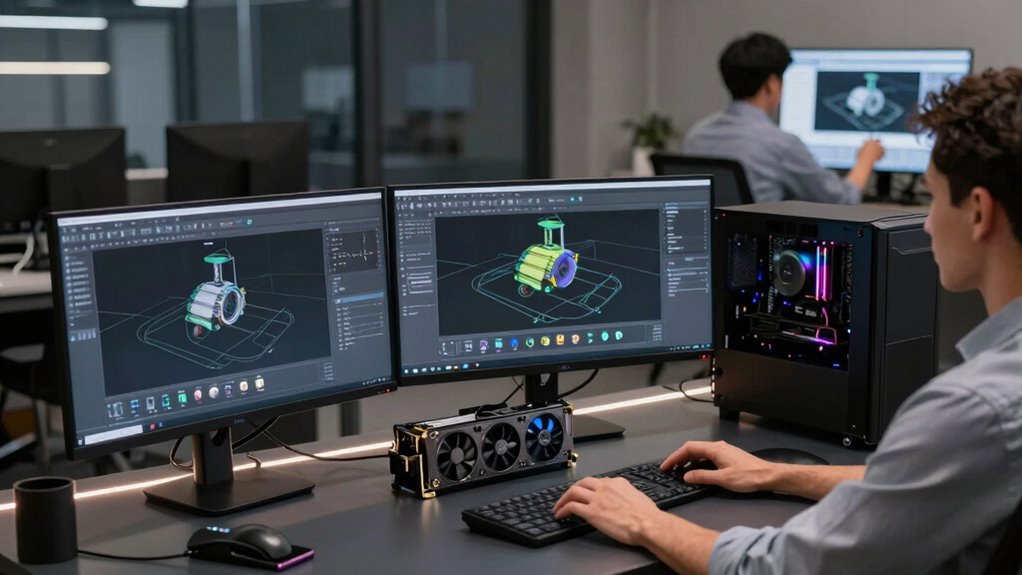
Have you ever wondered why some professionals prefer workstations over standard laptops? It’s often because their roles demand more power, stability, and customization than a typical laptop can provide. When you’re working with complex data sets, designing detailed 3D models, or running demanding simulations, the hardware limitations of standard laptops quickly become apparent. Workstations are built specifically to handle these intensive tasks, offering superior performance and reliability. They’re optimized for high-end workflows, which means you can run resource-heavy applications smoothly without constant lag or crashes. This becomes especially important when you’re collaborating on projects that require real-time processing and quick turnaround times.
In many professional environments, cloud computing plays a significant role in workflow efficiency. However, relying solely on cloud resources isn’t enough — local hardware still needs to be capable of managing large data transfers and processing tasks effectively. Workstations come with the power to handle these demands, guaranteeing that data moves seamlessly between your local machine and cloud platforms. Additionally, they often come with scalable hardware upgrades, meaning you can enhance components like RAM, storage, or graphics cards as your needs evolve. This flexibility is vital for careers where technology rapidly advances or project requirements shift unexpectedly. Instead of investing in a new laptop every few years, you can upgrade a workstation’s hardware, extending its lifespan and maintaining top-tier performance.
The importance of a robust machine becomes even clearer when considering the demands of modern workflows that incorporate cloud computing. While cloud services store and process data remotely, your workstation acts as a powerful hub that manages local tasks efficiently. This setup minimizes latency, reduces dependence on internet speed, and assures your work remains uninterrupted. Furthermore, workstations are designed to support multiple monitors, high-resolution displays, and advanced peripherals, which boost productivity and make multitasking more manageable. These features are often essential in fields like engineering, graphic design, video editing, and scientific research, where precision and speed are critical. Durability and longevity are also enhanced by professional-grade hardware, making workstations a reliable choice for demanding environments.
Ultimately, your role may require the stability, expandability, and raw power that only a dedicated workstation can provide. They’re tailored to meet high-performance needs, support evolving hardware upgrades, and optimize workflows involving cloud computing. If your tasks involve heavy computation, detailed visualization, or large datasets, investing in a workstation isn’t just a luxury — it’s a strategic move to guarantee your work remains efficient, reliable, and future-proof. Additionally, workstations often utilize professional-grade hardware, which ensures higher durability and longevity compared to consumer-grade components.
professional workstation computer
As an affiliate, we earn on qualifying purchases.
As an affiliate, we earn on qualifying purchases.
Frequently Asked Questions
How Do Workstations Differ From High-End Laptops?
Workstations differ from high-end laptops mainly in graphics performance and customizable configurations. You’ll notice workstations have more powerful graphics cards, ideal for demanding tasks like 3D rendering or video editing. They also offer greater customization options, allowing you to tailor hardware components to your specific needs. This makes workstations better suited for professional roles requiring high performance and reliability, whereas high-end laptops focus on portability with slightly less specialized hardware.
Are Workstations More Durable Than Standard Laptops?
Think of a workstation as a fortress, built for resilience. When comparing durability, workstations generally outperform standard laptops due to superior material resilience and construction quality. They’re designed to withstand harsh environments, frequent handling, and intense workloads. This durability comparison shows that workstations are more robust, making them ideal for demanding roles. You’ll find that their sturdy build guarantees longevity, reducing replacement costs and keeping your work seamless over time.
Can a Workstation Be Portable for Remote Work?
Yes, a workstation can be portable for remote work. Modern workstations are designed with remote portability in mind, featuring lightweight builds and compact sizes. However, you should consider weight considerations, as some high-performance models can still be heavy compared to standard laptops. Look for models specifically built for mobility, balancing power and portability so you can work effectively from anywhere without feeling weighed down.
What Is the Typical Lifespan of a Workstation?
Like a vintage vinyl record, a workstation’s typical lifespan usually spans 3 to 5 years. You can expect good hardware longevity if you maintain it properly, but component lifespan varies—some parts like SSDs last longer than GPUs. Regular upgrades and timely maintenance help extend its usability. Ultimately, investing in quality components and proper care allows your workstation to serve you well through its prime years.
Do Workstations Require Special Maintenance or Upgrades?
Yes, workstations require special maintenance and upgrades. You should routinely clean the system with custom cooling solutions to prevent overheating and guarantee peak performance. Upgrading specialized hardware like high-end graphics cards or additional RAM keeps your workstation running efficiently for demanding tasks. Regularly checking for firmware updates and maintaining proper airflow helps prolong its lifespan and maintain stability, ensuring your workstation remains dependable for intensive work.
high-performance desktop workstation
As an affiliate, we earn on qualifying purchases.
As an affiliate, we earn on qualifying purchases.
Conclusion
So, if you think a standard laptop can handle your demanding role, think again. Without a workstation’s powerhouse capabilities, you’re basically trying to run a race car on a bicycle’s engine. For those who need serious performance, cutting corners isn’t an option—it’s a recipe for disaster. Invest in a workstation, and you’ll gain access to superhuman productivity that no ordinary laptop can even dream of. Don’t settle for less—your work deserves the best.
upgradable workstation for 3D modeling
As an affiliate, we earn on qualifying purchases.
As an affiliate, we earn on qualifying purchases.
As an affiliate, we earn on qualifying purchases.