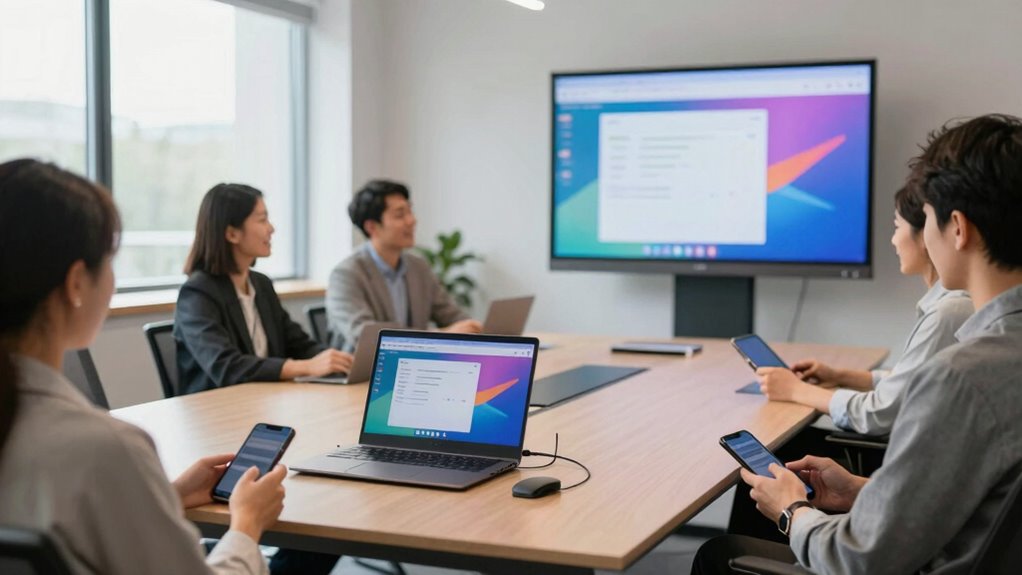
Wireless presentation tools reduce meeting friction by enabling quick and easy device connectivity, so you spend less time troubleshooting and more time collaborating. They eliminate cables and complex setups, making it simple to share screens instantly. This promotes real-time interaction, keeps participants engaged, and fosters diverse ideas. Properly used, these tools create a smoother, more inclusive meeting environment. If you want to discover how to maximize their benefits, keep exploring these solutions further.

Get business pricing on office and shipping supplies
- Business-only prices and quantity discounts
- Tax-exempt purchasing
- Multiple users, one account, clear invoices
Key Takeaways
- They eliminate cable clutter, enabling quick and easy device connections without setup delays.
- Wireless tools facilitate seamless, real-time sharing, reducing interruptions and technical disruptions.
- They promote inclusive participation by allowing multiple users to share screens effortlessly.
- Wireless technology minimizes connection issues, ensuring stable and smooth presentation flow.
- They streamline meeting processes, saving time and fostering a more collaborative environment.
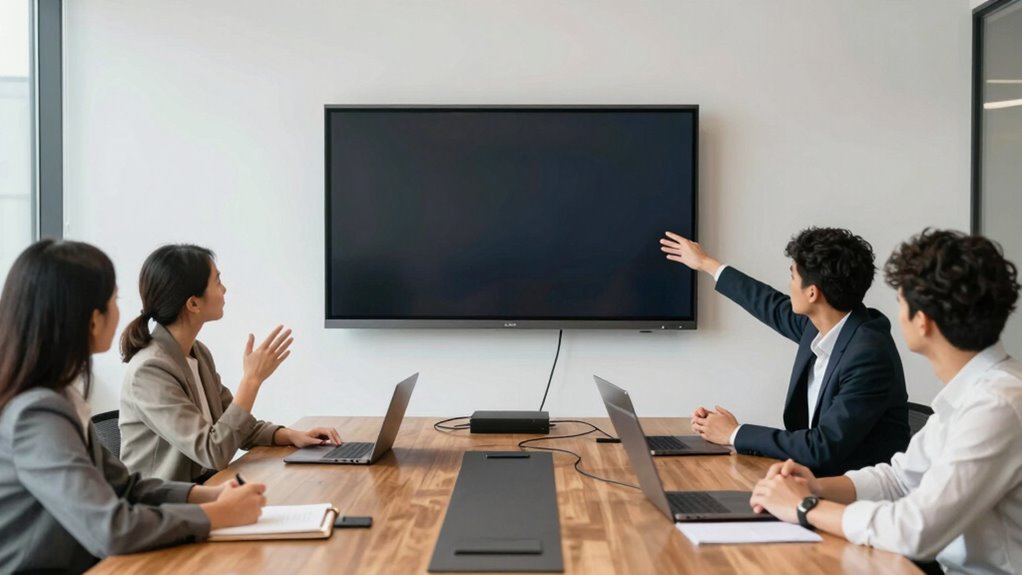
In today’s fast-paced meetings, wireless presentation tools have become essential for seamless collaboration, yet they can also introduce new sources of frustration. When you’re trying to share ideas quickly, having a reliable and intuitive system makes all the difference. Wireless tools streamline the process by allowing everyone to connect easily without the hassle of cables or complex setups. This simplicity encourages interactive collaboration, where team members feel more engaged and empowered to contribute. Instead of waiting for technical fiddling to be sorted out, you can focus on the content and discussion, making meetings more productive.
One of the main benefits of wireless presentation technology is its ability to foster real-time interaction. You no longer need to pass around USB drives or worry about compatibility issues. Instead, you and your colleagues can connect from different devices instantly, whether it’s a laptop, tablet, or smartphone. This flexibility promotes a more dynamic exchange of ideas, encouraging participation from everyone in the room. When everyone can jump in and share their screen effortlessly, ideas flow freely, and the meeting becomes more collaborative and lively. This interactive element keeps participants engaged and helps surface diverse perspectives, ultimately leading to better decision-making. Additionally, understanding wireless technology can help you choose the right tools and optimize your environment for better connectivity, which is especially important for maintaining a stable connection. Clear understanding of wireless network setup can significantly improve your overall presentation experience.
However, technical troubleshooting can sometimes threaten this smooth flow. Despite advances, wireless connections can occasionally be unstable or slow, especially in environments with lots of Wi-Fi interference. If you encounter connectivity issues, it can derail your meeting and cause frustration. That’s why understanding common troubleshooting steps—like resetting devices, checking network strength, or updating software—is crucial. When you’re prepared to handle technical hiccups swiftly, you minimize disruptions and maintain momentum. Many modern wireless presentation tools also come with troubleshooting guides or support features, giving you quick solutions at your fingertips. Being proactive about these issues ensures that technical problems don’t overshadow collaborative efforts. Moreover, network setup plays a crucial role in minimizing these issues and ensuring a smooth presentation experience.
Ultimately, wireless presentation tools reduce meeting friction by making sharing simple and promoting interactive collaboration. They save time, eliminate clutter, and foster a more inclusive environment where everyone can contribute their ideas easily. While technical troubleshooting remains a factor to consider, the right tools and a bit of preparation help you overcome these hurdles quickly. When technology supports your meeting goals rather than complicates them, you create a more efficient, engaging, and productive environment. This shift not only enhances the quality of your meetings but also encourages a culture of open communication and teamwork that drives better results.
Frequently Asked Questions
Are Wireless Presentation Tools Compatible With All Devices?
Wireless presentation tools are generally compatible with most devices, but you should check their specific device compatibility. Many tools support Windows, Mac, iOS, and Android, ensuring broad usability. Software integration is key—ensure the tool easily syncs with your existing apps and platforms. While most modern devices work seamlessly, older models or certain operating systems might require additional setup or updates for smooth performance.
Do Wireless Tools Require Internet Access to Function?
Wireless presentation tools typically don’t require internet access to function, but they do depend on your network’s bandwidth and stability. If your network dependency is low, you can connect devices directly via Wi-Fi or a local network without the internet. However, high bandwidth requirements might slow down or disrupt your presentation, especially with multiple devices. Ensuring a strong, stable network helps these tools work smoothly and reduces meeting friction.
How Secure Are Wireless Presentation Connections?
Wireless presentation connections are generally secure, but you should stay cautious. They often use encryption protocols like WPA2 or WPA3 to protect your data, making unauthorized access more difficult. However, network vulnerabilities can still pose risks if not properly managed. To guarantee security, keep your software updated, use strong passwords, and choose trusted, encrypted connections. This way, your presentations stay private and safe from potential threats.
What Is the Average Setup Time for Wireless Presentation Systems?
They say “time is money,” and wireless presentation systems usually have a quick setup time, often just a few minutes. Your setup efficiency and user convenience are prioritized, making it easy for anyone to connect seamlessly. Most systems are designed for swift configuration, allowing you to start your presentation without delays. With minimal fuss, you can focus on the content, not the tech, streamlining your meetings from the start.
Can Wireless Tools Support Large Conference Rooms Effectively?
Yes, wireless presentation tools can support large conference rooms effectively, especially if they offer multi-room compatibility. They help guarantee seamless connectivity across different areas, reducing the need for multiple cables. However, you should be mindful of signal interference, which can disrupt presentations. Choosing a system with strong signal stability and multi-room support allows you to present confidently, even in sizable spaces, minimizing disruptions and keeping meetings running smoothly.
Conclusion
Embracing wireless presentation tools clears the clutter and chaos, turning your meetings into smooth sailing instead of stormy seas. They act like a bridge over turbulent waters, connecting ideas effortlessly and keeping everyone on the same page. When you ditch the wires, you create a seamless flow where collaboration feels natural and energy stays high. With these tools, you’ll find your meetings transforming from friction-filled hurdles into opportunities for genuine connection and innovation.
Fall Picks
fall essentials
As an affiliate, we earn on qualifying purchases.