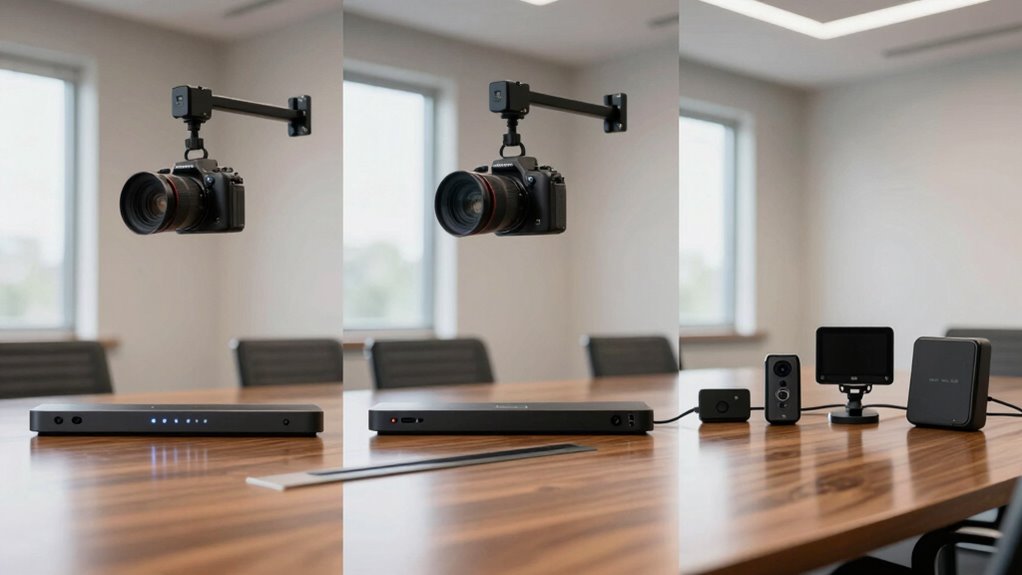

When comparing video bars, cameras, and room kits, focus on audio quality, ensuring they have clear microphones and noise reduction. Check compatibility with your devices and systems, like Windows or Mac, and consider connection options such as USB or Ethernet. Look at video features like resolution, field of view, and camera movement. Also, evaluate size, ease of use, and scalability for future needs to find the best fit. More details await if you expand your search.

Get business pricing on office and shipping supplies
- Business-only prices and quantity discounts
- Tax-exempt purchasing
- Multiple users, one account, clear invoices
Key Takeaways
- Assess audio quality, microphone clarity, and noise reduction features for effective communication.
- Verify compatibility with existing systems, ports, and collaboration software to ensure seamless integration.
- Compare camera resolution, field of view, and pan/tilt/zoom capabilities for optimal video coverage.
- Consider size, placement options, and user-friendliness to match room layout and ease of operation.
- Balance budget with future scalability and features to select cost-effective, long-term meeting solutions.
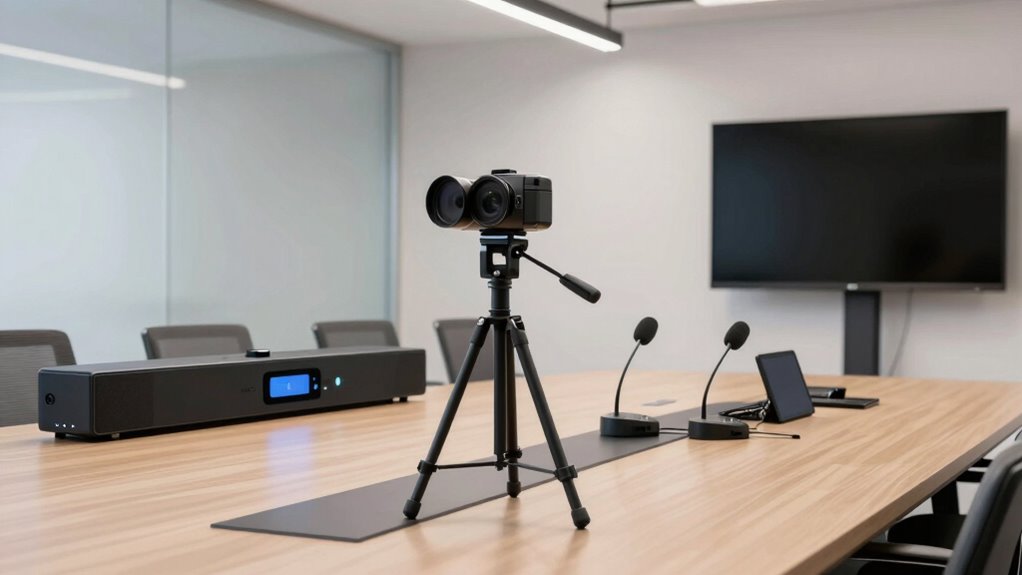
Choosing the right video conferencing equipment can considerably enhance your meetings, but comparing video bars, cameras, and room kits can feel overwhelming. When you’re shopping for devices, one of the most critical factors to consider is audio quality. Clear, crisp sound ensures everyone stays engaged and can follow the conversation without frustration. Don’t just focus on the video; verify that the equipment offers good built-in microphones or is compatible with external audio devices. High-quality audio reduces background noise and echoes, making your virtual meetings more productive.
Prioritize audio quality with clear microphones and noise reduction for more productive virtual meetings.
Connection compatibility is another essential aspect. You need to ensure the equipment easily integrates with your existing systems, whether you’re using Windows, Mac, or cloud-based platforms like Zoom or Microsoft Teams. Check the connection options—USB, HDMI, or Ethernet—and confirm they match the ports available on your computer or conference room setup. Some devices may require specific drivers or software, so compatibility across different operating systems and collaboration tools is vital. A device that seamlessly connects without complicated configuration saves time and minimizes technical difficulties during meetings. Additionally, integration capabilities can help streamline your setup and operation.
When comparing video bars, look at their video resolution and field of view. Higher resolution, such as 4K, delivers sharper images, especially important for detailed visuals or presentations. A wide field of view ensures that everyone in the room is captured, reducing the need for multiple cameras. For cameras, consider their pan, tilt, and zoom capabilities. These features allow you to focus on specific participants or areas, creating a more dynamic and engaging meeting experience. Room kits often combine multiple components—such as camera, microphones, and speakers—so evaluate whether the kit provides the flexibility and scalability you need. As technology advances, future-proofing your setup can help ensure long-term usability and compatibility.
Size and placement are also essential. A compact video bar might be easier to install and less obtrusive, but ensure it offers the necessary coverage and audio pickup range. For larger conference rooms, you may require a more robust setup with additional microphones or multiple cameras. Additionally, think about ease of use; devices with user-friendly controls or remote management simplify operation, especially in shared spaces. Considering the audio-visual integration capabilities can further streamline your setup and operation.
Finally, consider your budget and future needs. While premium equipment offers advanced features, it may not be necessary for smaller teams or occasional use. Conversely, investing in scalable, high-quality gear ensures your setup remains effective as your organization grows. Comparing these factors carefully helps you choose a solution that enhances your meetings without overextending your budget or complicating your setup.
4K video conference camera with pan tilt zoom
As an affiliate, we earn on qualifying purchases.
As an affiliate, we earn on qualifying purchases.
Frequently Asked Questions
What Are the Latest Trends in Video Conferencing Technology?
You’ll notice that the latest trends in video conferencing technology focus on AI enhancements and virtual backgrounds. AI-powered features improve image clarity, background noise reduction, and automatic framing, making your meetings smoother. Virtual backgrounds let you customize your environment, maintaining privacy or adding a professional touch. These advancements create more engaging, seamless experiences, ensuring you stay connected and productive, whether working remotely or collaborating with teams worldwide.
How Do I Determine the Best Equipment for My Room Size?
To find the best equipment for your room size, start by evaluating room acoustics and how sound travels, ensuring clear audio without echoes. Next, consider lighting optimization to avoid glare and shadows that can hinder video quality. Choose a video bar or camera with an appropriate field of view for your space, and opt for a room kit that suits your room dimensions, ensuring everyone remains visible and engaged during calls.
Are There Compatibility Issues Between Different Brands?
Coincidences happen, but brand compatibility and equipment interoperability matter. When mixing different brands, you might face compatibility issues, like mismatched connections or conflicting software. To avoid this, check each product’s specifications, guarantee they support standard protocols, and look for compatibility guarantees. Researching these details helps prevent surprises, so your equipment works seamlessly together, regardless of brand differences. This way, your setup runs smoothly without unexpected hiccups.
How Important Is Audio Quality in Video Conferencing Setups?
Audio quality is vital in video conferencing because clear audio guarantees effective communication. You want to focus on audio clarity so everyone can understand each other without straining. Sound customization options let you tailor audio to your environment, reducing echoes or background noise. Investing in quality microphones and speakers enhances the overall experience, making meetings more productive. Don’t overlook audio quality—it’s just as important as video to keep your virtual conversations seamless.
What Maintenance Is Required for Long-Term Equipment Use?
Think of your equipment as a garden needing regular tending. To guarantee long-term use, you should follow maintenance schedules that include cleaning lenses, updating firmware, and inspecting cables for wear. Focus on equipment durability by protecting devices from dust and power surges, and schedule routine checks to catch issues early. Proper upkeep keeps your video conferencing gear performing smoothly, like a well-oiled machine, ready for any meeting.
USB conference room microphone with noise reduction
As an affiliate, we earn on qualifying purchases.
As an affiliate, we earn on qualifying purchases.
Conclusion
When comparing video bars, cameras, and room kits, remember to take into account your specific space and meeting needs. An interesting fact is that 87% of remote workers say video quality impacts their meeting experience. By choosing the right equipment, you guarantee clear communication and productivity. Take the time to evaluate features like resolution, field of view, and compatibility. Making an informed decision will help you create seamless, professional meetings that keep everyone engaged and connected.
video conference room kit with camera and microphones
As an affiliate, we earn on qualifying purchases.
As an affiliate, we earn on qualifying purchases.
compact video bar for meeting rooms
As an affiliate, we earn on qualifying purchases.
As an affiliate, we earn on qualifying purchases.
Halloween Picks
halloween
As an affiliate, we earn on qualifying purchases.