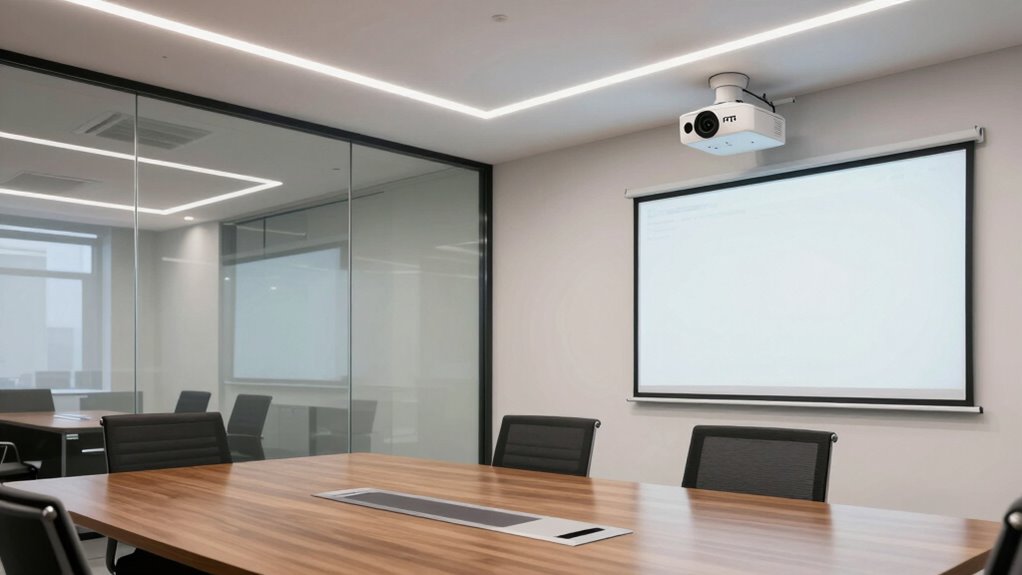

PTZ cameras work best in rooms with good, consistent lighting and clear layouts. They perform poorly in dark or unevenly lit spaces, where shadows or poor illumination can hide details. Proper placement, like high or central spots, maximizes their coverage. Understanding how light interacts with your space helps you position the camera for peak performance. If you want to discover how lighting and layout influence their effectiveness, keep exploring the details.

Get business pricing on office and shipping supplies
- Business-only prices and quantity discounts
- Tax-exempt purchasing
- Multiple users, one account, clear invoices
Key Takeaways
- PTZ cameras excel in well-lit rooms with open layouts for broader coverage and clearer images.
- Proper placement minimizes blind spots, maximizing effectiveness in larger or complex spaces.
- Additional lighting enhances camera performance in darker or cluttered rooms.
- Consistent lighting conditions allow PTZ cameras to operate optimally without frequent adjustments.
- Rooms with high-traffic areas benefit from PTZ cameras’ ability to zoom and shift focus quickly.
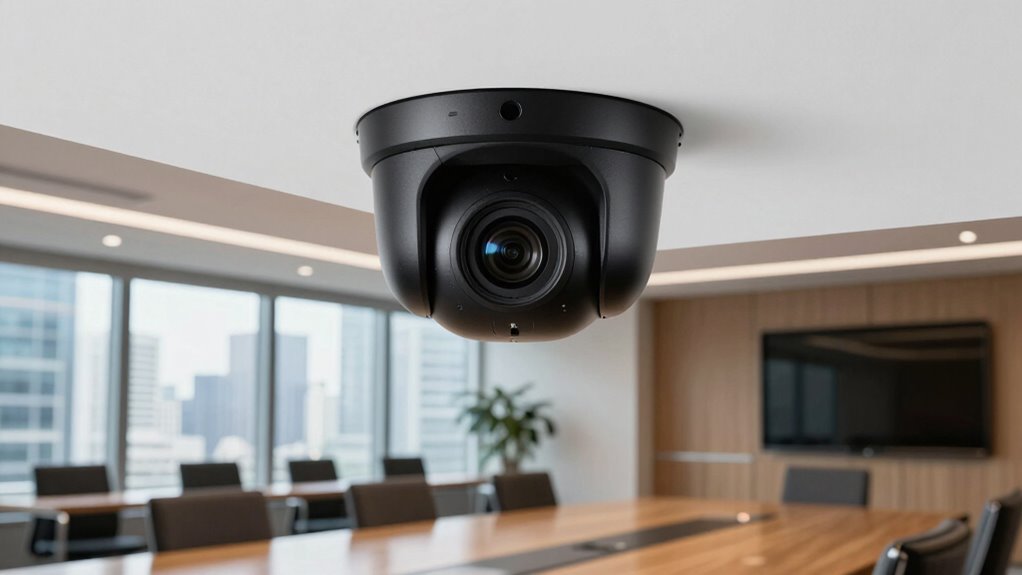
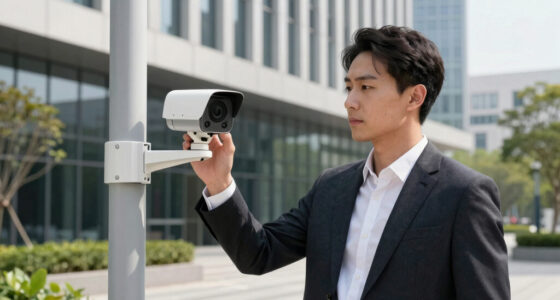
PTZ cameras are versatile security tools that can be effectively used in various rooms to enhance surveillance. Their ability to pan, tilt, and zoom makes them ideal for monitoring large or dynamic spaces. But their effectiveness depends heavily on factors like lighting conditions and camera placement. In rooms with consistent, good lighting, PTZ cameras perform remarkably well because they can capture clear images at different angles and distances. Proper lighting ensures that the camera’s sensors receive enough illumination, reducing motion blur and improving image detail. If a room is poorly lit or has uneven lighting, however, the camera’s capabilities are limited. You might find that the camera struggles to differentiate between objects or people, especially in low-light conditions. To maximize their potential, you should consider installing additional lighting or adjusting the room’s existing lighting setup. Additionally, understanding the room’s layout and how light interacts with the space can help optimize camera placement and performance. Recognizing lighting conditions is essential for ensuring your PTZ camera operates effectively across different areas of your home or office. Properly evaluating camera placement can significantly impact the overall security coverage and efficiency. Positioning the camera at an ideal height and angle allows you to cover the most critical areas without blind spots. For large rooms, placing the camera centrally and high on a wall or ceiling provides a broad field of view. This setup allows the PTZ to scan across the room smoothly, making full use of its pan and tilt features. Conversely, in smaller or more confined spaces, strategic placement near entry points or high-traffic zones ensures you don’t miss important activity. Remember that the camera’s line of sight should be clear of obstructions like furniture, decorations, or fixtures that could block its view. Additionally, understanding lighting interactions can help you choose the best times and conditions for optimal footage quality. Proper lighting can also influence the camera’s effectiveness in different environments, especially when considering the camera’s sensors and capabilities. Lighting conditions and camera placement are interconnected factors that determine how well your PTZ camera captures footage. In well-lit, open areas, you can position the camera for maximum coverage and rely on its zoom features to focus on specific details when necessary. In darker or more cluttered rooms, you might need to add supplemental lighting or reposition the camera to avoid shadows and blind spots. Ultimately, understanding the room’s layout and how light interacts with the space helps you make informed decisions about where to install your PTZ camera and how to refine its settings. When you pay attention to these elements, your PTZ camera becomes a powerful tool for extensive security, providing clear, detailed footage across various room types.
PTZ security camera with night vision
As an affiliate, we earn on qualifying purchases.
As an affiliate, we earn on qualifying purchases.
Frequently Asked Questions
How Do PTZ Cameras Compare to Fixed Cameras in Cost?
PTZ cameras tend to be more cost-efficient overall because they cover larger areas with fewer units, reducing the need for multiple fixed cameras. While their initial cost might be higher, they save you money in the long run by decreasing installation and maintenance expenses. Considering budget considerations, PTZ cameras are ideal if you want versatile, flexible coverage without overspending, especially in large or dynamic spaces.
Can PTZ Cameras Be Integrated With Existing Security Systems?
Your security setup can handle PTZ cameras seamlessly, transforming your system into an all-seeing fortress. Yes, PTZ cameras easily integrate with existing security systems through remote control capabilities and compatible system interfaces. This integration allows you to control pan, tilt, and zoom functions remotely, enhancing coverage. Ensuring compatibility might require some configuration, but overall, PTZ cameras fit smoothly into most current security infrastructures, boosting your surveillance power profoundly.
What Are the Privacy Concerns With PTZ Cameras?
PTZ cameras raise privacy implications because they can be remotely controlled to cover sensitive areas without notice, increasing surveillance risks. You might worry about constant monitoring infringing on personal privacy, especially in private spaces like offices or homes. To address these concerns, guarantee proper access controls, clear signage, and limited camera movement. Being transparent about camera use helps balance security benefits with respecting privacy, reducing potential misuse.
How Difficult Is It to Operate PTZ Cameras Remotely?
You might worry about operating PTZ cameras remotely, but it’s actually quite straightforward with remote control features. Once you undergo user training, you’ll find adjusting angles and zoom levels easy and intuitive. Modern PTZ cameras often come with user-friendly interfaces, making remote operation accessible even for beginners. With a little practice, you’ll confidently manage camera angles and focus, enhancing your surveillance or broadcasting setup without hassle.
Do PTZ Cameras Require Special Maintenance or Software Updates?
Yes, PTZ cameras do require regular maintenance routines and software updates to stay in top condition. You should check for software updates periodically to guarantee security and new features, and perform routine maintenance like cleaning lenses and verifying connections. Staying on top of these tasks helps prevent issues, keeps the camera functioning smoothly, and extends its lifespan. Regular care makes remote operation more reliable and efficient for your specific needs.
adjustable lighting for PTZ cameras
As an affiliate, we earn on qualifying purchases.
As an affiliate, we earn on qualifying purchases.
Conclusion
In the end, choosing the right room for PTZ cameras feels like painting a vivid picture—you see the scene unfold, the angles shift effortlessly, and every detail is captured with clarity. When you place these cameras where they can move freely and cover the action, they become your eyes in the space, fluid and responsive. It’s about creating a seamless flow, turning a simple room into a dynamic, watchful eye that never misses a moment.
As an affiliate, we earn on qualifying purchases.
wide angle PTZ camera for large rooms
As an affiliate, we earn on qualifying purchases.
As an affiliate, we earn on qualifying purchases.
Fall Picks
fall essentials
As an affiliate, we earn on qualifying purchases.