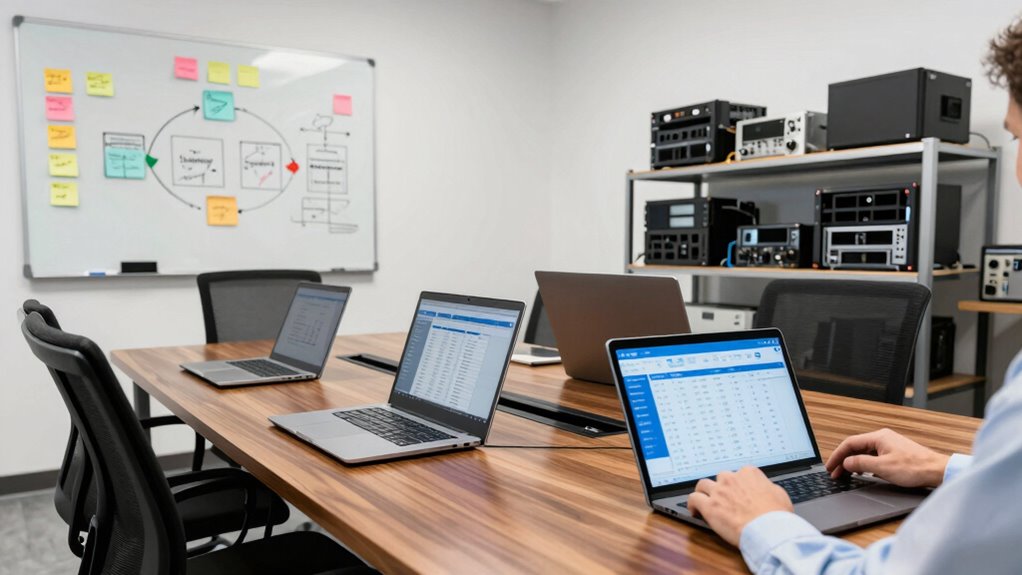

To create an office hardware refresh policy, start by evaluating your current inventory and setting clear criteria for replacements based on age, performance, and compatibility. Develop a timeline aligned with your budget cycles, and plan for both immediate and long-term costs. Communicate your policy clearly across the organization and regularly review it to stay aligned with industry trends. Continuous updates will help you optimize hardware performance and reduce downtime—exploring these steps further reveals even more effective strategies.

Get business pricing on office and shipping supplies
- Business-only prices and quantity discounts
- Tax-exempt purchasing
- Multiple users, one account, clear invoices
Key Takeaways
- Assess current hardware inventory and identify devices nearing end-of-life based on age, performance, and compatibility.
- Define clear criteria and a replacement timeline aligned with organizational needs and budget cycles.
- Incorporate budget planning for both immediate costs and long-term maintenance or replacement expenses.
- Communicate the policy organization-wide, emphasizing the benefits of timely upgrades for security and productivity.
- Regularly review and update the policy to stay aligned with technological advancements and industry best practices.
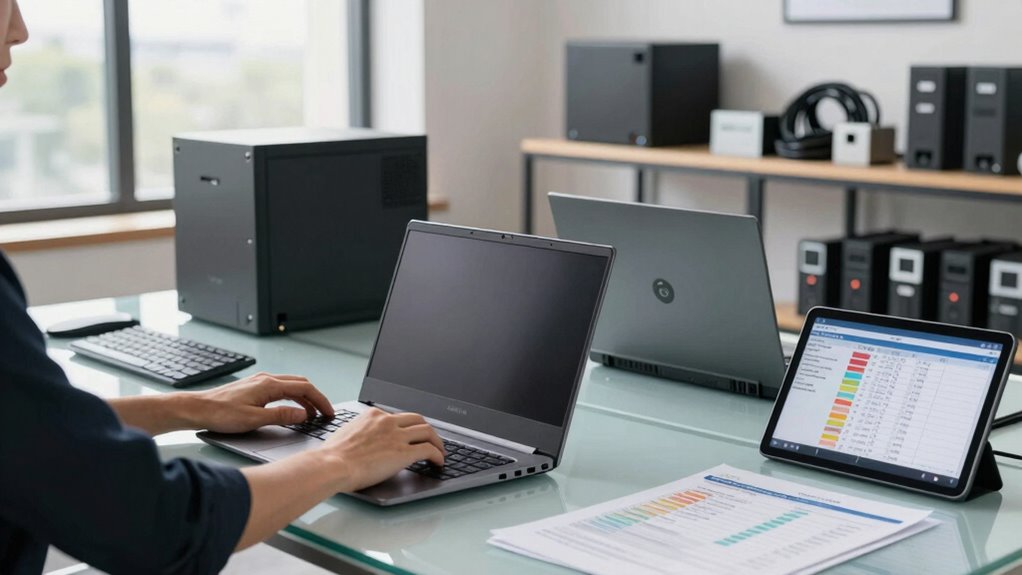
Implementing a clear Office Hardware Refresh Policy guarantees your organization stays current with technology, maintains productivity, and minimizes downtime. When you establish a well-structured policy, you create a framework that guarantees hardware updates happen systematically, preventing equipment from becoming outdated or unreliable. A key aspect of this is understanding the hardware lifecycle, which refers to the typical period hardware remains effective and efficient for your needs. By tracking this lifecycle, you can anticipate when devices will need replacing, avoiding sudden failures that disrupt workflows. Incorporating hardware lifecycle management into your planning ensures a more accurate and efficient replacement schedule. Additionally, understanding the rules and regulations surrounding hardware disposal can help you stay compliant and environmentally responsible. Integrating hardware lifecycle insights into your policy helps you plan upgrades proactively, rather than reactively, which ultimately saves time and money. Staying informed about industry best practices can further optimize your hardware refresh strategy and ensure compliance with evolving standards. Recognizing the importance of technological advancements can also guide your upgrade decisions, ensuring your organization benefits from the latest innovations. Budget planning plays a central role in a successful refresh policy. You need to allocate financial resources thoughtfully, considering both immediate costs and long-term savings. When you plan your budget, factor in the costs of new hardware, software compatibility, installation, and potential downtime during upgrades. Also, include maintenance and support expenses to ensure your hardware remains operational throughout its lifecycle. By setting aside funds regularly for hardware refreshes, you prevent unexpected financial burdens, making upgrades smoother and less disruptive. A well-planned budget also allows you to prioritize critical equipment, ensuring that essential devices are refreshed before they fail or become obsolete. To develop an effective policy, start by evaluating your current hardware inventory. Identify which devices are nearing the end of their lifecycle and evaluate their performance and reliability. Use this information to create a timeline for replacements, aligning it with your budget cycle. Establish clear criteria for when hardware should be replaced—such as age, performance issues, or compatibility problems—so your team knows when to act. Communicate the policy clearly across your organization, emphasizing the importance of adhering to upgrade schedules to maximize productivity and security. Additionally, understanding the hardware lifecycle can help you optimize your planning and avoid unnecessary replacements. Regularly review and update your hardware refresh policy to adapt to technological advancements and changing organizational needs. Keep an eye on industry trends and new hardware options that could improve efficiency or reduce costs. By doing so, you ensure your organization remains competitive and resilient. Remember, a proactive approach to hardware lifecycle management and diligent budget planning are the cornerstones of a successful hardware refresh policy. When you implement these strategies, you create a sustainable environment that supports growth, minimizes disruptions, and keeps your technology current and reliable.
As an affiliate, we earn on qualifying purchases.
Frequently Asked Questions
How Often Should Hardware Be Refreshed in an Office Setting?
You should refresh office hardware every 3 to 5 years, depending on the hardware lifecycle and the pace of technology upgrades. Regular updates guarantee your devices stay efficient, secure, and compatible with new software. Keep an eye on performance issues and warranty periods, as they can signal when it’s time for a refresh. Staying current with hardware helps maintain productivity and reduces downtime caused by outdated equipment.
What Criteria Determine When to Replace Office Hardware?
Think of your hardware as a seasoned traveler, with a lifespan that eventually reaches its crossing point. Replacement triggers happen when devices slow down considerably, become unreliable, or can’t support new software needs. When repair costs rival or exceed replacement costs, or security vulnerabilities emerge, it’s time to evaluate a switch. Monitoring performance, maintenance costs, and technological obsolescence helps you identify the right moment to refresh your office hardware.
How Can Budget Constraints Affect the Refresh Cycle?
Budget constraints can considerably impact your refresh cycle by limiting how often you replace hardware. You need to prioritize cost management and carefully track assets to maximize lifespan and avoid unnecessary expenses. Asset tracking helps identify underutilized equipment, allowing you to extend its use. By balancing financial limits with strategic planning, you guarantee your hardware stays functional without overspending, making your refresh cycle more efficient and cost-effective.
What Are the Environmental Considerations for Hardware Disposal?
Imagine gently returning your old hardware to the earth’s embrace. You should prioritize eco-friendly disposal, partnering with recycling programs that transform outdated devices into new resources. This approach minimizes environmental impact, conserves precious materials, and supports sustainability. By choosing responsible disposal methods, you actively contribute to a healthier planet, ensuring your hardware lifecycle ends with care and environmental respect.
How to Involve Employees in the Hardware Refresh Process?
You involve employees by actively seeking their feedback on current hardware performance and usability, making them feel valued in the process. Organize training programs to familiarize everyone with new equipment, easing shifts. Communicate clearly about upcoming changes, encouraging input and questions. When employees are engaged and informed, they’re more likely to support the hardware refresh, ensuring a smoother implementation and better overall satisfaction with the upgraded equipment.
business computer replacement parts
As an affiliate, we earn on qualifying purchases.
As an affiliate, we earn on qualifying purchases.
Conclusion
By thoughtfully implementing an office hardware refresh policy, you’re gently guiding your team toward sustained productivity and seamless upgrades. It’s not about chasing every trend, but about nurturing a smooth shift that keeps your workspace humming along comfortably. With a well-planned approach, you’ll create an environment where technology evolves gracefully, ensuring everyone feels supported and ready for future opportunities. Embrace the journey of continuous improvement, and watch your office thrive in harmony with progress.
IT hardware lifecycle management tools
As an affiliate, we earn on qualifying purchases.
As an affiliate, we earn on qualifying purchases.
office hardware inventory software
As an affiliate, we earn on qualifying purchases.
As an affiliate, we earn on qualifying purchases.
Halloween Picks
halloween
As an affiliate, we earn on qualifying purchases.