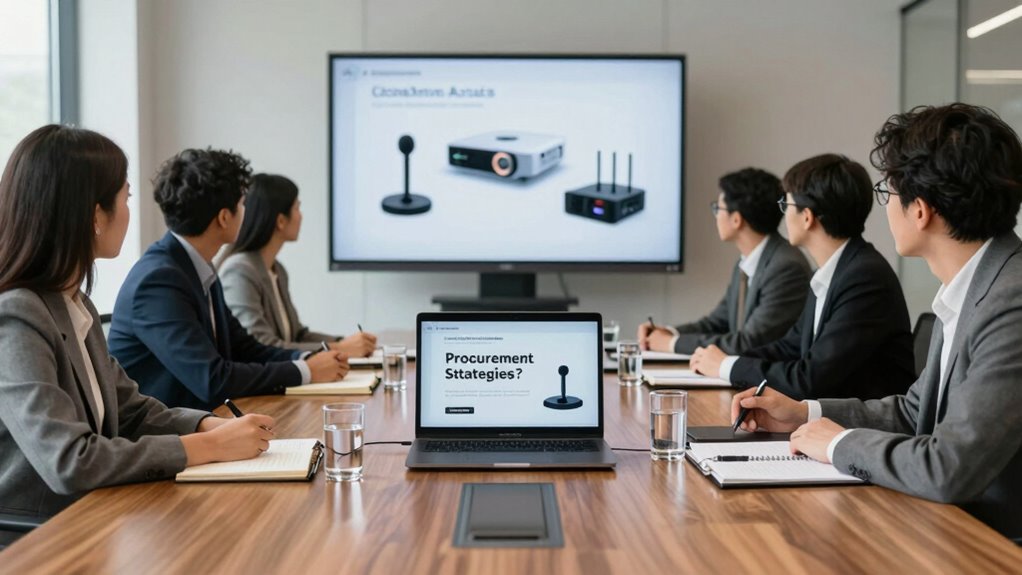

Before purchasing conference tech, ask about its compatibility with your existing tools and if it supports seamless integration for in-person and remote participants. Check if it’s user-friendly and accessible for all, including those with disabilities. Make certain it’s flexible and scalable for different event sizes and formats. Prioritize security features like encryption and user authentication. Ultimately, verify if reliable support and training are available. Keep exploring to uncover detailed questions that ensure your investment truly meets your organization’s needs.

Get business pricing on office and shipping supplies
- Business-only prices and quantity discounts
- Tax-exempt purchasing
- Multiple users, one account, clear invoices
Key Takeaways
- Does the platform support seamless integration with existing tools and across various devices for all participants?
- Is the user interface intuitive and accessible, ensuring ease of use for diverse user needs and abilities?
- Can the system scale effectively for different event sizes and adapt to future organizational requirements?
- Are robust security measures and compliance standards in place to protect data and ensure privacy?
- What training resources and support options are available to ensure smooth platform adoption and troubleshooting?
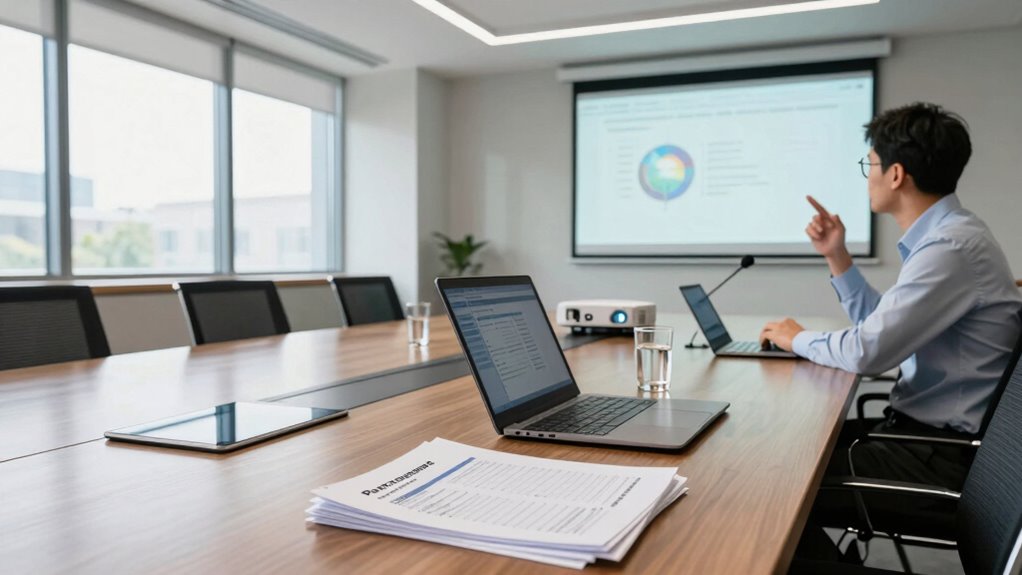
Before investing in conference technology, it’s vital to ask the right questions to guarantee you choose solutions that meet your organization’s needs. When evaluating options, consider how well the system supports virtual integration. You want technology that seamlessly connects in-person and remote participants, providing a unified experience. Ask vendors about their platform’s ability to integrate with your existing tools, like calendar systems, collaboration apps, and communication channels. The goal is to make certain that your conference tech doesn’t create silos but fosters smooth, real-time interaction across all channels.
Ensure conference tech integrates seamlessly with your existing tools for a unified, real-time virtual and in-person experience.
User experience should be at the forefront of your decision-making process. The technology you select needs to be intuitive and accessible for all users, regardless of their technical skill level. Invest in a system that simplifies the process of joining and participating in conferences, minimizing frustration and technical difficulties. Consider whether the interface is user-friendly and whether there are features like easy login, clear instructions, and accessible controls. A positive user experience encourages engagement, making your conferences more productive and enjoyable. Additionally, evaluating the platform’s content accessibility features ensures that all participants, including those with disabilities, can fully engage with your events. Ensuring compatibility with assistive technologies is also a key aspect of content accessibility, promoting inclusivity and broader engagement.
You should also ask about the platform’s flexibility and scalability. Will it adapt to your organization’s changing needs? Can it handle different types of events — from small meetings to large webinars? Scalable solutions allow you to grow without constantly switching systems, saving time and resources in the long run. Check if the platform supports multiple devices and operating systems, so participants can join from desktops, tablets, or smartphones without issues. Compatibility is key to making certain everyone can participate comfortably, regardless of their preferred device. Understanding the platform’s scalability helps ensure it will support your future growth. It’s also helpful to inquire about the platform’s ability to support virtual integration across various event formats, ensuring versatility. Keep in mind that technology that is adaptable and flexible will better serve your organization’s evolving needs over time.
Data security and privacy are critical concerns as well. Ask about the provider’s security protocols and compliance standards. You don’t want sensitive information compromised, so inquire about encryption, user authentication, and data management practices. Knowing your conference tech provider prioritizes security helps protect your organization and builds trust with your participants. A comprehensive security approach should also include regular updates and vulnerability assessments to stay ahead of potential threats. Incorporating security protocols and ongoing assessments into your evaluation process is essential for safeguarding your data and maintaining trust with your audience.
Finally, consider training and support options. Even the best technology can encounter hiccups, so find out what kind of customer support and training resources are available. Reliable support ensures you can quickly troubleshoot issues, keep your events running smoothly, and maximize your investment. By thoroughly questioning these aspects—virtual integration, user experience, scalability, security, and support—you set yourself up for success. You’ll choose conference technology that genuinely enhances collaboration, engagement, and productivity for your organization.
Products Worth Considering

Logitech MX Master 4 for Mac Wireless Ergonomic Mouse, Space Black

Samsung 34-Inch Odyssey G5 Ultra-Wide Curved Gaming Monitor

Canon PIXMA TR160 Wireless Portable Color Inkjet Printer
As an affiliate, we earn on qualifying purchases.
Frequently Asked Questions
How Does Conference Tech Integrate With Existing Event Management Systems?
You should check how conference tech integrates with your existing event management systems to avoid integration challenges. Focus on system compatibility to guarantee smooth data flow and seamless operations. Ask vendors about their platform’s ability to connect with your current tools, and verify if APIs or other integration methods are supported. Addressing these points upfront helps prevent technical hiccups and ensures your conference runs efficiently.
What Are the Data Security Measures for Attendee Information?
You should verify that the conference tech provider prioritizes attendee privacy by implementing robust data security measures. Ask if they use encryption standards like AES or TLS to protect sensitive information. Guarantee they have strict access controls and regular security audits. These steps help safeguard attendee data, prevent breaches, and maintain trust, making security a top consideration before purchasing conference technology.
How Scalable Is the Conference Technology for Future Events?
You’ll find that scalable conference technology substantially boosts user engagement and enhances the attendee experience. Many platforms claim they can handle future growth, but it’s essential to verify their capacity to expand seamlessly. Check if the technology supports increased user load without sacrificing performance. Ensuring scalability means your event can grow effortlessly, maintaining high engagement levels and a smooth experience for all attendees, now and in future conferences.
What Is the Average Time Frame for Deployment and Setup?
The average timeframe for deployment and setup varies depending on the technology and provider, but it typically ranges from a few days to a few weeks. You should prioritize solutions that offer smooth deployment to guarantee a positive user experience. Don’t forget to ask about technical support during setup, as reliable support helps resolve issues quickly, minimizing disruptions and ensuring your conference runs seamlessly from the start.
Are There Customizable Features to Match Our Branding?
You’ll find that many conference tech solutions do offer branding customization, giving you the ability to tailor visuals to match your event’s branding seamlessly. Check whether the platform provides feature flexibility, so you can modify elements like logos, color schemes, and layouts. This guarantees your conference experience feels cohesive and professional. Confirm these options upfront to avoid surprises later, and choose a provider that prioritizes adaptable, customizable features that align with your branding needs.
Conclusion
Before purchasing conference tech, ask yourself if it truly meets your needs—don’t let shiny features distract you like a fox chasing a flash of light. By probing into compatibility, support, and scalability, you’re not just buying equipment; you’re investing in seamless connections and meaningful experiences. Remember, the right tech isn’t just a tool—it’s the bridge to your conference’s success. So, choose wisely, and let your event shine brighter than ever!