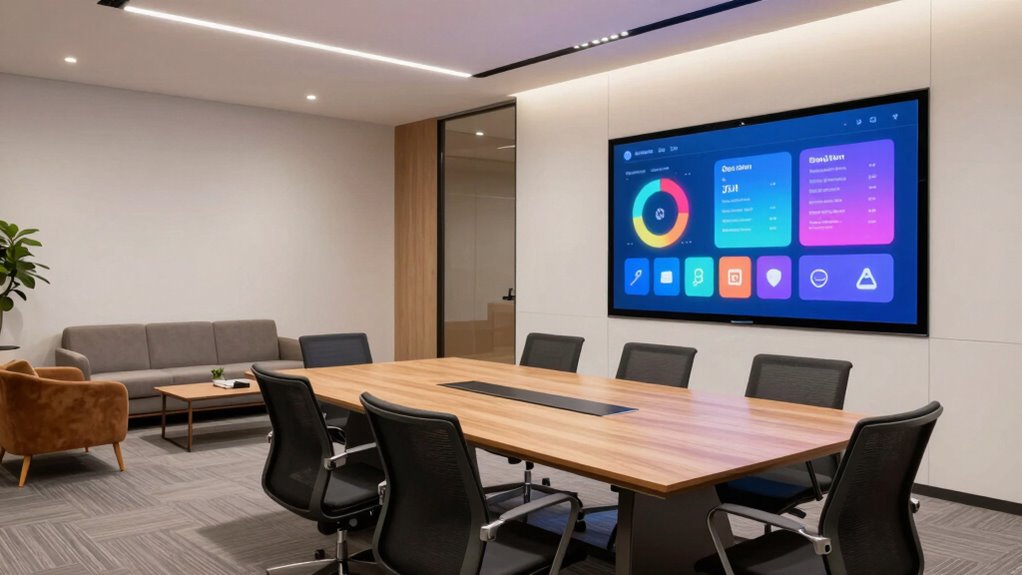

To decide which rooms need interactive displays, start by evaluating each space’s primary function—are they used for meetings, brainstorming, or collaboration? Consider the size, usage patterns, and the type of work happening there, such as data analysis, creative tasks, or training. Think about future growth and how flexible the setup needs to be. Make sure the technology is easy to use for everyone involved. Keep exploring to find out more about matching your rooms to the right displays.

Get business pricing on office and shipping supplies
- Business-only prices and quantity discounts
- Tax-exempt purchasing
- Multiple users, one account, clear invoices
Key Takeaways
- Assess if the room’s primary function involves collaboration, brainstorming, or sharing visual information to determine the need for interactive displays.
- Analyze space size and usage patterns to match display complexity and number with room capacity and traffic.
- Identify the type of work conducted—such as data analysis, creative tasks, or presentations—that benefits from interactive technology.
- Plan for future growth by choosing flexible, scalable setups that can adapt to evolving needs and projects.
- Ensure ease of use and staff familiarity to maximize engagement and effective utilization of interactive displays.
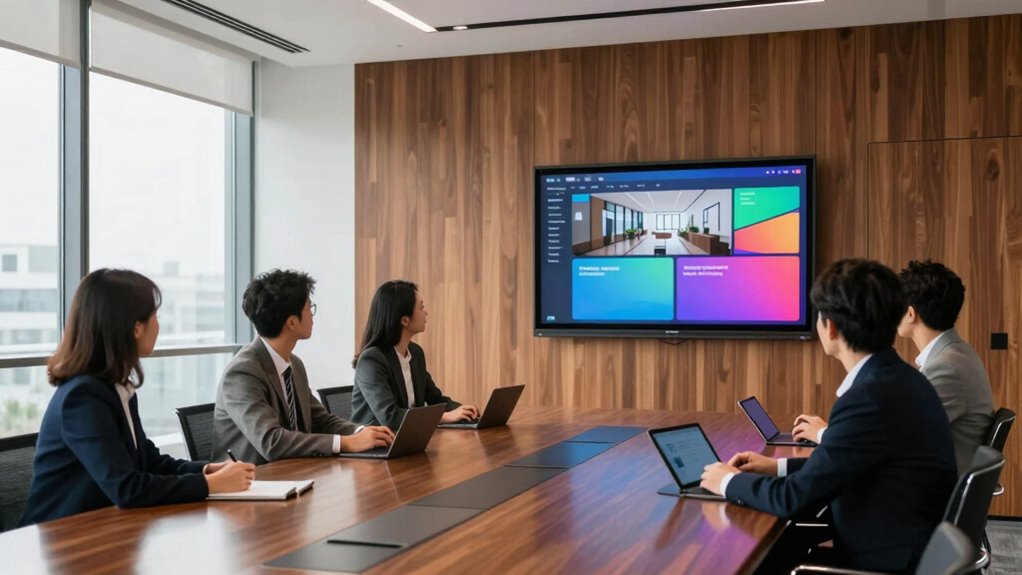
Deciding which rooms need interactive displays can profoundly enhance collaboration and engagement in your space. To make the right choices, you need to assess how technology integration can support your team’s goals and improve overall productivity. Start by considering the primary functions of each room. If a space is dedicated to meetings, brainstorming sessions, or collaborative projects, an interactive display can serve as a central hub for ideas, visuals, and real-time input. These rooms benefit from technology that encourages participation and makes sharing information seamless.
Assess each room’s function to determine if interactive displays can boost collaboration and streamline idea sharing.
Next, evaluate space utilization. Not every room will require the same level of interactive technology. Smaller conference rooms might only need compact displays, while larger collaboration zones could benefit from multiple screens or more advanced setups. Think about how often the room is used and by whom. High-traffic areas or spaces hosting cross-departmental meetings are prime candidates for displays that facilitate dynamic presentations, annotations, and group discussions. This ensures that your investment in technology maximizes its impact, promoting more lively, productive sessions. Understanding space utilization patterns can further optimize your selections by aligning the technology with actual usage trends. Additionally, assessing technology integration as a key factor allows you to enhance collaboration and efficiency significantly.
You should also consider the nature of the work done within each room. If the room is mainly used for data analysis, training, or client presentations, interactive displays can streamline workflows and make complex information more digestible. For creative teams, a touch-enabled display allows for quick sketching, editing, or brainstorming without the need for additional tools. The goal is to select rooms where interactive technology can elevate the user experience by making interactions more intuitive and engaging. Furthermore, understanding the primary functions of each room can help determine the most suitable technology investments to meet your needs. Recognizing future scalability as an important factor ensures that your technology investments remain adaptable as your needs evolve over time. Also, considering user-friendliness will help ensure that even new or infrequent users can seamlessly operate the displays.
Another important factor is future scalability. As your team grows or projects evolve, your needs might change. Choosing rooms with flexible setups or modular displays can save you time and money later. Think about how easily you can update or expand the existing technology to match your changing requirements. Integrating interactive displays into spaces that are already flexible will give you the ability to adapt without major disruptions. This strategic approach ensures your technology remains relevant and cost-effective in the long term.
Finally, consider staff training and ease of use. The most effective room setups are those where users can quickly adapt without extensive instruction. If a room hosts frequent visitors or temporary teams, straightforward, user-friendly displays can prevent frustration and ensure consistent utilization. By analyzing these factors—functionality, space utilization, work nature, scalability, and ease of use—you can identify which rooms will benefit most from interactive displays, ultimately creating a more connected, efficient environment that fosters collaboration and innovative thinking.
interactive display for conference rooms
As an affiliate, we earn on qualifying purchases.
As an affiliate, we earn on qualifying purchases.
Frequently Asked Questions
What Are the Costs Associated With Installing Interactive Displays?
The costs of installing interactive displays vary based on size, features, and brand, making a thorough cost comparison essential. You’ll need to take into account expenses like hardware, software, and installation fees. The installation timeline also affects costs; faster setups might require more resources. Expect to budget several thousand dollars for a basic setup, but costs can rise considerably for advanced models or multiple rooms, so plan accordingly.
How Do I Measure the Effectiveness of Interactive Displays?
You measure the effectiveness of interactive displays by tracking user engagement levels, such as how often and how long users interact with the technology. Monitor changes in behavior or learning outcomes, and gather feedback through surveys. Assess how well the displays integrate with existing technology, enhancing overall communication or education goals. Regularly analyzing these metrics helps you determine if your interactive displays are meeting your objectives and driving desired results.
What Maintenance Is Required for Interactive Displays?
Interactive displays need regular maintenance to stay functional and engaging. You should follow cleaning protocols to keep screens free of dust and smudges, ensuring clear visibility. Additionally, keep software updated to fix bugs, enhance security, and add new features. While hardware checks are essential, neglecting software updates can leave your displays vulnerable or outdated. Consistent maintenance combines physical cleaning and digital upkeep to maximize your interactive displays’ lifespan and effectiveness.
Are There Specific Brands Recommended for Different Room Types?
When choosing interactive displays, brand comparisons help you find options suited for each room’s needs. For conference rooms, brands like Samsung or LG offer large, high-resolution screens perfect for presentations. In classrooms, consider Promethean or SMART for their educational features. For smaller meeting spaces, Optoma or ViewSonic provide compact, versatile displays. Match the brand to the room’s suitability, ensuring you get the best features and durability for your specific environment.
How Long Does It Take to Install Interactive Displays?
The installation timeline for interactive displays varies depending on room size and complexity, but typically, it takes anywhere from a few hours to a couple of days. You’ll need to follow setup procedures carefully, including mounting, connecting power, and configuring software. If you work with professionals, they can streamline the process, ensuring everything’s installed correctly and efficiently. Expect some testing afterward to make sure the displays function properly.
touchscreen collaboration display
As an affiliate, we earn on qualifying purchases.
As an affiliate, we earn on qualifying purchases.
Conclusion
By visualizing your space, you can see where the energy flows and where it stalls. Think of interactive displays as vibrant sparks that ignite engagement—spotting rooms that crave that spark makes all the difference. When you choose wisely, each room transforms into a lively hub of connection and learning, like a well-orchestrated symphony. Trust your instincts and let these displays turn your space into a dynamic, inviting environment where ideas and interactions flourish.
large interactive whiteboard for meetings
As an affiliate, we earn on qualifying purchases.
As an affiliate, we earn on qualifying purchases.
scalable interactive display system
As an affiliate, we earn on qualifying purchases.
As an affiliate, we earn on qualifying purchases.
Fall Picks
fall essentials
As an affiliate, we earn on qualifying purchases.